Define Routes
Did You Know
Internal routings control the flow of inventory between areas.
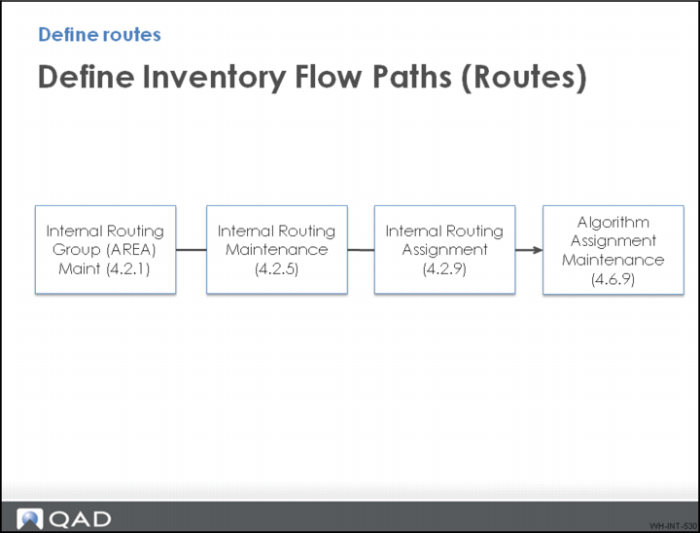
Inventory flow paths are configured using different menus.
Follow these steps:
1 Set up the area using Internal Routing Group Maintenance.
2 Define the flow path using Internal Routing Maintenance.
3 Assign the routing using Internal Routing Assignment.
4 Define what happens to the load once is gets to the new area.
This is required for each different inventory flow path. The QMI setup for these steps is discussed in the topics that follow, starting with Internal Routing Maintenance.