Exercises
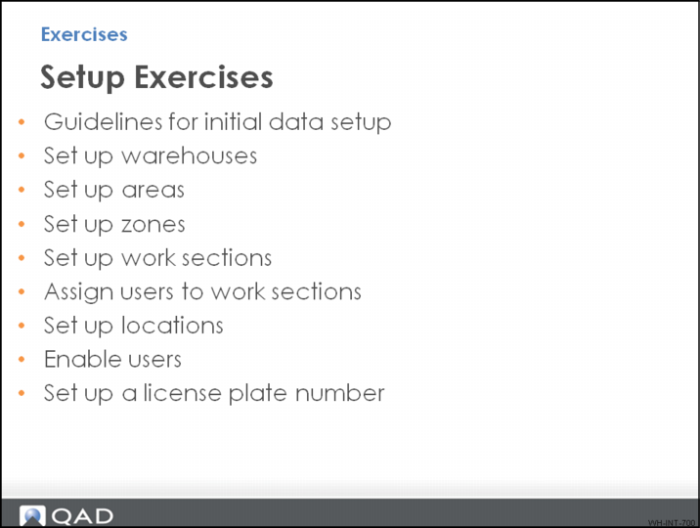
The following topics contain warehousing setup exercises, based on information presented in this Introduction section.
You set up a second warehouse for the existing QMI site 10-301. In the end, the site has two warehouses: Warehouse 01, already setup in the demo/test environment and the warehouse you are setting up. For learning purposes, your new warehouse closely reflects existing warehouse 01. This lets you check your configuration against the existing setup. Depending on the exercise, you may be able to reuse existing data, or you may be required to create completely new information.
In some instances, space is provided in tables for you to enter the data you entered in QAD Warehousing programs; in other instances, the values you need to enter in fields are presented within the tables.
Finally, for some exercises, answers are provided.
Guidelines for Initial Data Setup
The following topics provide information regarding the nature of your warehouse, items, pallets, processes, and so on. Use the information to help you set up data for the exercises throughout this training guide.
• The customer is QMI. They provide medical supplies and disinfectants to hospitals, businesses and consumers through retailers.
• Items are in various sizes but most fit 10 each per box, 10 boxes per pallet. All pallets are one standard size.
• Lot tracking or serial numbers are not used in the warehouse and there is not special storage or handling characteristics for any item.
• For items:
• All items can be picked in each or pallet quantities.
• Most items are picked in eaches with FIFO movement preferred.
• Item mixing is not allowed in storage.
• There is no inbound or outbound item inspection requirement.
• There are three areas in the warehouse. One each for receiving, storage and shipping.
• Pallet storage locations can hold four pallets. Each locations hold 100 eaches.
• Operators cover two work sections, Fork Lift and Pick Cart.
• Fork Lift processing is used to move loads:
• From receiving into storage
• From reserve storage to forward pick
• In shipping
• Pick Cart processing is used for each picks
• All operators can perform cycle counts
The exercises do not populate or discuss all configurable fields. Only the required fields or fields relevant to the exercise are used.