Creating Customer-Specific Defaults
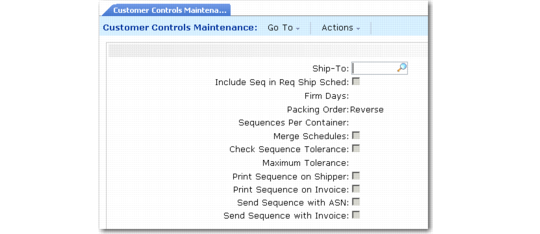
Use Customer Controls Maintenance (7.5.4.1) to create customer control records. These are customer-specific default values that are different from those specified in the control program. You normally set up customer control records when the values in the control program do not match the needed values for a specific customer.
Example: The value in the control program indicates that packing lists are always printed in reverse order. However, you have a customer who requires packing lists printed in forward order. In this case, create a record in this program for this customer, indicating Forward in Packing List. When a packing list is generated for this customer, it is printed in forward order.
Customer Controls Maintenance (7.5.4.1)
Except for Ship-To, all fields in this program are identical to the corresponding fields in the control program. All field values default from the control program. The control program values represent the system-wide settings. The settings here represent the values for the indicated ship-to only. These values default to any sequence schedules created for the ship-to address.