Carrier Maintenance
Set up Business Relation records for all carriers with whom you ship materials, finished goods, or documents.
Note: In QAD Standard Edition, business relations are not needed.
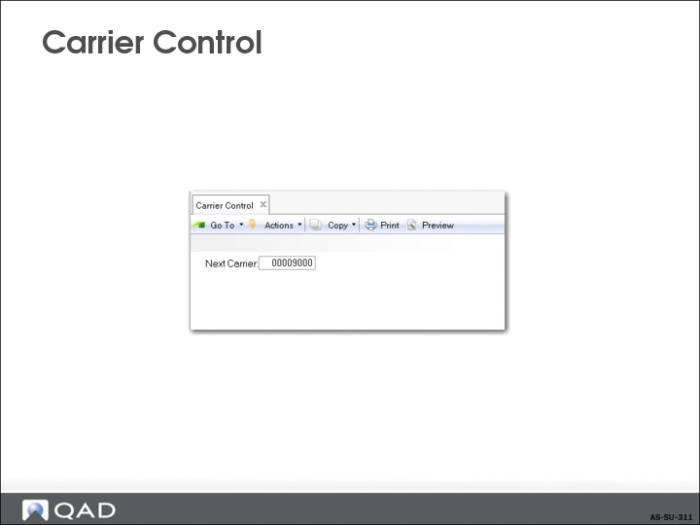
Carrier Control
Set next carrier numbering to be assigned in Carrier Control
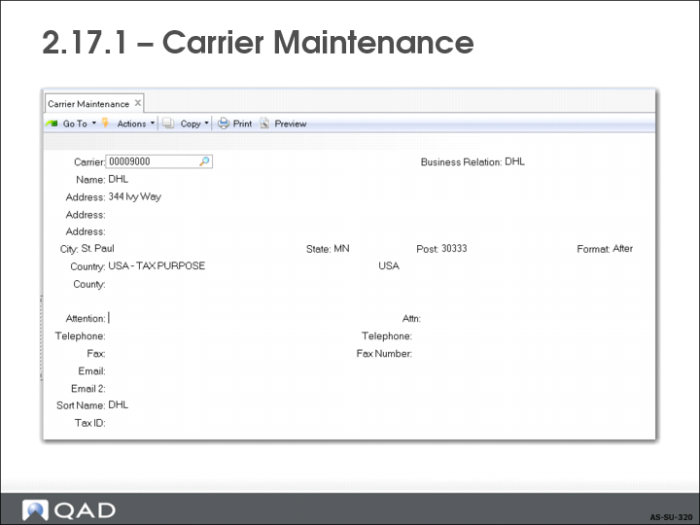
Carrier Maintenance
In Carrier Maintenance (2.17.1):
• Assign business relation codes to carrier numbers
• All address, tax, and contact information defaults from the business Relation
Exercise: Carrier Setup
Create Carrier Codes
Your company requires that carrier information is included on the printed shipping documents. In this exercise, you enter carrier address records for the air and ground carriers that your company uses and for your company’s delivery trucks.
1 Use Carrier Control (2.17.24) to set Next Carrier to 9000.
2 Use Carrier Maintenance (2.17.1) to add two carriers for air and ground transportation respectively. Let the carrier number default from the control counter.
• Set Business Relation to DHL for the first carrier
• Set Business Relation to Fedex for the second carrier.
3 Use Carrier Browse (2.17.2) to verify all available carrier codes.
Note: Ignore the existing carrier record for DHL and Fedex in the system. This exercise is intended to familiarize you with the steps of adding new carriers.
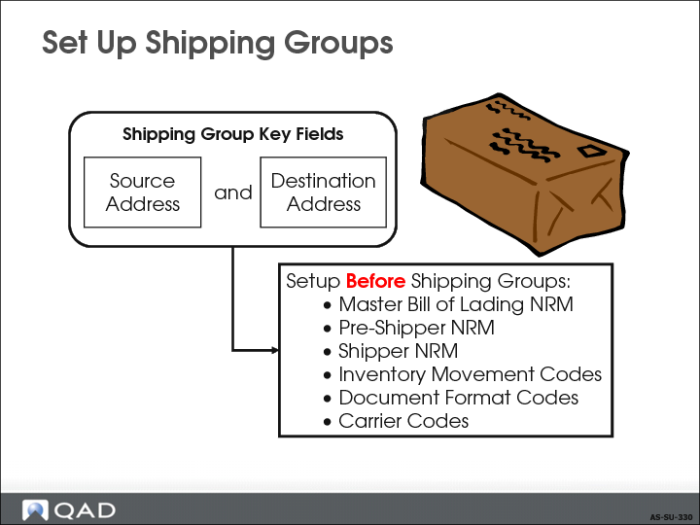
Set Up Shipping Groups
• Shipping groups determine many shipment defaults, as well as consolidation and auto-transfer requirements
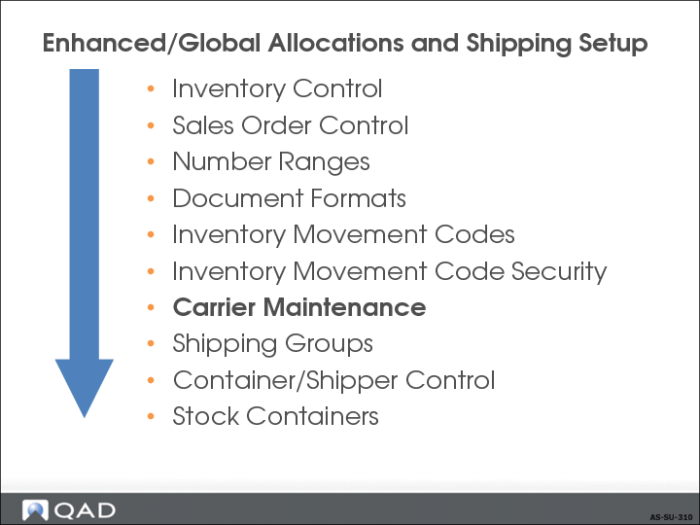
Note: To assign default numbering for pre-shippers, shippers, and master bills of lading, these need to be set up before the shipping group. Inventory movement codes, document format codes, and carrier codes also need to be set up before shipping groups.
• Carriers are used for shipments with a specific inventory movement code
When several carriers are required for a shipment, define a default series, listing them sequentially based on their role in the transportation of inventory