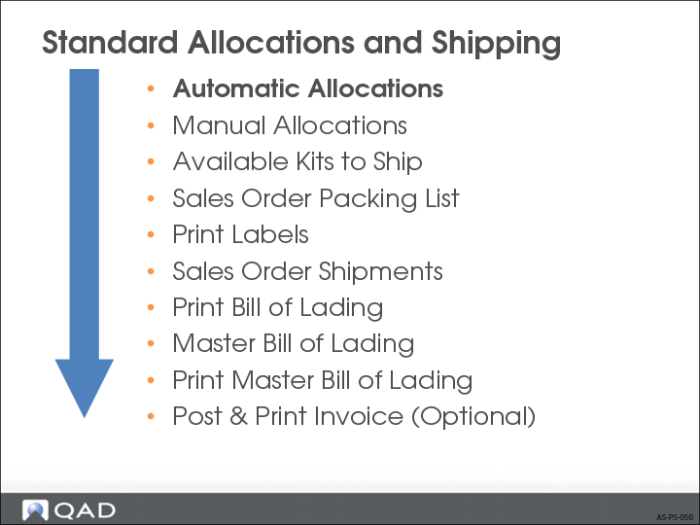
Automatic Allocations
• General allocations allocate the required quantity of an item
• Detail allocations specify the site, locations, lot/serial numbers, and lot references from which that quantity is to be allocated
Detail allocations are automatically created or generated when sales orders, distribution orders, or RMA packing lists and work order picklists print
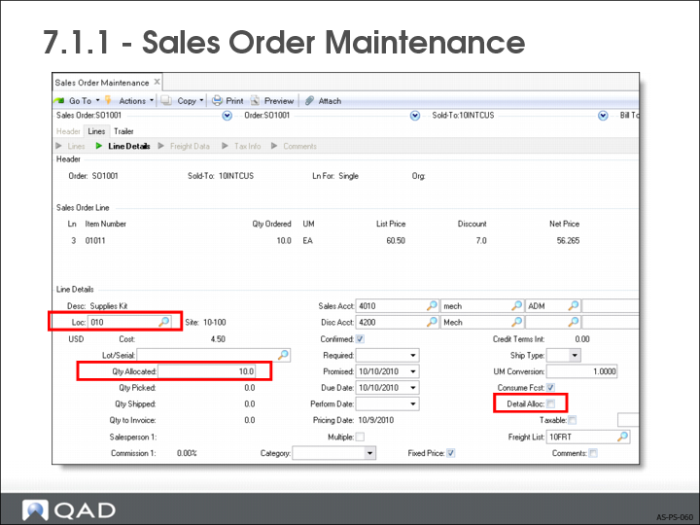
Sales Order Maintenance
• If Detail Allocations field = No, sales order generates an automatic general allocation
• Lead time field specifies the number of calendar days until the cutoff date for allocating items
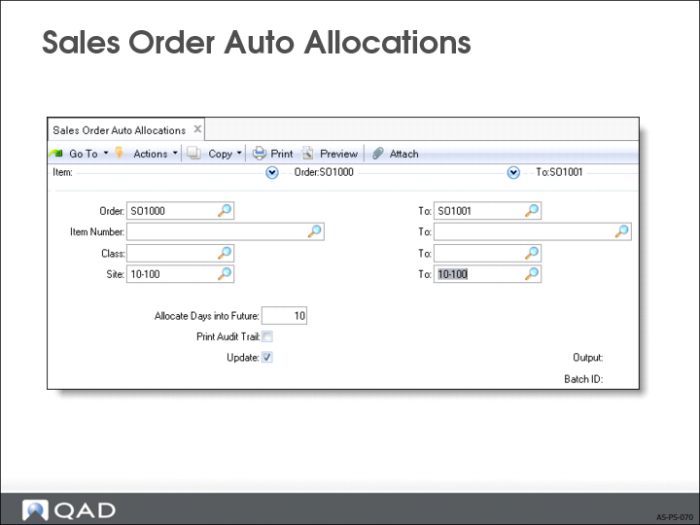
Sales Order Auto Allocations
• General allocations for any orders due within some days
• Can be run by customer class, allocating scarce inventory to your best customers first
• Use for allocating both RMA issue lines and sales orders0
• Typically used to “Sweep Allocate” blocks of orders all at once
• Cannot automatically allocate a primary Enterprise Material Transfer (EMT) sales order from this menu
• To look for shortages, use Update = No to print without updating the records