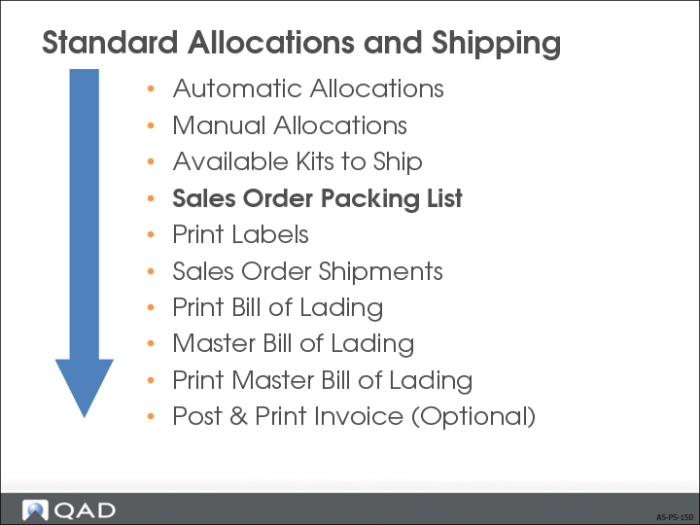
Sales Order Packing List
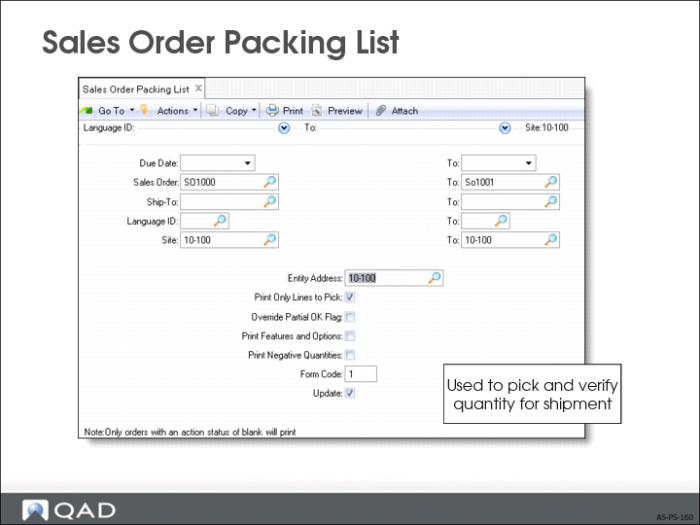
• Packing list details what items to pick and ship
• Printed document has 2 sections:
Header – the general order information: order number, date, addresses, and terms
Line Items – one per item to ship, listing the quantity open, quantity to ship, and the locations, lot/serial, and lot reference numbers to pick
Sales Order Packing List
• Prints only allocated quantities as set in Sales Order Control (7.1.24)
Must perform at least a general allocation for Sales Order Packing List to consider an item
Details each item by quantity per location, lot, and reference number
Only Sales Orders with blank action status are considered by the system for printing
• General allocations converted to detail allocations at this time
• Inventory balances are not decreased until the shipment is processed
If quantity on-hand is less than quantity to ship, the sales side is notified before shipment