Business Issues
Business Considerations
Business Issues
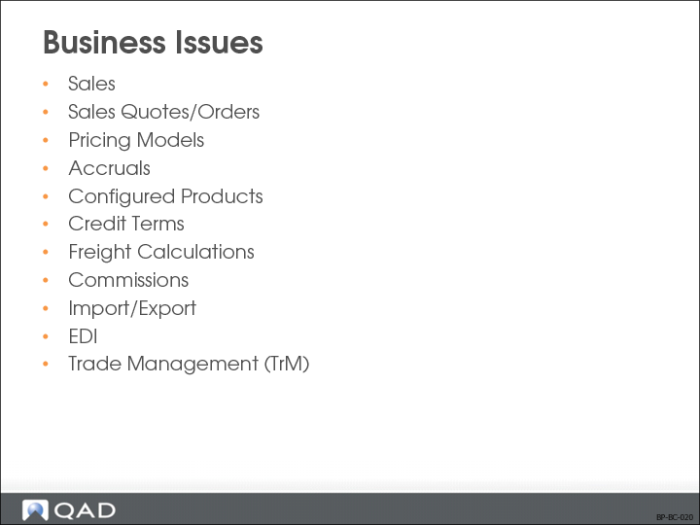
There are several business issues to take into consideration before setting up QAD Enterprise Applications. This section does not discuss all potential issues, but presents some issues to generate thought and discussion.
Sales Quotes/Orders
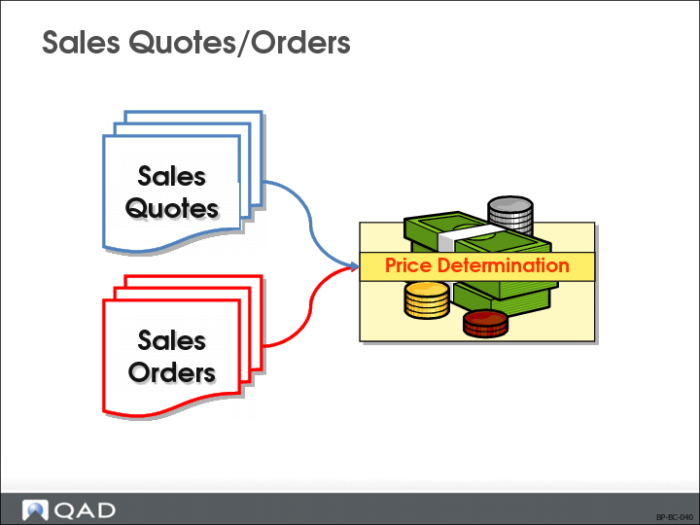
Sales Quotes Allow You To
• Describe goods or services offered by a vendor to a potential purchaser
• Respond to a customer’s request for a quote
• Monitor a quote’s status
• Release a quote to an order
Why Consider?
• Provide quote history by item number for customer
• Generate reports on expired quotes that did not result in customer orders
• Control and monitor the selling process
• Provide visibility on potential gross margin contribution
Setup Implications
• Considered an offer to sell when given in response to a customer inquiry
Sales Orders Allow You To
• Create a sales order
• Confirm the order
• Allocate needed inventory
• Ship
• Invoice
• Post the order
Why Consider?
• Enter binding contracts with customers
Setup Implications
• Sales orders state price and terms of sales
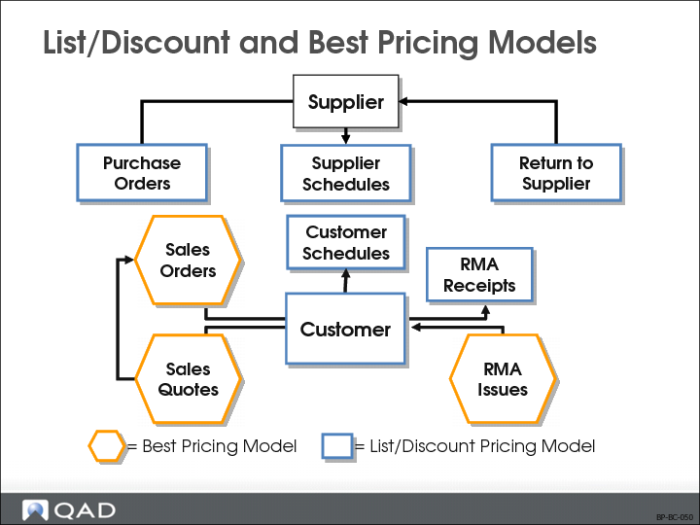
Best Pricing and List/Discount Pricing Models
Best Pricing Allows You To
• Apply price lists established in the SO/SQ/RMA Issues Pricing Menu (1.10.1) to:
• Sales Orders
• Sales Quotes
• Issue Lines on Service/Support Management (SSM) RMAs
Why Consider?
• Create price lists that accommodate a wide range of pricing situations
• Allow the system to determine best prices using flexible analysis codes
Setup Implications
• Based on the customer/item combination, an order can qualify for one or more discounts
• The system sets the order net price from
• The best qualifying discount or
• The best combination of qualifying discounts
List/Discount Table Pricing Allows You To
• Apply price lists established in Supplier Pricing Menu (1.10.2) to:
• Purchase orders
• Supplier scheduled orders
• Apply price lists established in Cust Sched/RMA Rcpt Pricing Menu (1.10.3) to:
• SSM returns to suppliers (RTS) and RMA receipt lines
• Scheduled sales orders (customer schedules)
If you do not use price lists, the system uses the Price field in Item Master (1.4.1).
Note: QAD Standard Edition does not have separate functions for suppliers and customer schedule orders/RMA receipts. Instead they are combined in the PO/RTS/Sched/RMA Rcpt Price Menu (1.10.2).
Why Consider?
• An alternative to the best pricing model
• Prices are defined when an item is set up in the item master
• Price lists are used to store
• Prices in foreign currencies
• Prices or discounts for a certain unit of measure, such as a case or full truckload
• Discounts at different quantity levels, or prices calculated as a percentage markup over GL cost
Setup Implications
Prices and discount tables can be
• Associated with suppliers and customers
• Provide defaults in the various transactions where they are used
Note: Two additional pricing functions, not discussed in this training, are used in QAD Enterprise Applications. Service price lists, used for contract pricing and call billing, are created and managed entirely within the SSM module. The Trade Management module is used for complex promotional pricing.
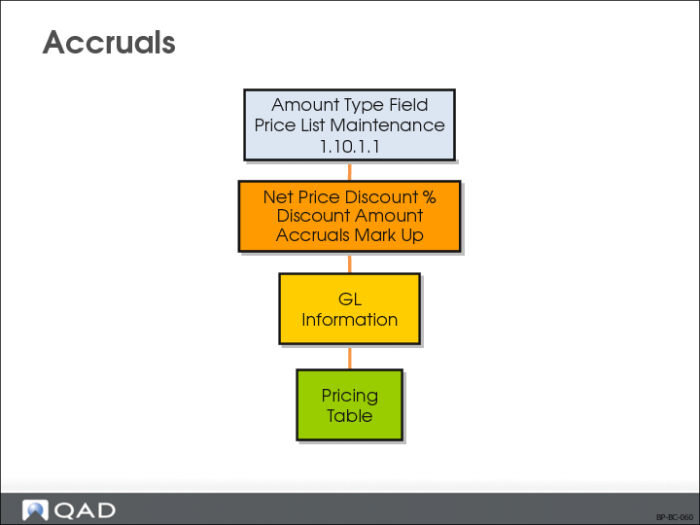
Accruals
Accruals Allow You To
Reserve that portion of revenue or expense that is incurred but not yet realized
Why Consider?
Instead of reducing a list price by a percentage, a percentage of the net price to be accrued goes into a specific account, without affecting the calculation of the net price.
Setup Implications
• Set up a price list in Price List Maintenance (1.10.1.1) with an amount type of Accrual
• Account field displays with a label of Expense