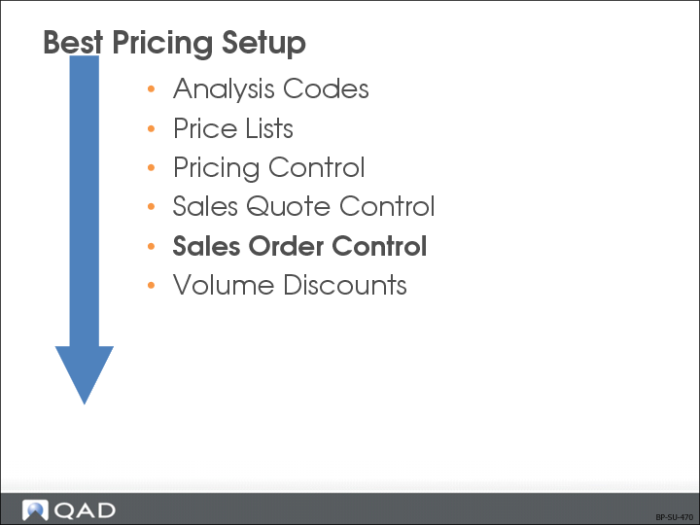
Sales Order Control
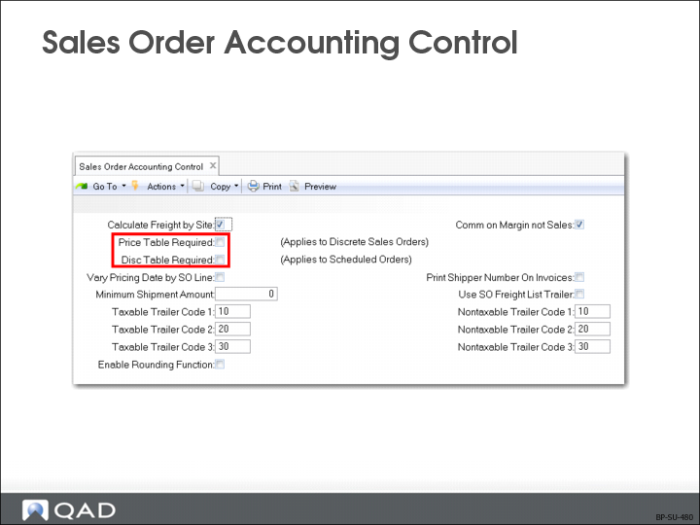
Sales Order Accounting Control
Note: These fields are in Sales Order Control (7.1.24) in QAD Standard Edition. In QAD Enterprise Edition, financial control settings are updated separately from operational settings in Sales Order Accounting Control (36.9.8).
Three fields in the second frame of Sales Order Accounting Control (36.9.6) relate to Sales Order Pricing.
Price Table Required
This field determines how strictly price lists are used to control order entry.
• If Price Table Required is No, items can be entered whether or not a price list exists.
• If Yes, only items from an existing price list can be entered, and only if the price list item, unit of measure, and currency match the order item, unit of measure, and currency exactly.
Note: In searching for a valid price, blank is NOT considered a match. If price lists are set up with a blank item or unit of measure, a price will not be found. If you are pricing with analysis codes, this field should be set to No. Prices can be overridden unless the field is password-protected.
Disc Table Required
This field determines how strictly discount tables are used to control order entry.
• If Disc Table Required is No, items can be entered whether or not a discount table exists.
• If Yes, only items from an existing discount table can be entered, and only if the price list item, unit of measure, and currency match the order item, unit of measure, and currency exactly.
Vary Pricing Date by SO Line
Determines whether the pricing date can be changed on a sales order by line. Default pricing date for all sales orders is set in Pricing Control (1.10.1.24).
During line item entry in Sales Order Maintenance (7.1.1) and RMA Maintenance (11.7.1.1) (for issue lines only), a pop-up window displays with four fields related to pricing:
• Pricing Date
• Credit Terms Int
• Reprice
• Manual
If Vary Pricing Date by SO Line is Yes, the Pricing Date and Credit Terms Int fields can be modified for each line. If Vary Pricing Date by SO Line is No, these two fields cannot be modified. The pricing date and credit terms interest specified in the header is used and cannot be changed
The pricing date determines the effective date to use in determining applicable prices for the line item. The default price effective date for a sales order header is determined by the setting of SO Default Pricing Date in Pricing Control (1.10.1.24). This can be the order due date, order date, required date or promise date. For an RMA type order, the default price effective date is always the order date.