Maintaining Best Pricing
Maintaining Best Pricing
Analysis Code Detail Inquiry
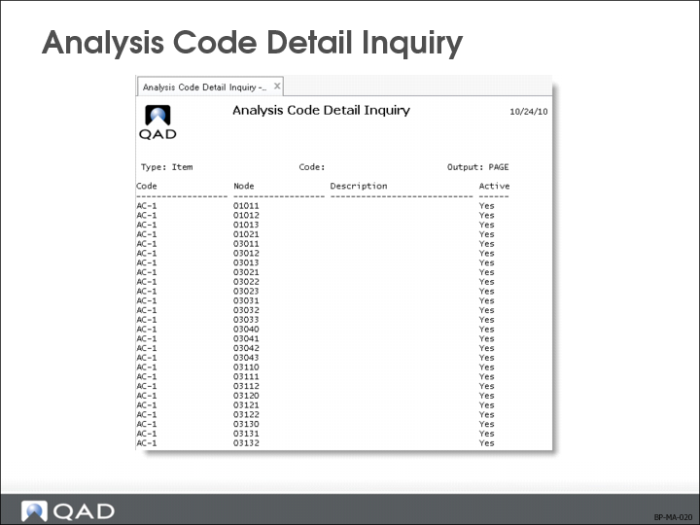
Analysis Code Detail Inquiry (1.8.14) shows the nodes for an analysis code.
Analysis Code Where-Used Inquiry
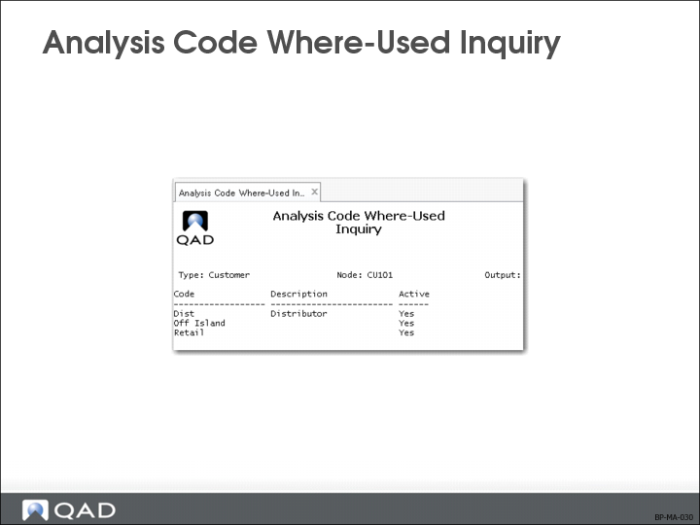
Analysis Code Where-Used Inquiry (1.8.15) shows the analysis codes to which a node belongs.
Analysis Code Report
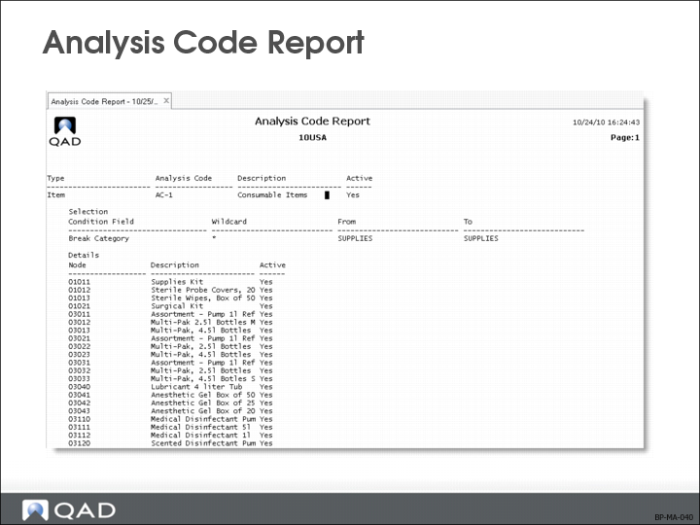
Analysis Code Report (1.8.17) displays detail for a range of codes.
Include Selection Detail
If Yes, report will display the criteria each analysis code uses to select customer/item nodes.
Include Link Detail
When Yes (default), the report displays the linking detail of analysis code; these are other analysis codes that this analysis code is linked to.
Include Node Detail
Customer and item nodes created during Analysis Code Detail Build (1.8.19).
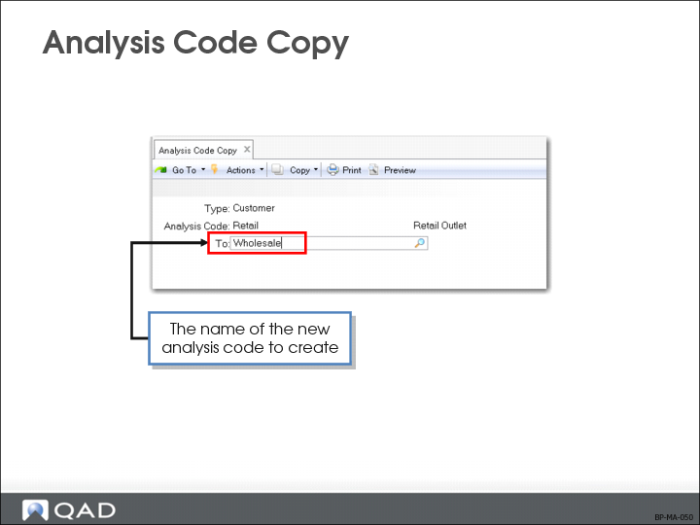
Analysis Code Copy
Use Analysis Code Copy (1.8.20) to create new analysis codes identical or similar to an existing one.
To create a new analysis code with identical or similar characteristics to an existing one, use Analysis Code Copy instead of Analysis Code Maintenance (1.8.1).
• Copies the description of the analysis code, selection logic, and all associated nodes
• After adding the new analysis code, go to
• Analysis Code Selection Maintenance (1.8.4) to create new rules for the code
• Analysis Code Link Maintenance (1.8.7) to link a code to other analysis codes
Note: You must build again if changes were made in selection criteria and/or links.
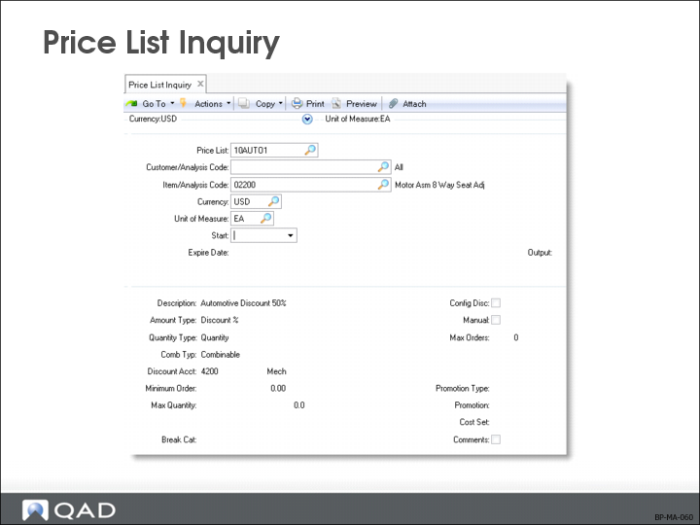
Price List Inquiry
Use Price List Inquiry (1.10.1.2) to review a list of price lists.
With the cursor in the Price List field, use the down arrow (or the lookup icon) to review the names and summary information of the price lists.
Select the price list to view and follow the instructions on the display.
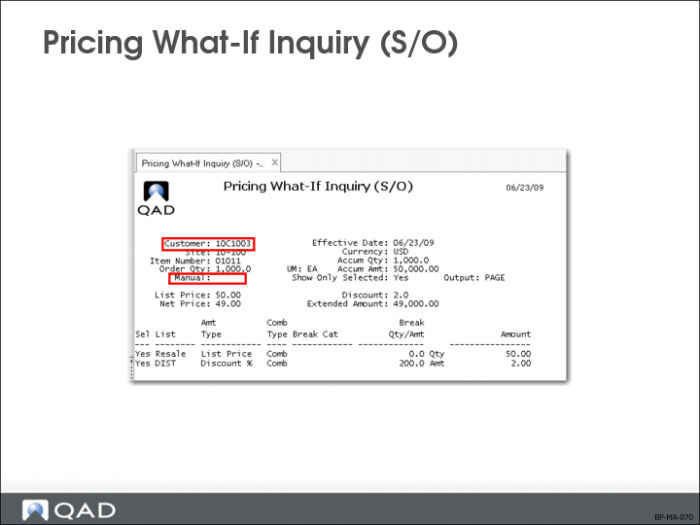
Pricing What-If Inquiry (S/O)
Pricing What-If Inquiry (S/O) (1.10.1.13) shows net prices for each price list that matches selected customer and item combination.
Manual
Manual price lists with the specified name will be considered when pricing this item if a manual price is specified.
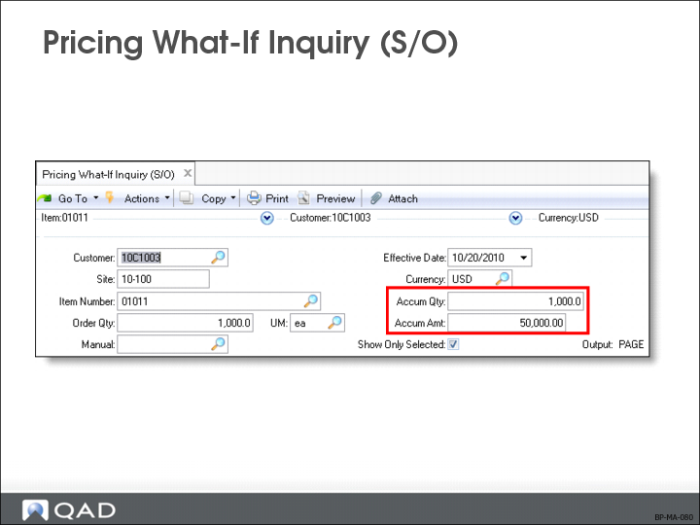
Accum Qty
The system prices an item using accumulated order quantities of an item; used to determine the break quantity (if different from the order quantity)
Accum Amt
Accumulated amount is used if price list quantities are based on amounts instead of quantities. This is useful for finding out extended price of a quantity when priced as part of a larger order
Note: This inquiry does not work for configured products with optionally configured components; use the Sales Quotes module to get prices for configured products.