Cost Simulation
Introduction
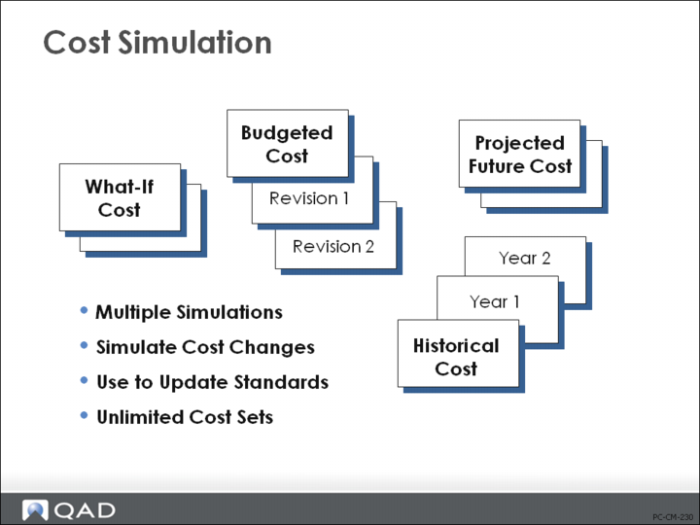
In addition to current and GL cost sets, it is also possible to set up an unlimited number of simulation cost sets. These are used to develop and/or store information for:
• “What If?” costs
• Budgeted costs
• Projected costs
• Historical costs
Cost simulation functions provide you with the ability to set up different cost scenarios and test the impact of cost changes. Unlike the other cost roll-up and update functions, cost simulation calculations look at an entirely different set of cost standards. You can set up different work center labor and burden rates, different subcontract operation costs, and different item material and overhead costs. Simulation roll-up functions look at these costs rather than the standards.
Note: An important difference between the Simulation Cost menu (30.13) and the Cost Element menu (30.17) is that the Cost Element menu allows you to modify Current and GL cost sets while the Simulation Cost menu does not; it is used only for simulations. This allows you to set up menu security so that many users can have access to the simulation functionality, while granting only a few the ability to actually affect GL cost sets.