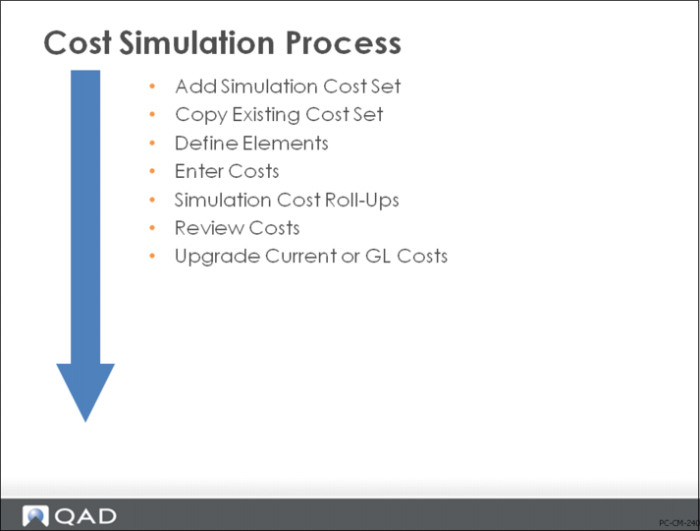
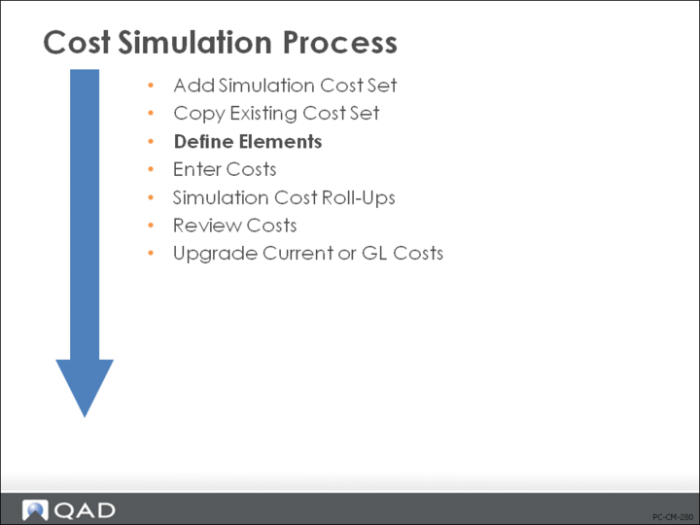
Cost Simulation Process
To develop a simulation, first set up the cost set code and beginning costs, usually by copying an existing set of costs. This creates cost elements and copies the costs you specify.
If you set up a new cost set manually, you will have to define the cost elements and enter the direct item costs, work center rates, and subcontract costs. Then these costs and rates can be adjusted either manually or through mass update functions.
Once the costs have been set up, roll-up functions calculate the simulated item costs. As in standard cost development, manufacturing costs are rolled up and then product structure costs. The roll-up process uses the BOM and routing specified for each item in Item-Site Planning Maintenance (1.4.17). Simulated costs can be used to update current or GL item costs, work center rates, and subcontract costs.
Comparison of Regular Costing and Cost Simulation
Regular costing and cost simulation differ in terminology and how costs are entered.
• In regular costing, enter purchased material and overhead rates in Item-Site Cost Maintenance (1.4.18). You can enter this-level costs for any cost element. In cost simulation, these are referred to as item-element costs and are entered using Simulation Item-Element Cost Maintenance (30.13.5).
• In regular costing, enter subcontract operation cost into the routing using Routing Maintenance (14.13.1). In cost simulation, enter subcontract cost in Simulation Subcontract Cost Maintenance (30.13.10). Unlike Routing Maintenance, here you can subdivide subcontract costs into different cost elements.
• In regular costing, enter work center labor and burden rates in Work Center Maintenance (14.5). In cost simulation, enter rates in Simulation Work Center Rate Maintenance (30.13.13). Rates can be subdivided into different cost elements.
Note: Individual costs can be changed on a simulation, but there is no separate product structure and routing so you cannot simulate structure changes or routing changes. All cost simulation calculations use the standard BOM and routing identified in Item-Site Planning Data (1.4.17). If you have the same item/site combination in Item Planning Maintenance (1.4.7) and Item-Site Planning Data (1.4.17), the standard routing and BOM from Item Planning Maintenance (1.4.7) will be used to roll up costs.
Add Simulation Cost Set
Enter a new cost set in Cost Set Maintenance (30.1) of type SIM; cost simulation functions work only with cost sets of this type.
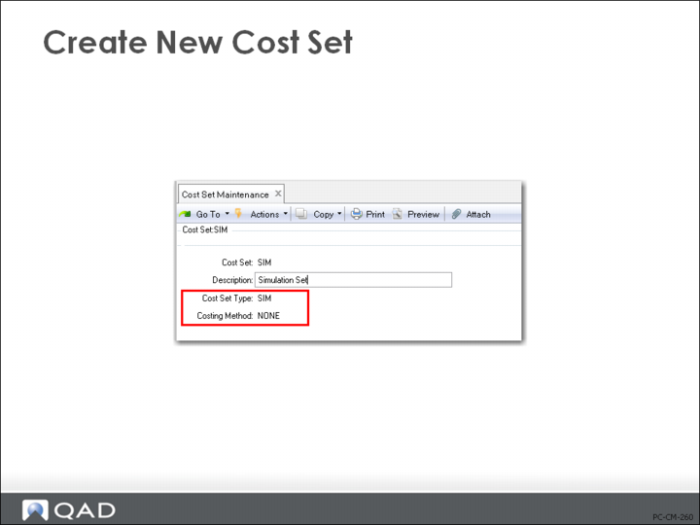
Create New Cost Set
A cost set is required by QAD Enterprise Applications to process any cost data. Use Cost Set Maintenance (30.1) to create the cost set.
• Cost sets of type SIM must have a costing method of None.
• Cost sets of type SIM cannot be assigned to a site or updated by transactions, or used to value transactions. It is used to allow changes for the purpose of cost analysis only or to establish costs for future periods.
Copy Existing Cost Set
Use Cost Set Copy to Cost Set (30.3)
Generally, it is easier to start the simulation by copying data from one cost set and site to the simulation. This can be done using various selection criteria in Cost Set Copy to Cost Set (30.3).
• Enter ? in the Percent Change Allowed From/To fields to disable the check for percentage difference between the two cost sets
• Cost Set Copy to Cost Set will initialize those items and cost elements copied to this set for manipulation. Additional elements can be added, but this forms the basis of the simulation process.
Typically, only purchased items and their costs are copied; manufactured costs will be calculated.
Define Elements
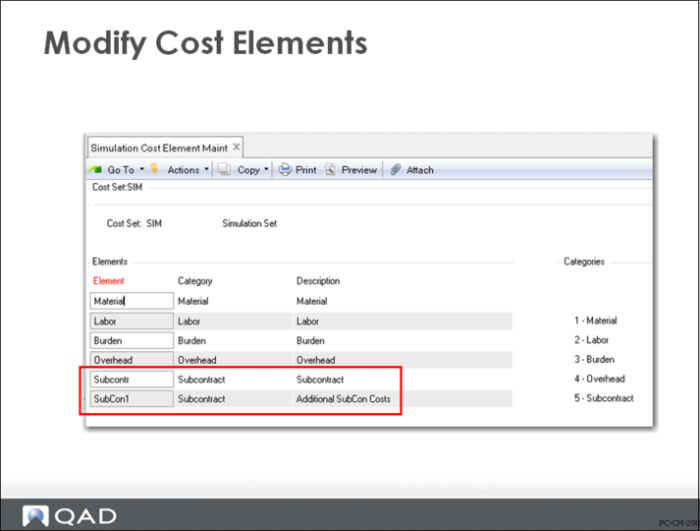
Use Simulation Cost Element Maintenance (30.13.1).
This works like Cost Element Maintenance (30.17.1). It starts with the five standard cost elements and allows you to add more.
Modify Cost Elements
In the simulation process, you can split subcontract or overhead into more than one sub-element. For example, you can divide subcontract cost into two elements—material and labor cost—for which costs can be added and maintained separately. You can do this by using Simulation Cost Element Maintenance (30.13.1).
Note: The cost of any sub-elements will be added to existing direct material cost, so you will first want to zero out any existing material cost using Simul Item-Element Cost Maintenance (30.15.5).