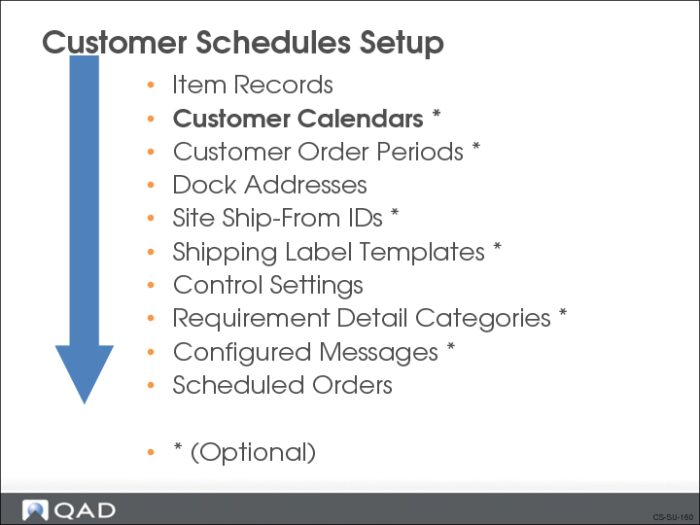
Customer Calendars
QAD Enterprise Applications allows you to define calendars matching your customer’s work schedule (for the ship-to location). The system uses this calendar when calculating shipments for the customer. This calendar:
• Identifies the customer’s holidays
• Lets you calculate a ship date acceptable to you and your customer
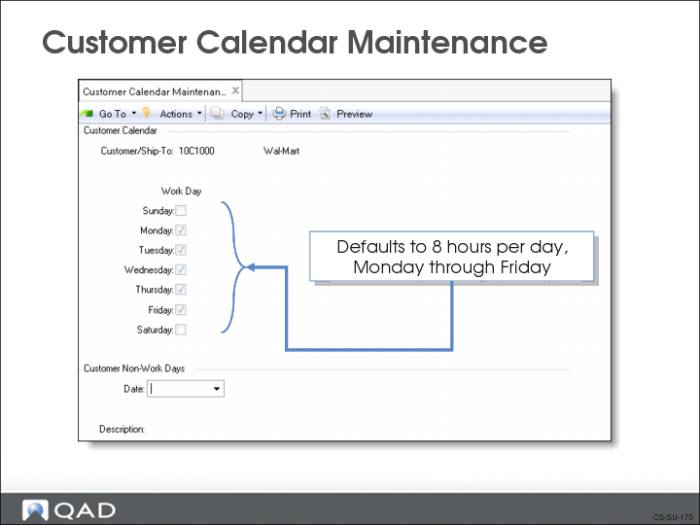
Customer Calendar Maintenance
Use Customer Calendar Maintenance (7.3.1) to set up a customer calendar.
• Useful when a customer has a work schedule different from your company’s work schedule
• Can specify exceptions to the customer’s calendar
The system checks the calendar when calculating the required ship schedule for the customer so releases do not occur on the customer’s non-working days. If you do not set up a customer calendar, system uses your shop calendar set up in Calendar Maintenance (36.2.5).
Two additional frames let you specify exceptions to your customer’s regular work week:
• Operating Day Hour Exceptions
• Specify exceptions to the regular work week such as shutdown periods
• Specify a start and end date
• Reference only, not used in schedule calculations
• Non-Operating Days
• Specify a date
Exercise: Set Up Customer Calendar
Use Customer Calendar Maintenance (7.3.1) to set up a customer calendar for the customer 10C1003. The customer works from Monday to Friday. Use Customer Calendar Browse (7.3.2) to review the customer calendar.