Document Import
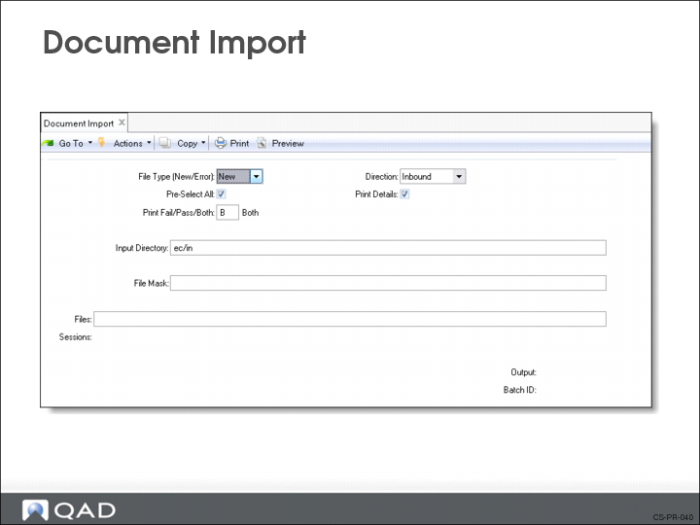
Use Document Import (35.1) to electronically import all schedule releases. The system processes the schedule based on the schedule’s purpose code such as add, change.
When importing a schedule, the system follows the following steps:
1 Verifies that the trading partner exists in the system.
2 Verifies that your site code matches that referenced on the release.
3 Cross-references item numbers to your internal item numbers.
4 Checks and opens the order record and line number in QAD Enterprise Applications.
5 Determines if quantities are discrete or cumulative based on the EDI indicator.
6 Checks that the cumulative quantities appear in ascending order.
7 Deletes this specific release if it already exists in the system.
8 Sets the effective end date of the prior release.
9 Adds any comments and the detail schedule data.
10 Creates requirement detail records if they are received.
If authorization numbers are received, verifies that they are unique based on the AUTHNBR Unique Days setting in the schedule (set in Schedule Order Maintenance)
11 Updates the cumulative requirements.
12 Updates last receipt information from attached ASNs.
13 Updates the fabrication and raw materials authorizations.
14 Creates a new schedule release, incrementing the release ID.
If you make the imported schedule the active schedule (Update set to Yes), then update the schedule in Required Ship Schedule Update (7.5.5). If it is not the active schedule (Update set to No), then edit the schedule using Customer Plan Schedule Maintenance (7.5.1) or Customer Ship Schedule Maintenance (7.5.2) and make it the active schedule. Then run Required Ship Schedule Update to create the RSS.