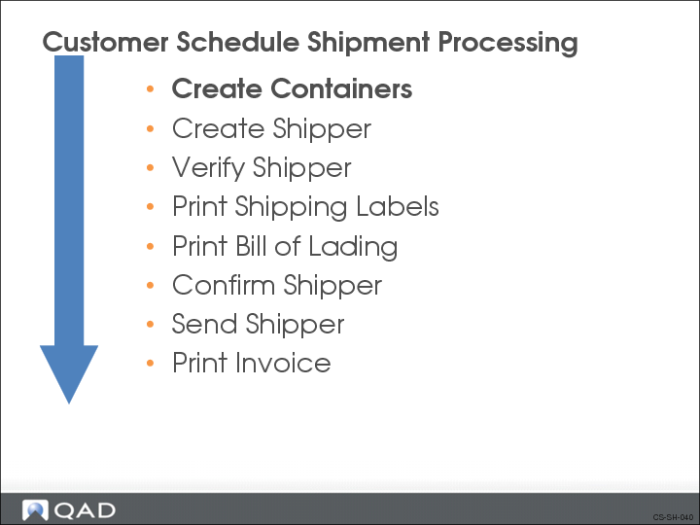
Create Containers
Shipment maintenance relies on a structural relationship between items and containers. Containers are similar to parent items and can include any number of items or other containers. You use containers to:
• Package and store finished goods at the end of a production line
• Warehouse finished goods in single level containers before shipping
• Consolidate finished goods going to the same location
QAD Enterprise Applications does not require that you use containers; you can list items directly under the shipper. However, if you use shipping labels, typically items must be in a container.
You can create containers in two places:
• Container Workbench (7.7.1) for single level containers
• Pre-Shipper/Shipper Workbench (7.9.2) for hierarchical containers
If you want to track container inventory, you need to assign a nonzero GL cost to container item numbers. This ensures that the system creates inventory transactions of type ISS-UNP when you confirm shippers referencing the container items
If you do not want to track container inventory, create dummy item numbers for containers that have zero GL costs.