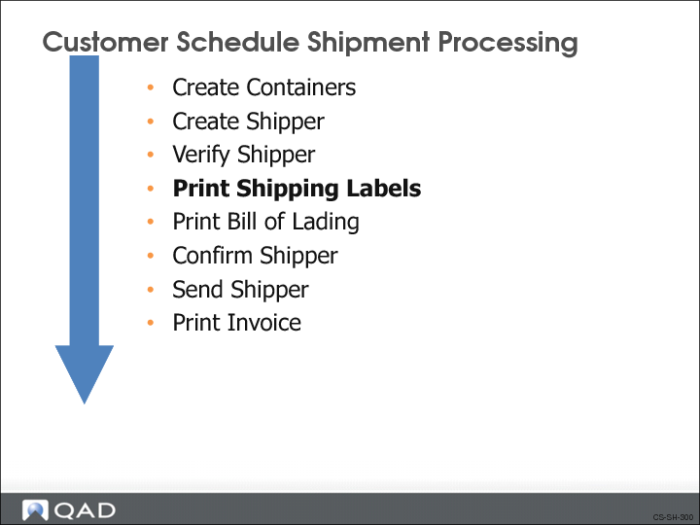
Print Shipping Labels
You print shipping labels by container. When you reference multiple containers under one container ID, the system prints multiple labels. If no other containers are referenced, one label prints.
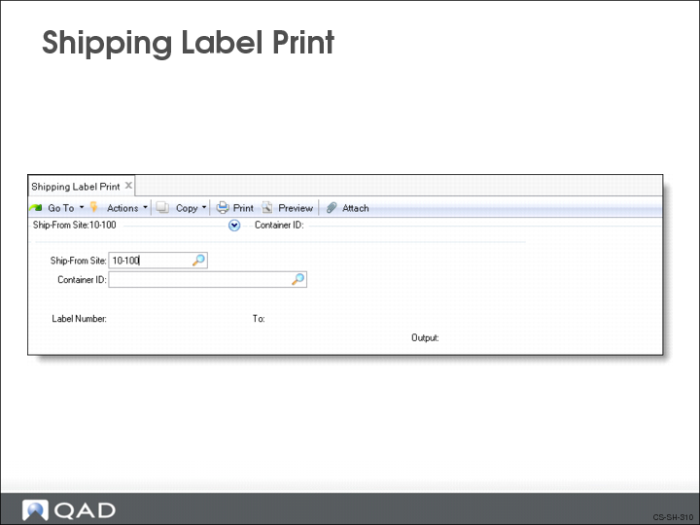
Shipping Label Print
Use Shipping Label Print (7.7.7) to print the bar code shipping labels for containers. You can print master labels and carton labels. When you assemble a container for shipment, you need labels for each carton and a label, a master label, for the container holding the cartons.
In the Output field, select the printer for which you have added bar code escape codes and developed template files.
Note: Your printer must be set up to handle bar code labels and you must have set up the template files.
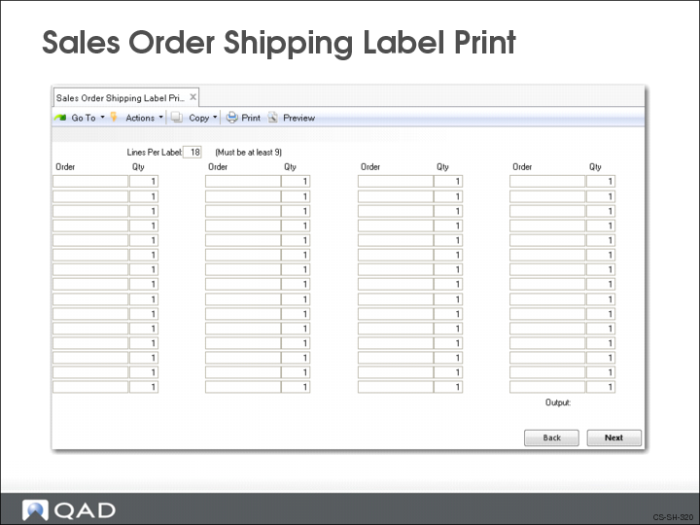
Sales Order Shipping Label Print
Use Sales Order Shipping Label Print (7.9.14) to print bar code shipping labels. In the Output field, select the printer for which you have added bar code escape codes and developed template files.
Your printer must be set up to handle bar code labels and you must have set up the template files.