Print Bill of Lading
QAD Enterprise Applications gives you the ability to print a bill of lading (BOL) for each shipment. The system uses the shipper as the basis for the bill of lading.
• A BOL shows a detailed breakdown of a shipper’s content
• A master BOL combines two or more individual BOLs. Use Master Bill of Lading Maintenance (7.9.12.2) to create a master BOL
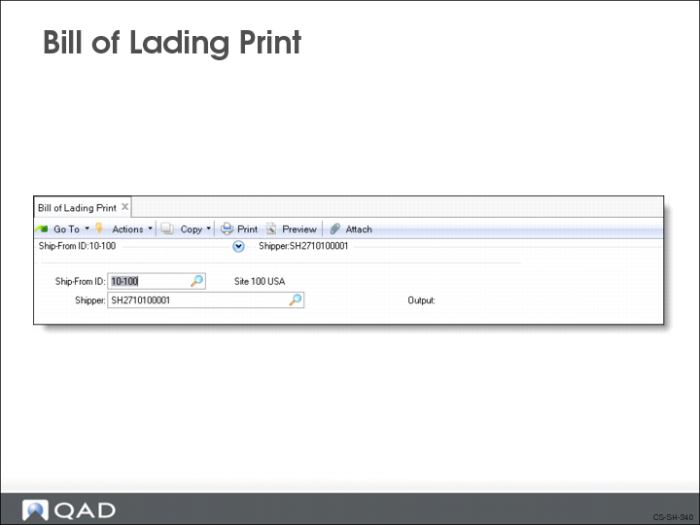
Bill of Lading Print
Use Bill of Lading Print (7.9.12.1) to print a separate BOL for a shipper. You identify the BOL by the ship-from site and the shipper ID code. The BOL shows:
• Items shipped
• Total weight of the items
• Containers used to pack the items
The report has two sections, a header section and a line item section.
• Header Section: The header section contains sold-to and ship-from information. It also shows the shipper ID and ship date. If comments were entered, they are also shown. Also shown are carrier details such as Ship Via, FOB Point, Mode of Transport, Carrier Shipment Ref., and Vehicle ID.
• Line Item Section: The line item section contains a breakdown of the shipper’s content. It lists the:
• Items shipped
• Quantity of items being shipped
• Net weight (weight of the item without packing materials or containers)
• Tare weight (weight of packing materials or containers)
• Gross weight (combined weight of the item and all packing materials or containers)