Send Shipper
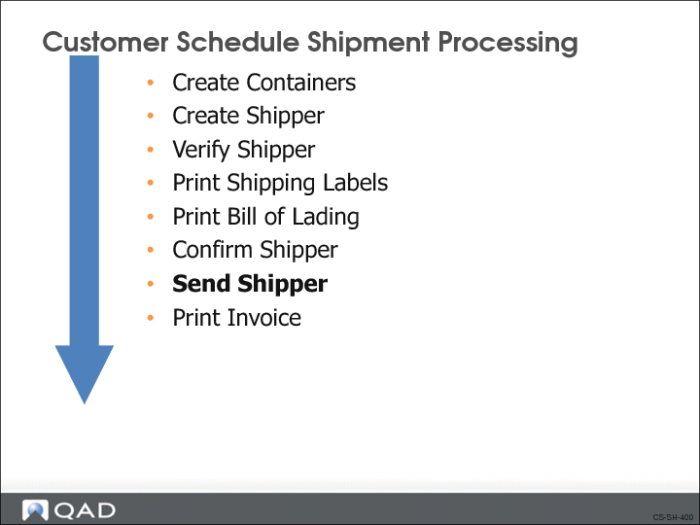
QAD Enterprise Applications gives you two options to send the shipper to your customer:
• Print it and include with the shipment, like a packing list
• Electronically as an ASN when the shipment leaves your shipping area
Pre-Shipper/Shipper Print
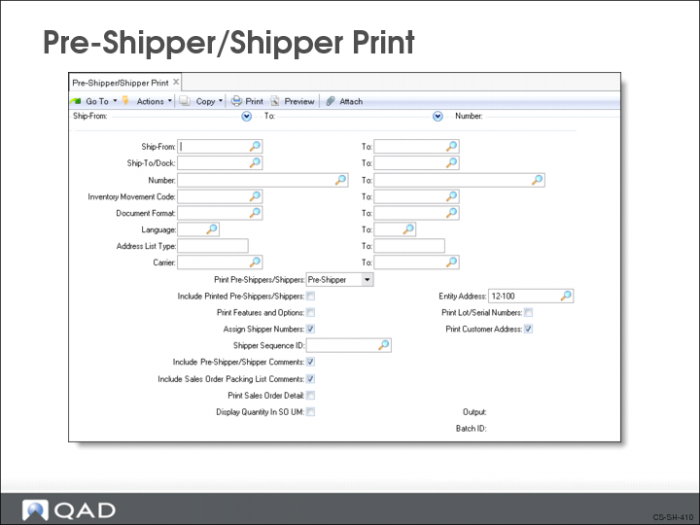
Use Pre-Shipper/Shipper Print (7.9.4) to create and print a shipper record. You can print a pre-shipper or a shipper, but you cannot print both at the same time.
The system updates the item quantity picked for this order
Shipment ASN Export
Use Shipment ASN Export (35.4.1) to electronically transmit the ASN to the customer. The system exports one ASN at a time. The shipper number becomes the ASN number. Whether or not an ASN is electronically transmitted using EDI to the customer depends on the setting of the EDI ASN field in Trading Partner Parameters Maintenance (35.1). If Yes, then the ASN can be transmitted by EDI.
The ASN provides shipment detail such as:
• Purchase order and order line number
• Supplier and customer item numbers
• Authorization numbers, if available
• Items, quantities shipped, and cumulative quantities
• Arrival date and time
It is not uncommon for a customer to plan the shipment quantities directly into their production line based on the ASN, with no receipt processing and no inspection.
Ship-From Site
The site sending the shipment.
Shipper ID
Number identifying the shipper.
Ship-To/Dock
The ship-to or dock address where the deliveries are to be made. Frequently this is the point on the production line where the shipped items are going to be used. Their arrival time is coincident with the item the first item is needed for production.