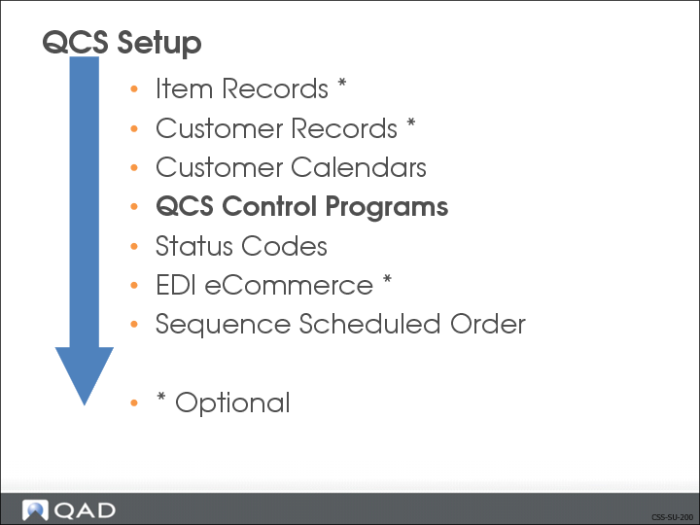
QCS Control Programs
Note: When you initially enable QCS, certain programs are automatically updated to be used with QCS. If you deactivate QCS after enabling it, the modified programs function as they did before they were updated.
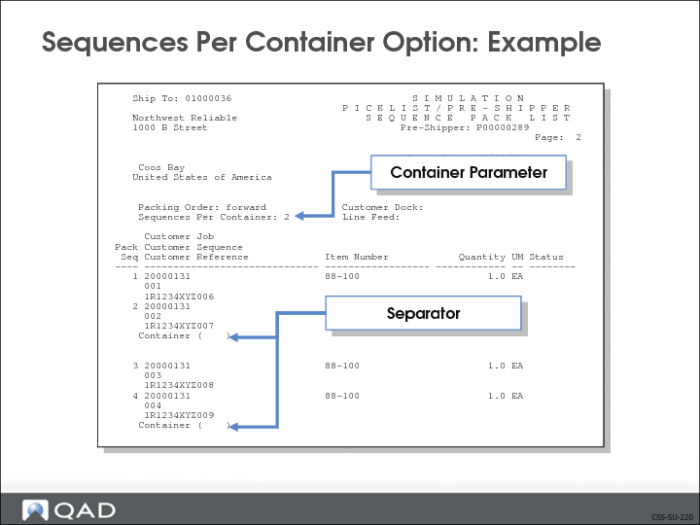
Sequences Per Container Option: Example
The above shows an example of a Sequence Pack List and the number of sequences per container for a shipment.
• Sequences Per Container field set to 2 in the control file
• Two sequences are to be packed in each container
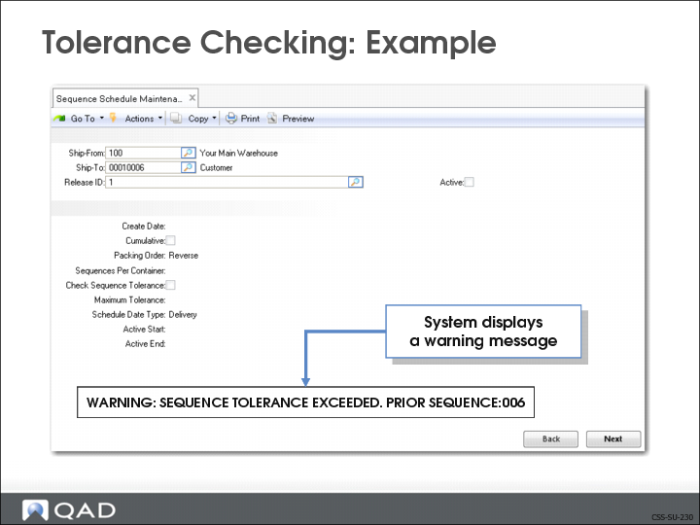
Tolerance Checking: Example
The above shows an example of tolerance checking in effect when adding a sequence record in Sequence Schedule Maintenance (7.5.4.5).
• Check Sequence Tolerance option is turned on
• Specified Maximum Tolerance value exceeded
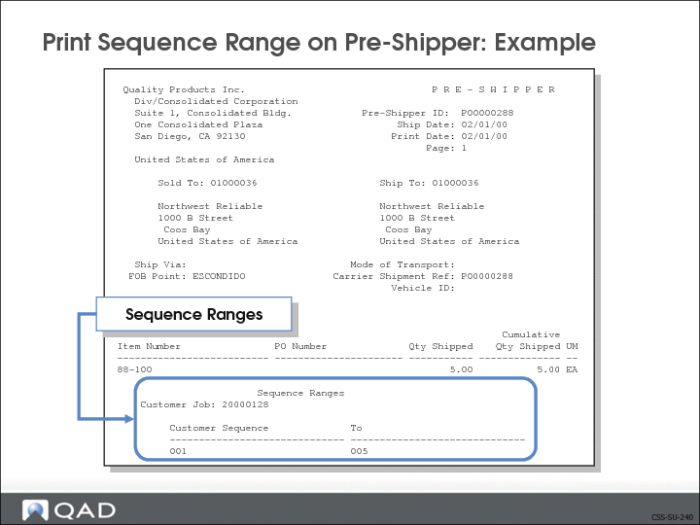
Print Sequence Range on Pre-Shipper: Example
Sequence Range on Pre-Shipper
The above shows an example of a sequence range printed on a pre-shipper.
Set the Print Sequence Range on Shipper field to Yes in the control program.
Print Sequence Range on Invoice: Example
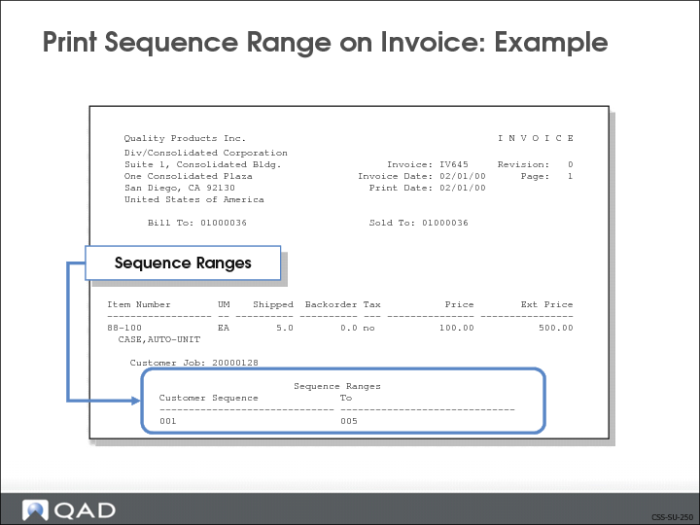
Sequence Range on Invoice
The above shows an example of a sequence range printed on an invoice.
• Print Sequence Range on Invoice field set to Yes in control program
Including sequence information on the invoice gives the supplier and the customer better visibility of the items being shipped and received.
• Sequence information on the invoice can be used for self-billing
Exercise: Enable Customer Sequence Schedules
Before you can create a sequence scheduled order, you must enable sequence schedules.
Use Sequence Schedule Control (7.5.4.24).
1 Turn on the Customer Sequence Schedules module if it is not already enabled and define other parameters. Use the values from the following table.
Field | Data |
Enable Sequence Schedules: | Yes |
Schedule Order Default: | Yes |
Include Seq in Req Ship Sched: | Yes |
Firm Days: | 0 |
Packing Order: | Forward |
Sequences Per Container: | 0 |
Merge Schedules: | No |
Check Sequence Tolerance: | No |
Maximum Tolerance: | 0 |
Print Sequence Range on Shipper: | Yes |
Print Sequence Range on Invoice: | Yes |
Send Sequence with ASN: | Yes |
Send Sequence with Invoice: | Yes |
Customer Controls Maintenance (7.5.4.1)
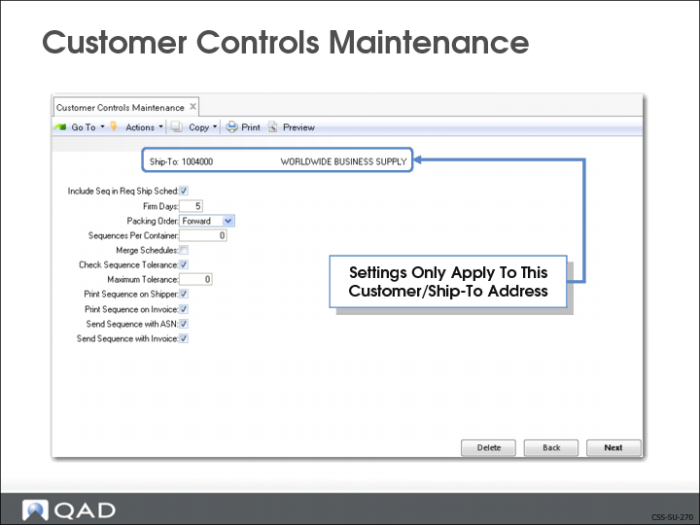
Use Customer Controls Maintenance (7.5.4.1) to create customer control records. These are customer specific default values that are different from the system wide default values specified in Sequence Schedule Control (7.5.4.24). This gives you the ability to set up customize parameters for an individual customer or ship-to address.
• Except for the Ship-To, all values default from Sequence Schedule Control
• Settings entered here default to sequence schedules created for the ship-to address
• These settings override the corresponding Sequence Schedule Control settings for the individual customer/ship-to address
Note: Customer control settings are optional.