Browse Customizations
Browse Maintenance
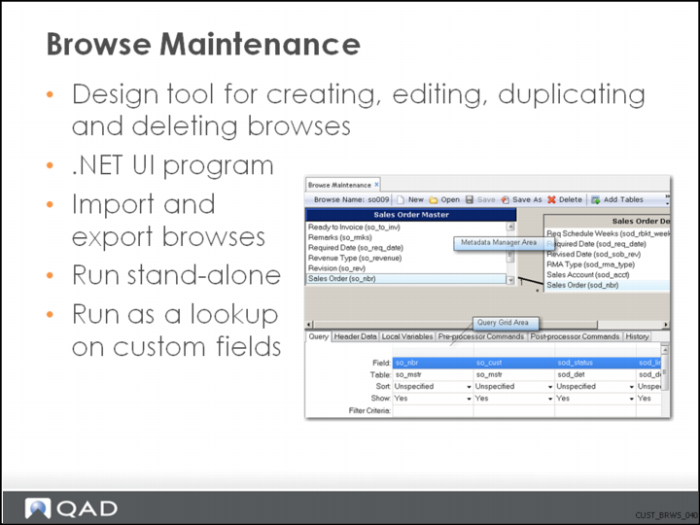
Browse Maintenance 2
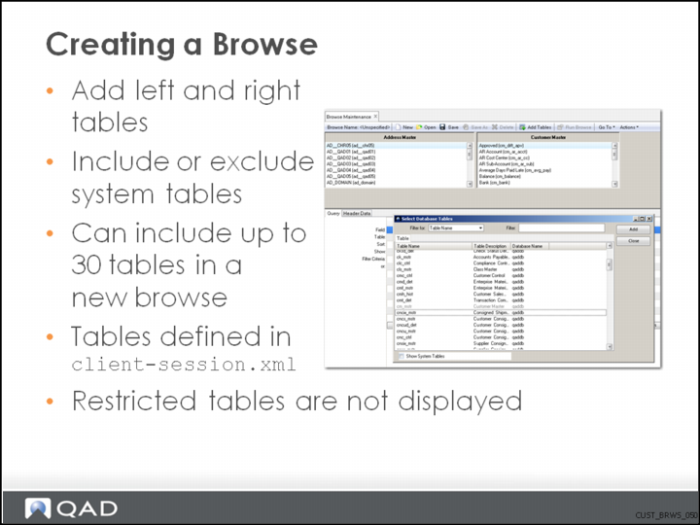
Creating a Browse
Steps and descriptions of fields: Restricting user access
Restricted tables are listed in the <DotNetBrowseMaintenanceRestrictedTables> section in client-session.xml.
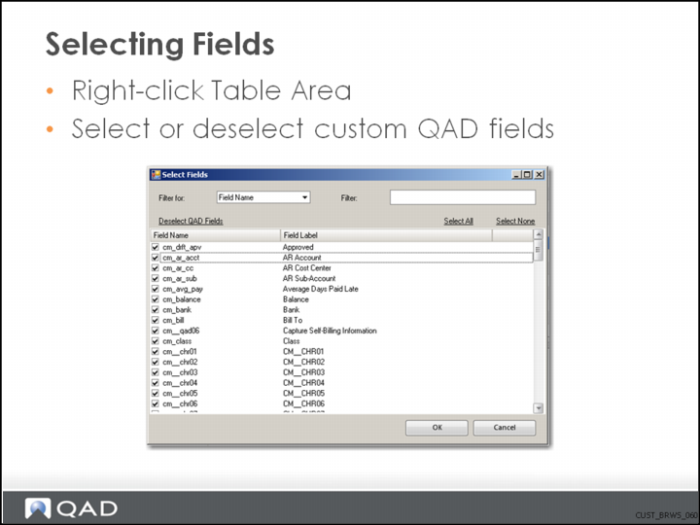
Selecting Fields
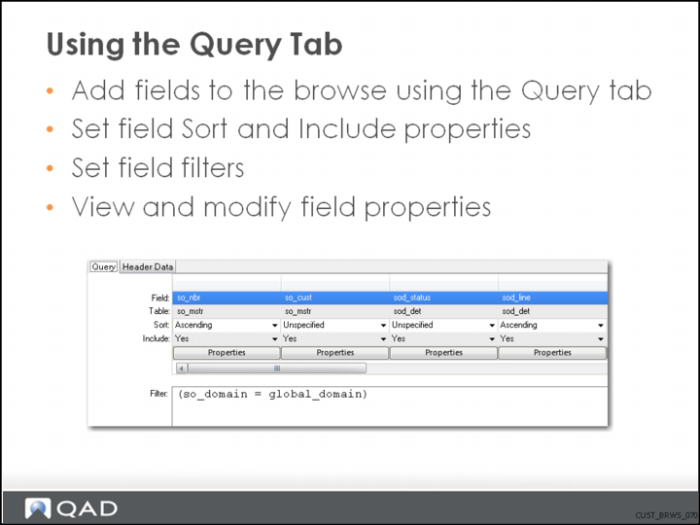
Using the Query Tab
You can drag and drop a field into the Filter fill-in.
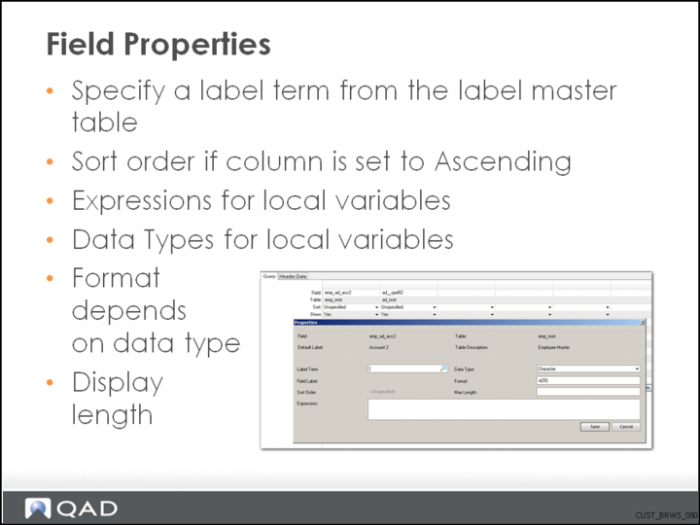
Field Properties
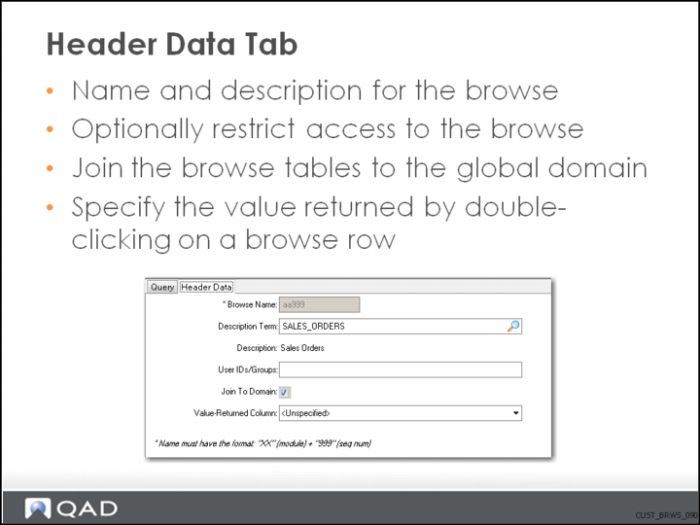
Header Data Tab
Roles are called groups in Enterprise Edition.
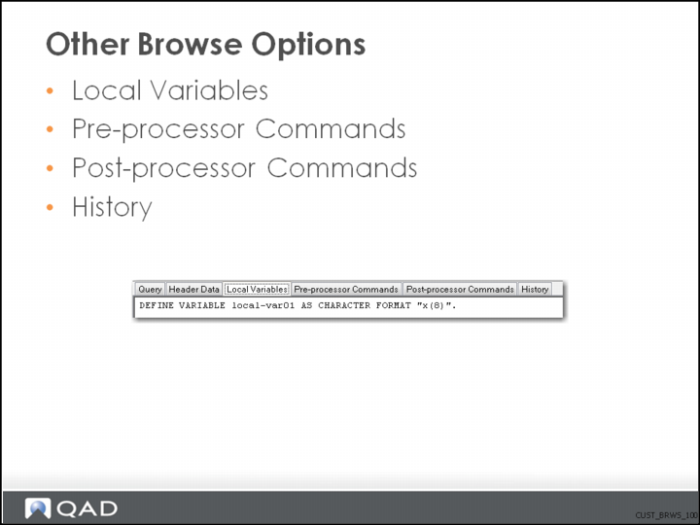
Other Browse Options
Performance Considerations
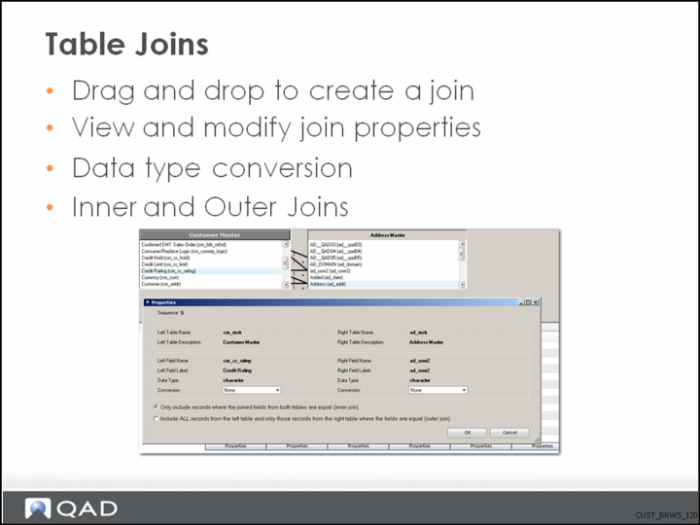
Table Joins
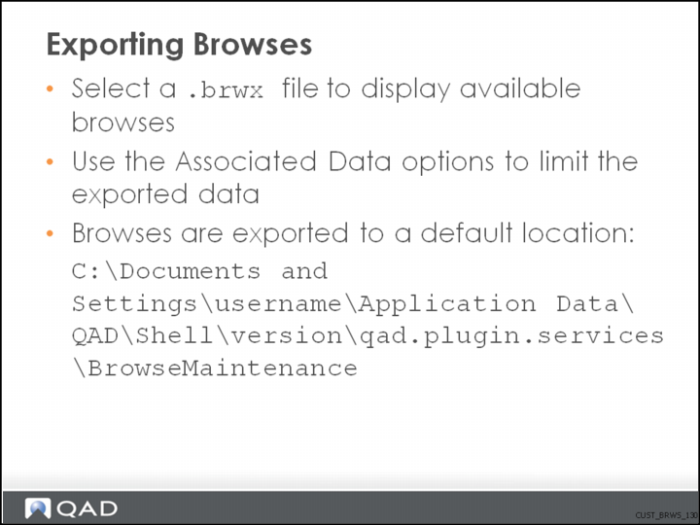
Exporting Browses
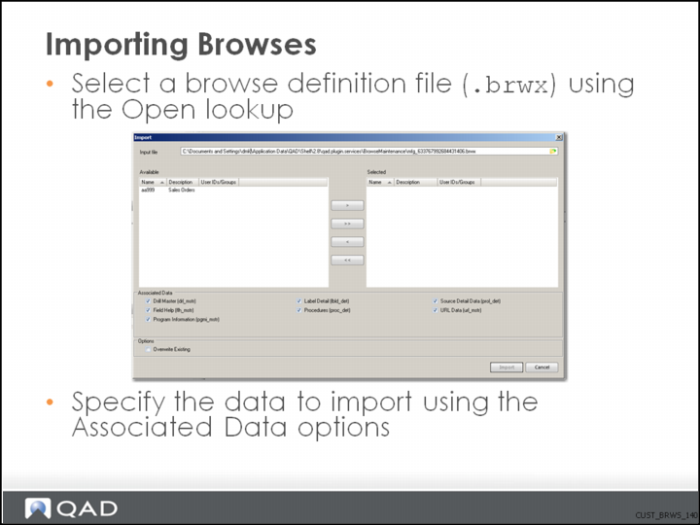
Importing Browses
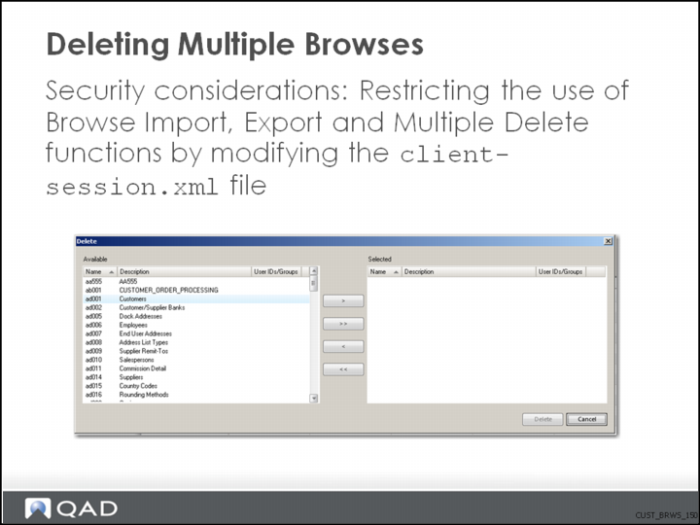
Deleting Multiple Browses
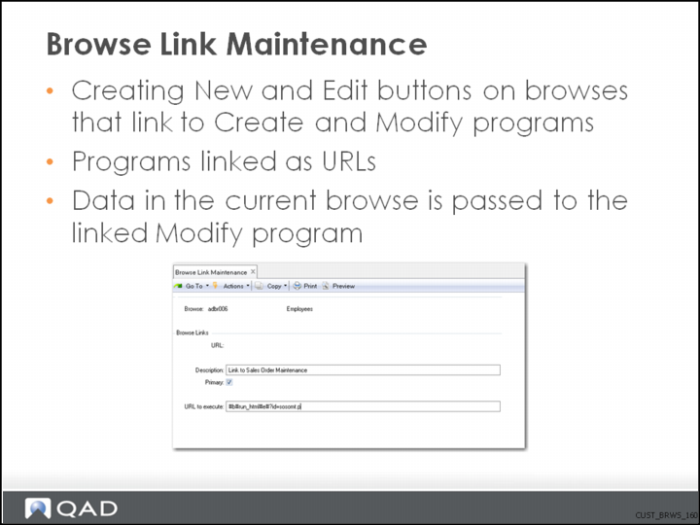
Browse Link Maintenance
You can only create links to MFG/PRO programs, not to Enterprise Financials programs.
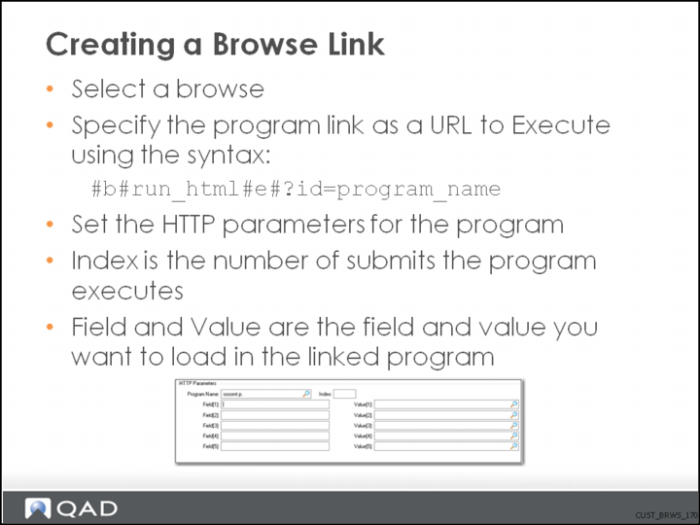
Creating a Browse Link
Browse URL Maintenance
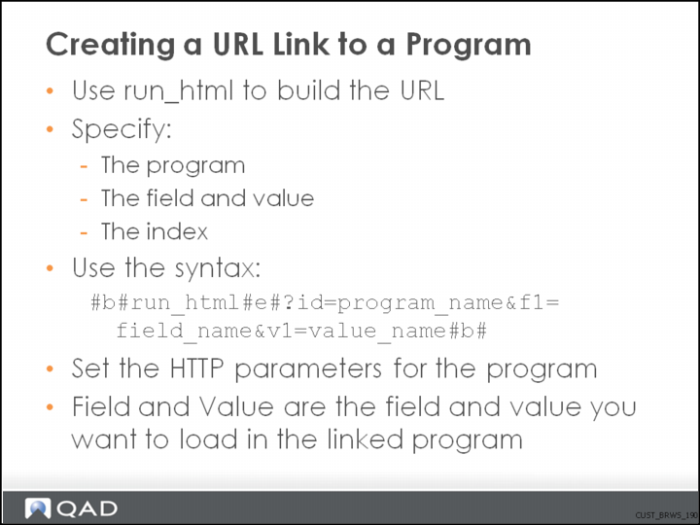
Creating a URL Link to a Program
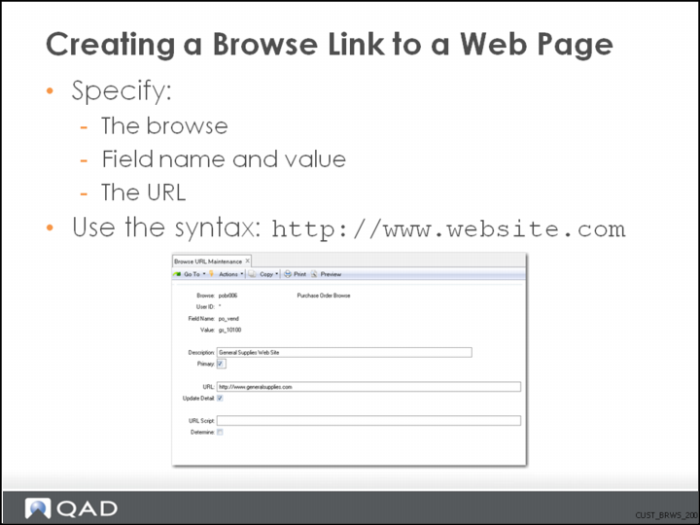
Creating a Browse Link to a Web Page
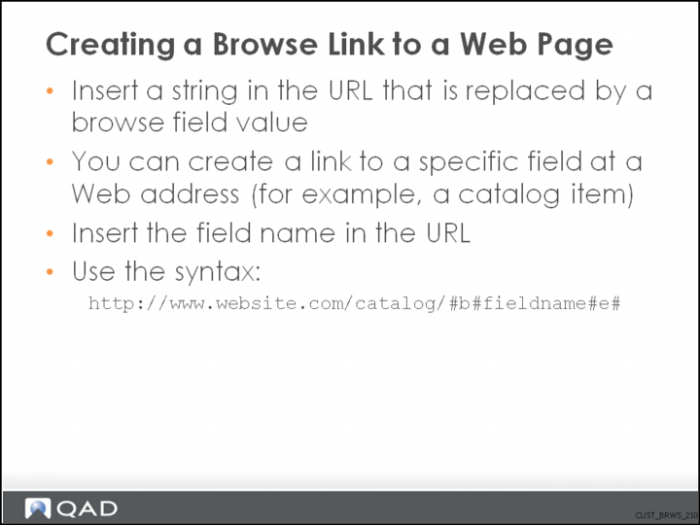
Creating a Browse Link to a Web Page 2
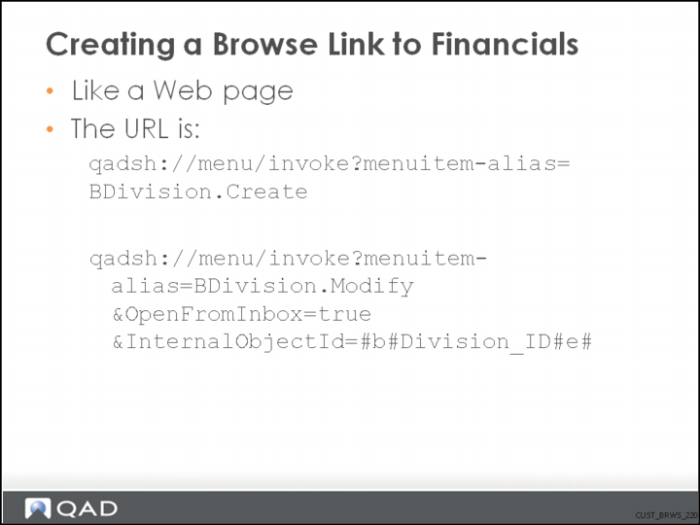
Creating a Browse Link to Financials
Remember: URLs are case-sensitive!
URLs are copied from workflow, but they are also used in process maps.