Exporting Documents
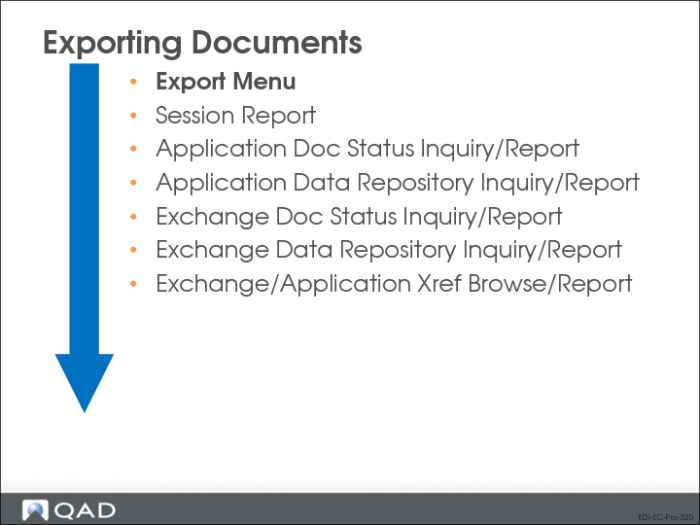
Export Menu
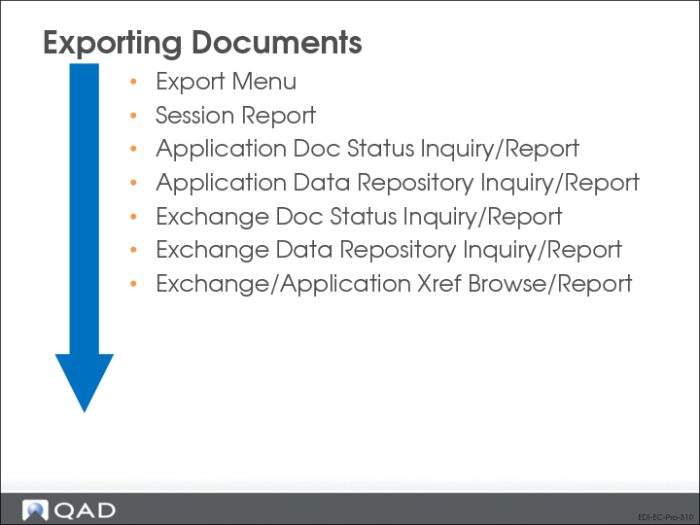
This illustration is a suggested processing sequence for exporting documents with EDI eCommerce.
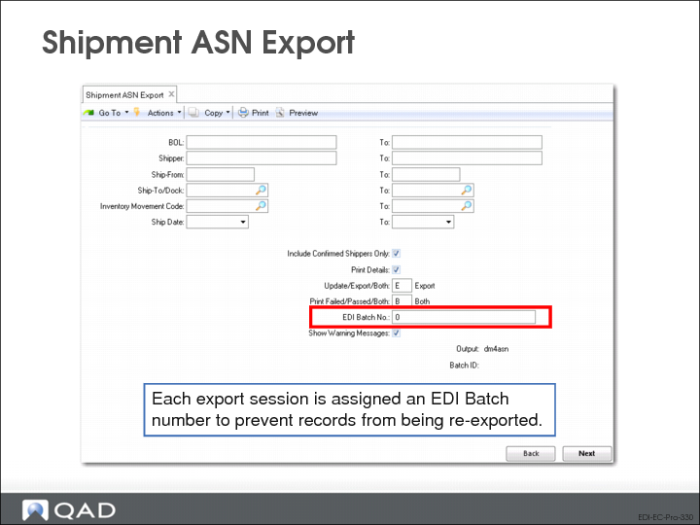
Shipment ASN Export (35.4.1)
In Shipment ASN Export, enter selection criteria to indicate which shipments should have ASNs sent. The system uses these criteria to execute the appropriate gateway program, select the appropriate trading partner information, and transform outbound QAD Enterprise Applications data to the format required by receiving party’s EC subsystem
Shipper, Ship-From, Ship-To/Dock, Inventory Movement Code, Ship Date
Specify ranges of selection criteria for the system to use in selecting ASNs for export.
Include Confirmed Shippers Only
Enter Yes to include only confirmed shippers in the selection.
Print Details
Specify whether error and warning message details are included on the output report, or if it is limited to higher-level summary information.
Update/Export
When this option is set to Export, then the normal export procedure is processed.
When this option is set to Update, the implementation definition is retrieved for the trading partner and any field definitions that have specified Edit = Yes will be displayed and prompted for operator input. The data entered will be stored and retrieved during export. This allows for data to be entered or modified for the electronic shipment notice before export.
EDI Batch No.
To re-export a group of documents, enter the batch number assigned to the group. When exporting a new group of documents, leave this field set to zero. The system assigns a new batch number to each group of exported documents.
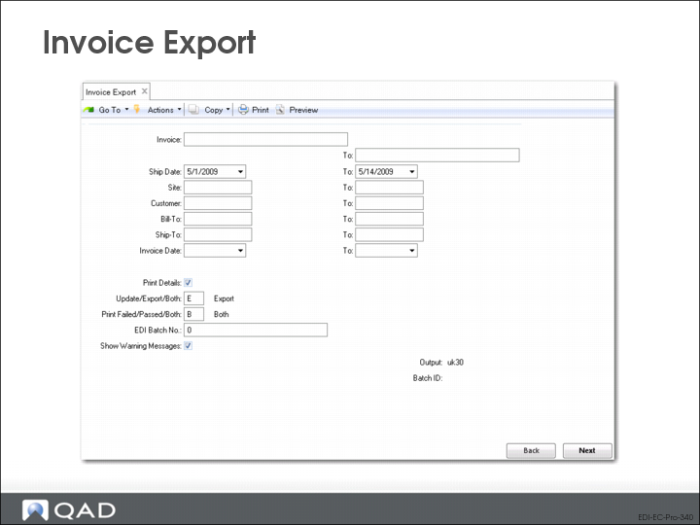
Invoice Export (35.4.3)
Use Invoice Export to export individual, multiple, or cumulative invoices to a customer.
Enter ranges of selection criteria for invoice number, sales order number, and so on as required to select invoices for export.
• System uses these criteria to execute the appropriate gateway program
• Select the appropriate trading partner information
• Transform outbound QAD Enterprise Applications data to the format required by receiving party’s EC subsystem
• The Update/Export functions the same as in the Shipment ASN Export