eCommerce Utilities
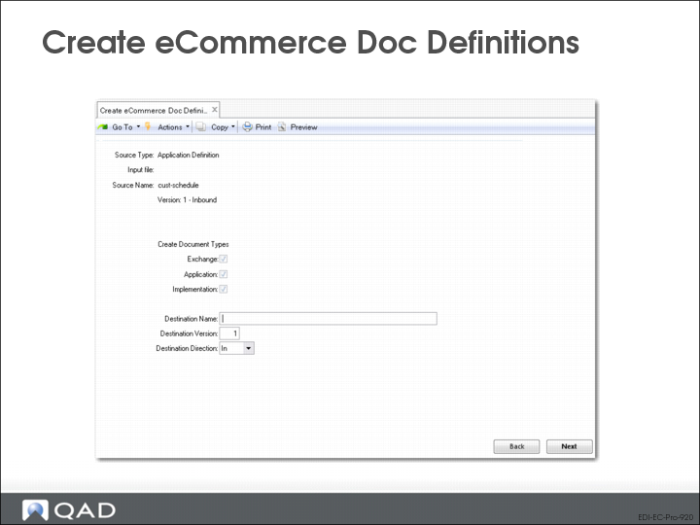
Create eCommerce Doc Definitions (35.15.4)
You can create exchange file, application, and implementation document definitions by loading them from trading partner library files, entering them manually, or copying them from an existing definition of the same type.
An additional menu program—Create eCommerce Doc Definitions (35.15.4)—offers more ways to create these document definitions. You can create a definition from:
• A different type of document definition
• A temp-table definition in Progress syntax from either Progress source code (.p or .i file) or a .txt file
• An XML document (.xml file)
• An XSD document (.xsd file)
Source Type
Select the type of source you want to use for creating the new document definition. Valid values are:
Exchange File Definition
Application Definition
Implementation Definition
Temp Table Definition (*.i, *.p, *.txt)
XML Document (*.xml)
XSD Document (*.xsd)
Input File
Enter the name of the file that contains the source file for the new definition. You can only access this field when the source type is a temp table, .xml document, or .xsd document. Leave blank to display a navigation screen for selecting files.
Source Name
Select the source document that the new document will be copied from. You can only access this field when the source type is an exchange file, application, or implementation definition. Use the arrow keys to scroll through available documents of the selected source type. The system displays information about each document.
Create Document Type
Select one or more document types to be created. You must select at least one type.
Destination Name, Version, Direction
Specify a name, version, and direction (inbound, outbound) for the new document definitions.
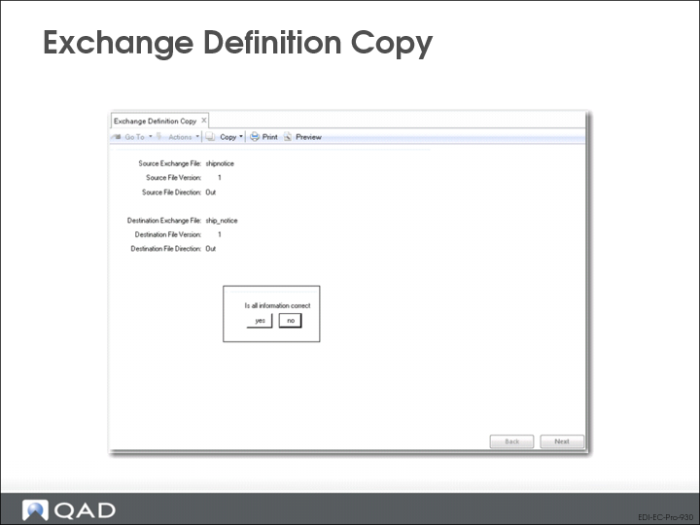
Exchange Definition Copy (35.15.1)
Use Exchange Definition Copy to copy an exchange file definition from an existing definition.
• Use Exchange Definition Maintenance (35.15.6) to modify the copy as needed
Source Exchange File, Version, and Direction
Exchange file definition to be copied.
Destination Exchange File, Version, and Direction
Unique combination of file name, version, and direction.
• Direction does not have to be the same for the source and destination file
• An outbound definition copy can be based on an inbound source definition
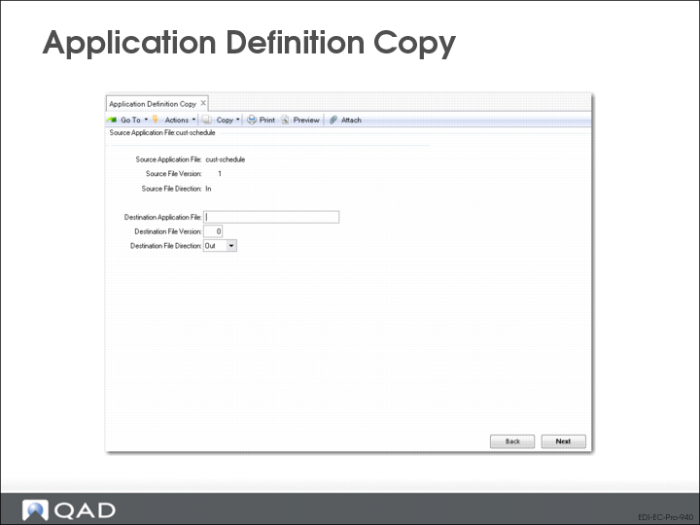
Application Definition Copy (35.15.2)
Use Application Definition Copy to copy an application document definition from an existing definition.
• Use Application Definition Maintenance (35.15.10) to modify the copy as needed
Source Applications File, Version, and Direction
The application document definition to be copied.
Destination Application File, Version, and Direction
Unique combination of file name, version, and direction to identify the new application definition.