UI Navigation and Browsing
Overview
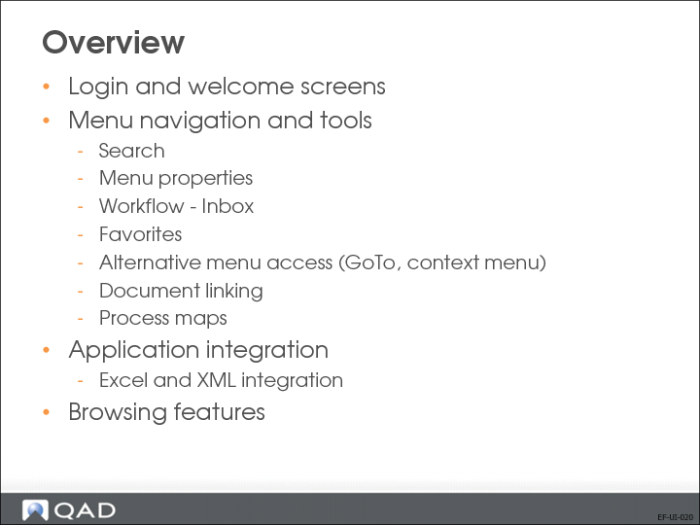
In this section, you will learn how to:
• Navigate through the Financials application.
• Simplify access to the most frequently used functions.
• Use features like email and the workflow.
• Browse data effectively.
You will also learn about the application integration capabilities.
Most of the QAD Financials functions are developed using an object-based technology that supports a rich user interface—the QAD .Net User Interface. This UI offers additional features not available in character UI functions.
A standard menu bar is available throughout the .Net UI for all programs.