Financial Structure Setup
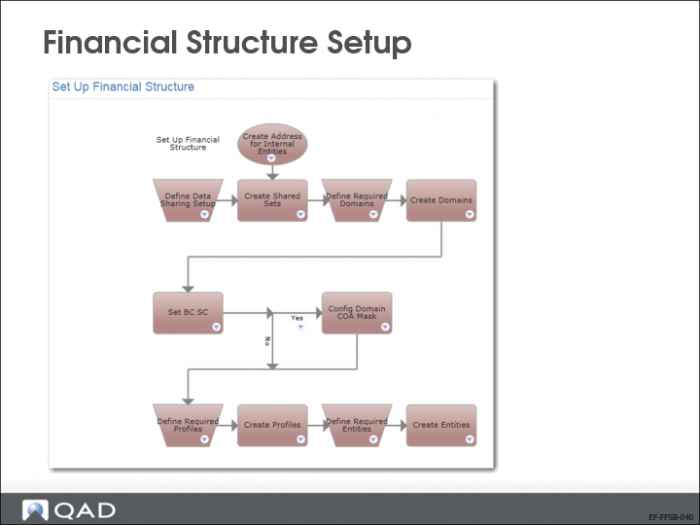
The slide shows the process map for the financial structure setup. In each chapter, this training guide shows screenshots of process maps as a best practice reference.
Currency-Related Data
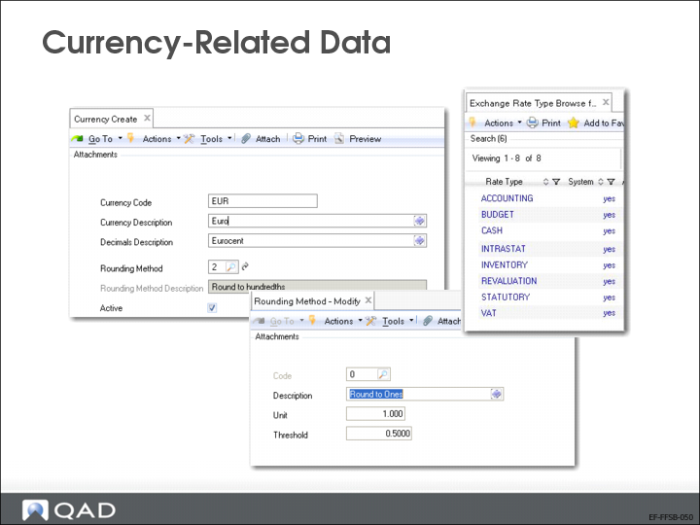
Currency-related data, such as codes, rounding methods, and rate types, are used database wide, across domains. Therefore, you must set up this data first, using the following functions:
• Currency Create/View/Modify (26.1, 2, and 3)
• Rounding Method Create/View/Modify (26.2.1, 2, and 3)
• Exchange Rate Type Create/View/Modify (26.3.1, 2, and 3)
Shared Set Codes
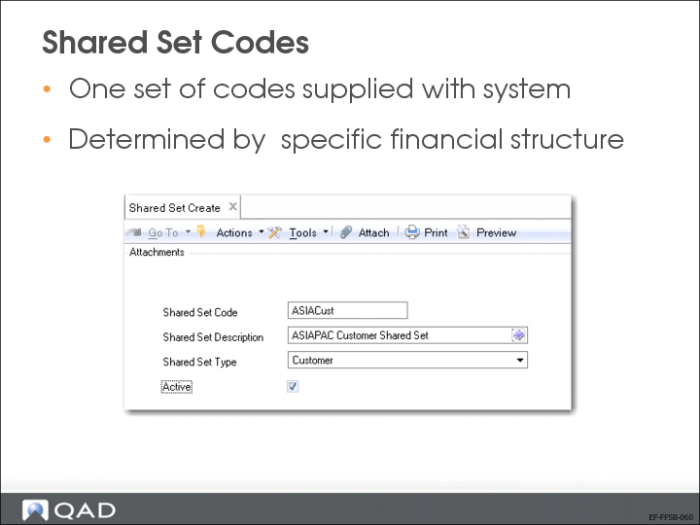
Next, set up as many shared set codes as required for your financial structure. Shared set codes identify financial data that can be shared across selected domains.
Use Shared Set Create (36.1.1.3.1) to create shared set codes.
Shared Set Data Setup
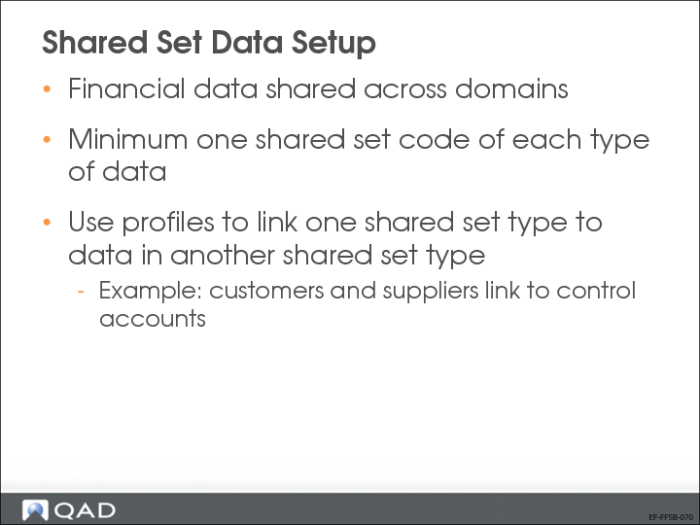
You use profiles to identify the relationships between records in shared sets of different types. Profiles are discussed a few slides further on.
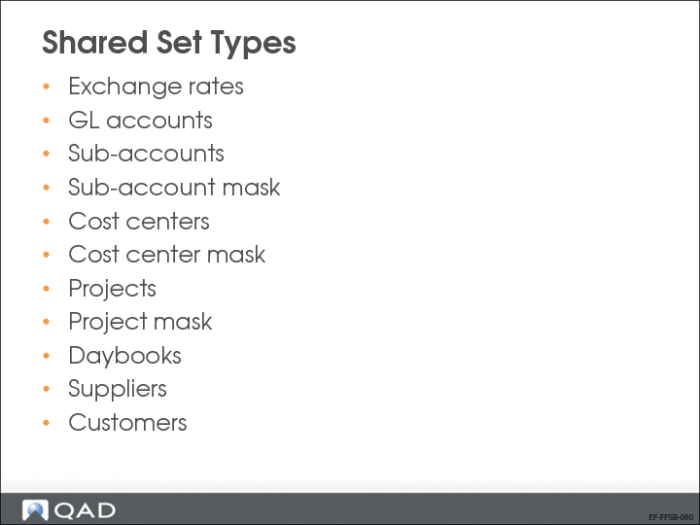
Shared Set Types
There are eleven shared set data types. A domain must be linked to at least one shared set code of each type. The system is deployed with a default group of shared set codes.
Shared Set Data Setup with Profiles
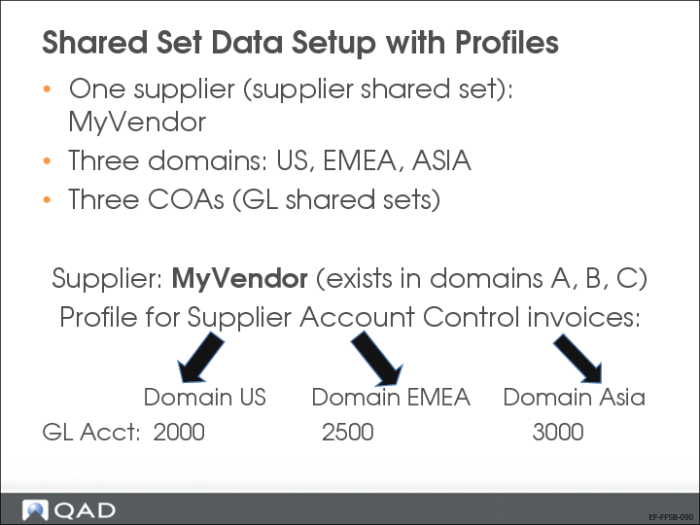
Consider the example shown in the slide where suppliers are shared by all domains, but GL accounts are not shared between domains.
Each supplier needs an associated supplier control account. However, if you assign a control account from the US account shared set, it would be invalid when purchase orders are created in the EMEA domain or in the Asia domain. Therefore, you must create three supplier control accounts and assign these to a profile, which indicates which control account to use, depending on the domain.
You assign the profile to the supplier’s record. Then, regardless of which entity does business with the supplier, valid accounts are referenced when invoices are registered.