Profiles
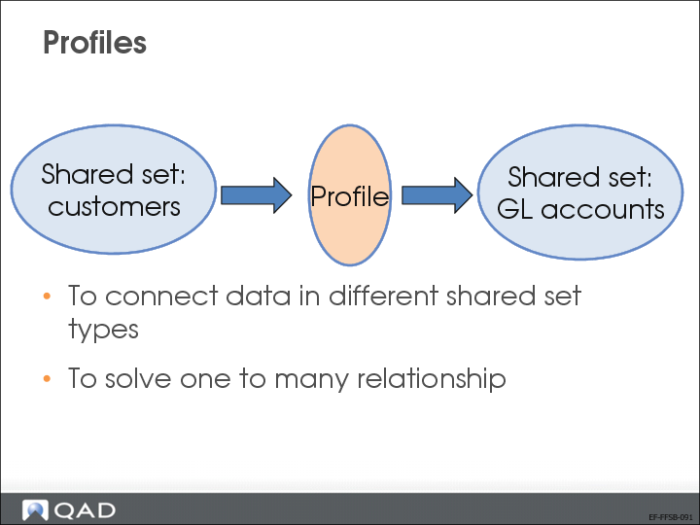
Profiles are used to link data in one shared set type to data in another shared set type in order to solve the one-to-many relationship issues that can arise.
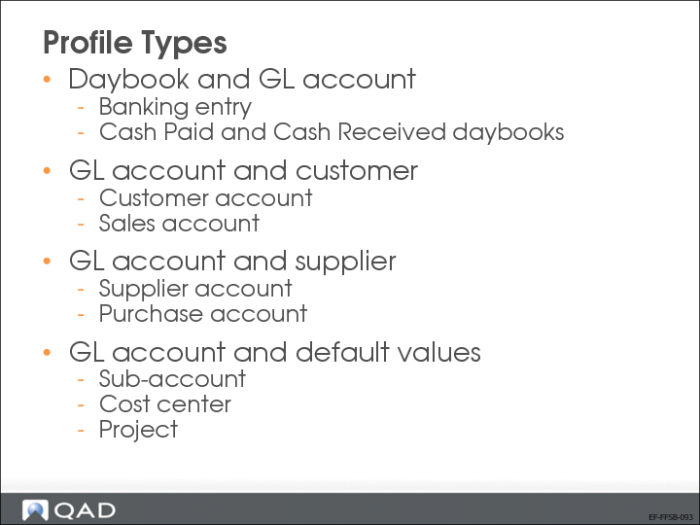
Only specific combinations are possible, and are defined by profile types.
Profiles Setup
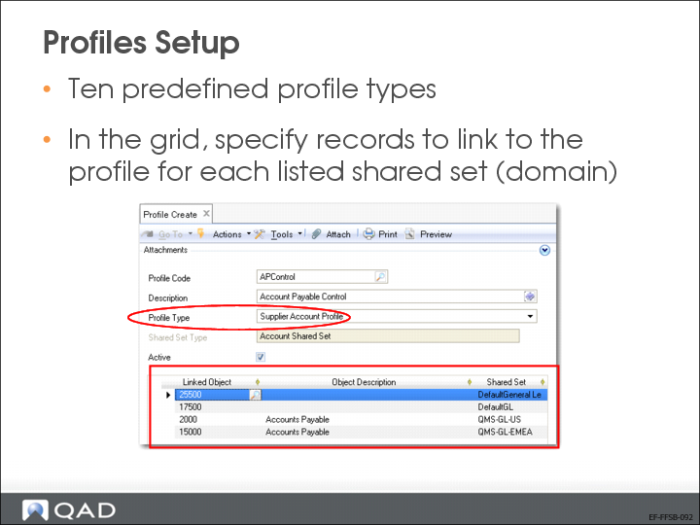
There are 10 predefined profile types (see the next page).
Use the Profile activities (36.1.1.4) to create, view, modify, and delete profiles.
In the grid under Linked Object, specify a record to link to this profile. For example, for a supplier account profile, select a specific account from each account shared set. Then, when you associate this profile with a supplier in the Purchase Account Profile field, a valid account is available, regardless of which company references the supplier.
In the Shared Set column, records are populated when the shared set type in the header is selected; it cannot be modified.
Profile Types
Different profile types exist, depending on the shared set type referenced by the profile.