Tax Setup: Global Tax Management
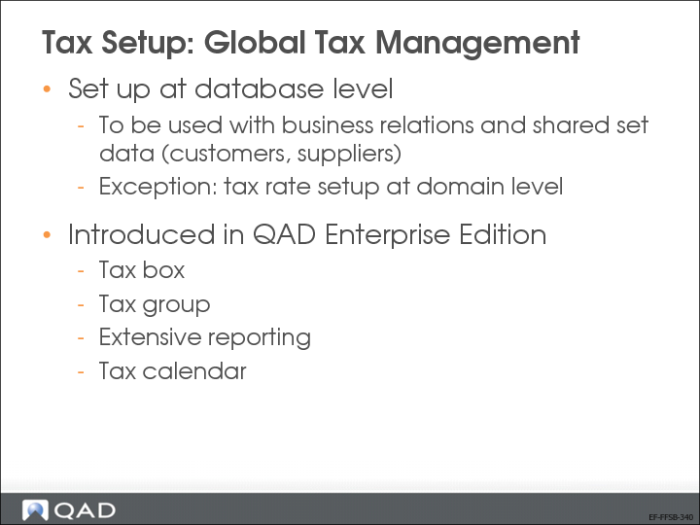
In QAD Enterprise Financials, most tax data is set up at database level. The data can then be shared by multiple addresses from multiple shared sets.
You enter tax data on the Tax tab of Business Relation Create (database level). Then, the tax data is linked to a customer, supplier, or entity using a shared set. This explains the need to set up tax data system wide. Only tax rates are defined at domain level.
Use Global Tax Management to set up taxes.
Tax box, tax groups, tax calendar, and extended tax reporting are new tax concepts that were introduced in QAD Enterprise Edition.
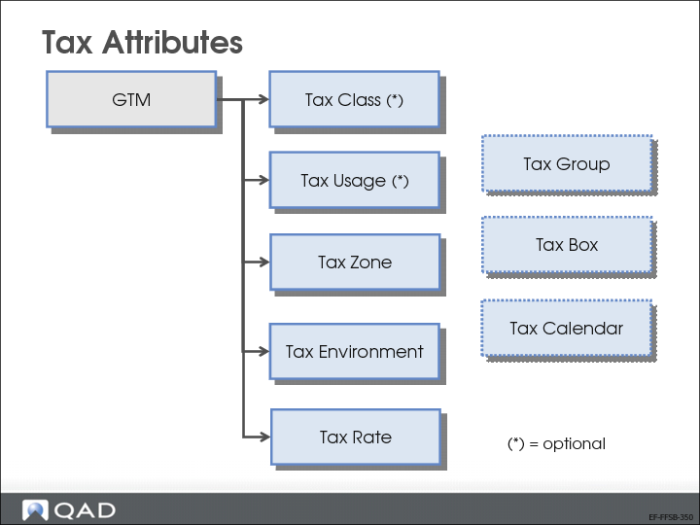
Tax Attributes
Before defining tax rates, you must set up the data required to support tax reporting. This task has three steps:
1 Define tax boxes for each country in Tax Box Create (29.6.1.1.1). Tax boxes represent tax subtotal fields on tax declaration forms required for filing legal reports. Tax boxes are generally defined in pairs, one identifies the transaction amount and the other, the transaction tax amount. The tax box type identifies whether the tax box displays the base transaction amount or the tax amount.
2 Define tax groups using Tax Group Create (29.6.1.2.1), and group related tax boxes, generally one of each type.
3 Associate tax groups with tax rates in Tax Rate Maintenance (29.4.1). A different group can be specified for each type of transaction: customer invoice, customer credit note, supplier invoice, supplier credit note, absorbed invoice, absorbed credit note, retained invoice, and retained credit note.
You can then use a declaration report to display the tax detail:
• Tax Declaration by Box (29.6.2.1)
• Tax Declaration by Box and Group (29.6.2.2)
Note: These reports are not formal reports that can be submitted for regulatory reporting. Rather, based on your selection criteria, they display tax box totals, which you can then use to fill out required reports.