Views and Reports
The views and reports most often used in AR management are:
• Customer Activity Dashboard (27.18.1)
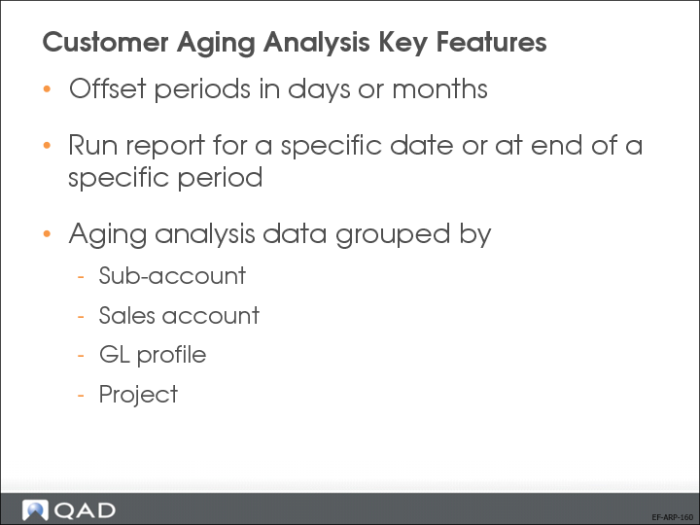
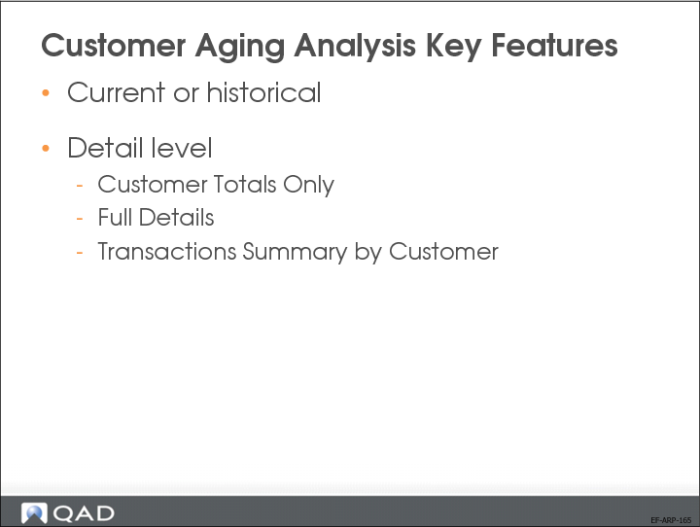
• Customer Aging Analysis (27.17.6, 7, 8, and 9)
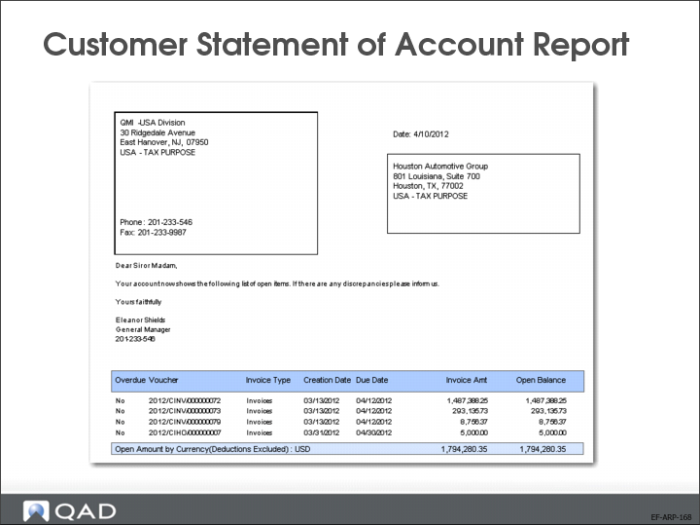
• Customer Statement of Account (27.17.19)
• Customer Reminder Overview (27.17.11)
Customer Activity Dashboard
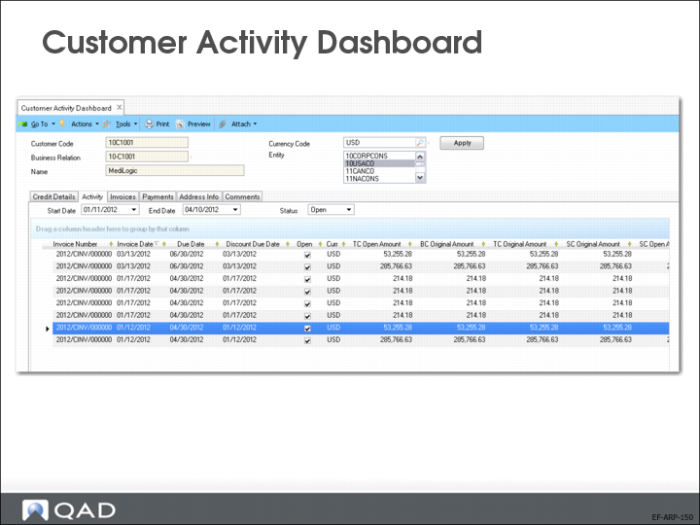
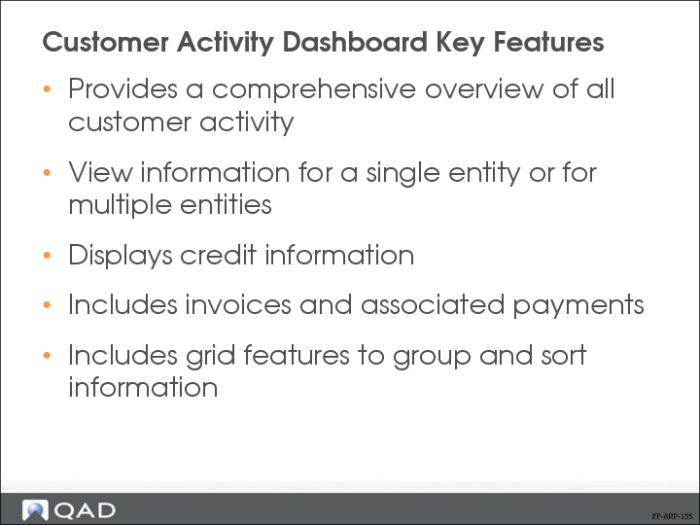
The Customer Activity Dashboard offers a comprehensive overview of all activity related to a single customer, in a single entity or over multiple entities. The drill-down generates read-only credit information that includes the following areas:
• Sales order and open item balances
• Total current liability
• Individual drill-downs on invoices and credit notes
You can display credit information for a customer with reference to one or multiple entities in the domain, and see the balance for the selected entities and all entities.
Customer Aging Analysis Current Report
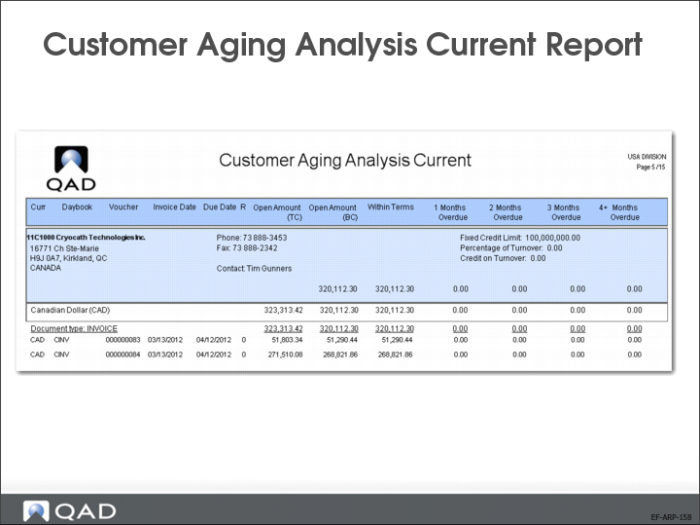
The Customer Aging Analysis Current report (27.17.6) lists all current outstanding open items such as invoices, credit notes, and prepayments. The report output is divided between items that are not yet due and those that are past due (1 month, 2 months, 3 months, and more than 4 months).
This report calculates aging for all due customer open items by the number of periods overdue at the specified date. All payments up to the day the report is generated are included.
Customer Statement of Account Report
The Customer Statement of Account report lists open items as of a certain date (the default is the system date) in all selected entities, grouped by currency and open item type, including subtotals. The report lists the open item due date and indicates if the open item is overdue.
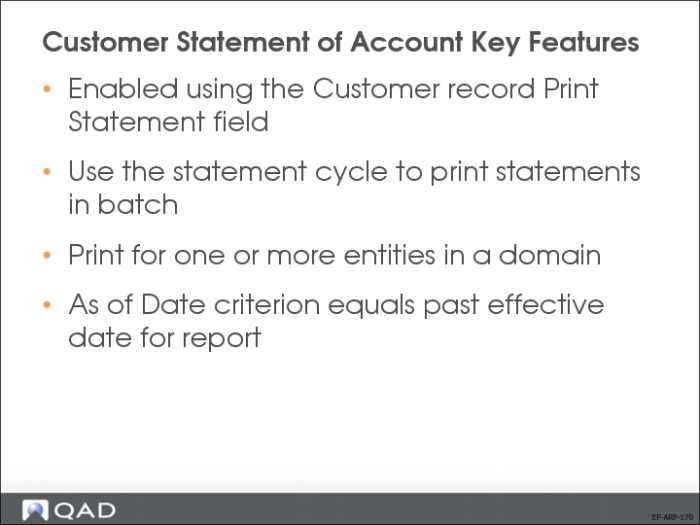
One report is generated for each customer. The report only includes customers for which the Print Statement option is selected in the Customer record and who also meet the other report selection criteria.
You can specify a statement cycle in the selection criteria to include only customers with that cycle. The statement cycle is also defined in the Customer record.
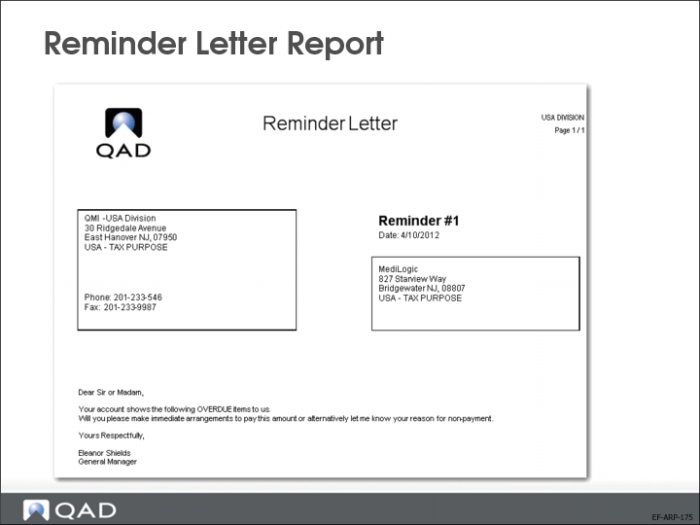
Reminder Letter Report
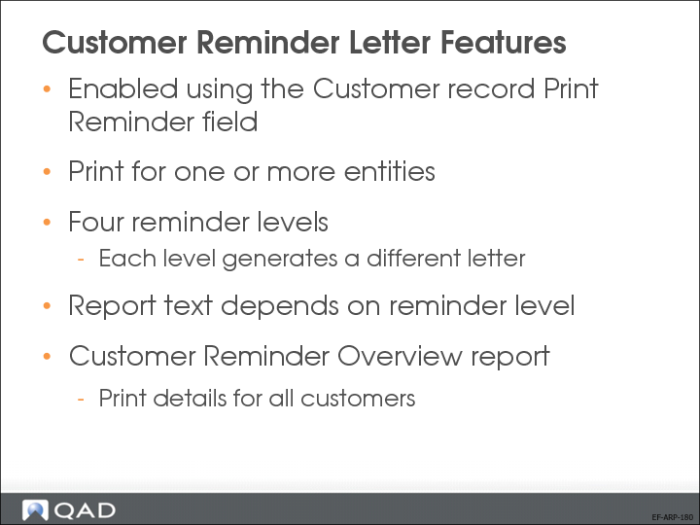
Use the Reminder functionality (27.17.10) to generate letters to send to selected customers regarding their open invoices. The address details of the headoffice address of the business relation associated with the specified Header Entity are printed at the top of the letter.
Customer Reminder Overview (27.17.11) provides a list for the credit management department to use for follow-up on open invoices with a reminder level greater than 0 (zero). Open credit notes and prepayments are always included. The report lists the reminder level, reminder date, due dates, and original and current balance for each selected customer open item. The customer contact details are derived from the primary contact defined for the Reminder address of the business relation associated with the customer.
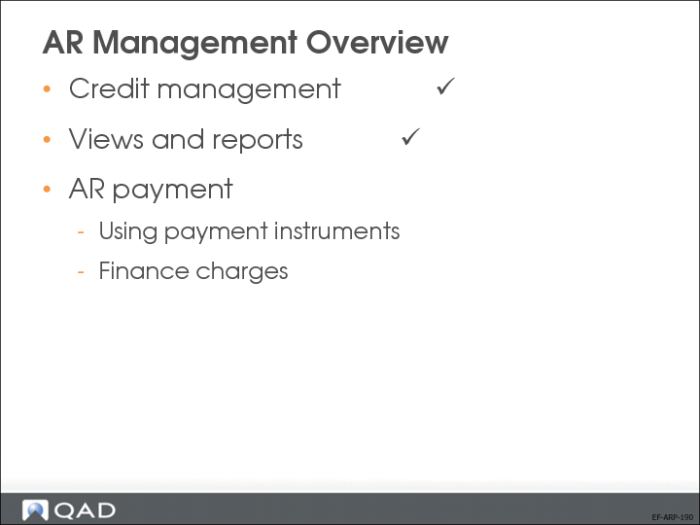
The final AR Management topic you will learn is customer payments, including payment instruments and finance charges.