AR Payments
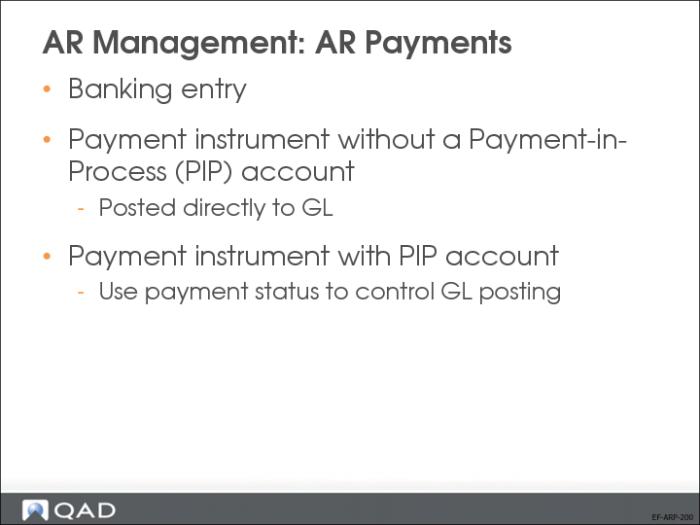
The system provides three ways in which you can settle AR payments.
• You can create a banking entry and associate it with the invoice. In this case, no payment instrument is specified.
• You can use a payment instrument without a PIP account. In this case, a payment is assigned a status of Paid and is posted directly to the bank GL account.
• You can use a payment instrument with a PIP account with a payment status of For Collection. In this case, you can either:
• Change the payment status to Paid and post to the bank GL account.
• Use a Banking Entry to allocate to the payment.
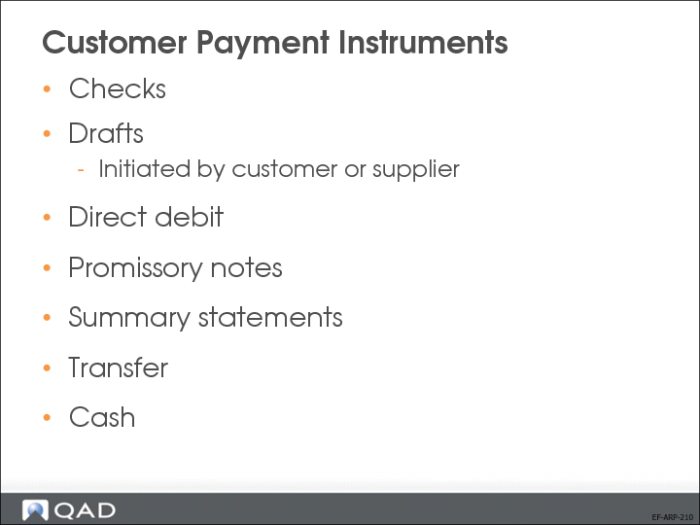
Customer Payment Instruments
The system offers a number of predefined types of customer payment instruments, as listed above.
You will now review process flows for some of these payment instruments.
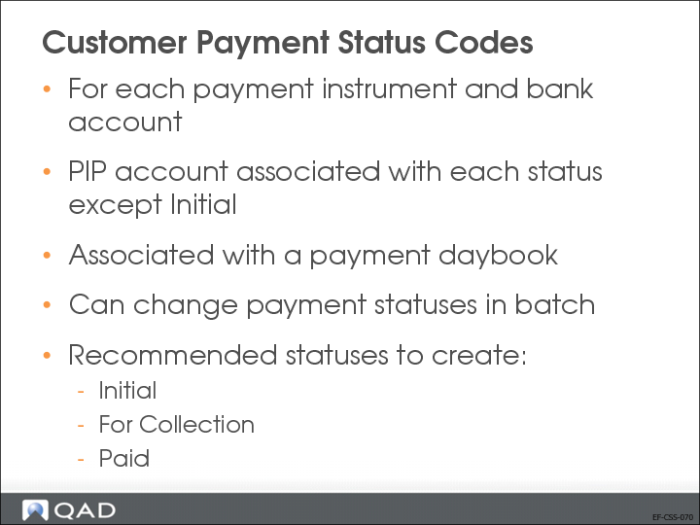
Customer Payment Status Codes
Payments are associated with status codes, which are used to manage the payment process through final collection and updating of accounts. You process a payment by changing the payment status from one status to the next in the sequence that meets your business requirements.
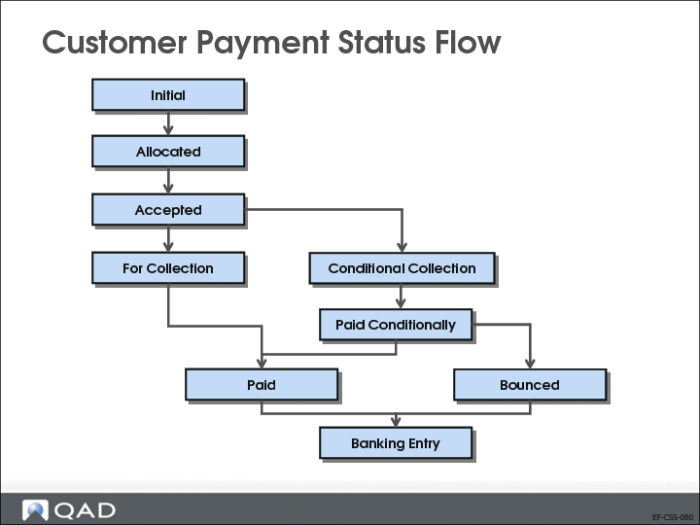
Customer Payment Status Flow
It is not mandatory to process a payment through all of the states listed in the slide.
Some European and South American companies use the interim payment statuses (such as Allocated and Accepted) and customer and supplier payment accounts to log the progress of the payment. US organizations, however, generally do not require interim states, and often use the Initial, For Collection, and Paid statuses only.
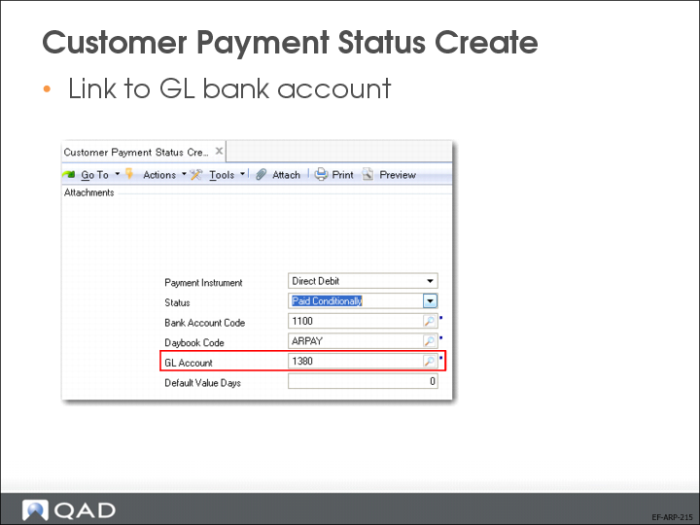
Customer Payment Status Create
Use the Customer Payment Status activities (27.6.2) to create, modify, view, and delete payment statuses. The payment status is the transition state through which you process the customer payment.
For each of the different payment statuses, you can define a specific GL account that represents the status.