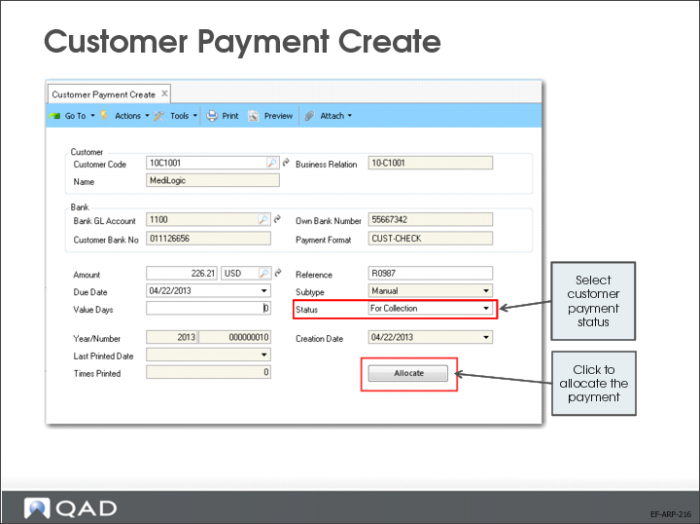
Customer Payment Create
Use Customer Payment Create (27.6.4.1) to create customer payments.
Link the customer payment to an existing open item through allocation, create a prepayment, or create a deduction. You can allocate items to a customer payment immediately by clicking Allocate or modify an initial payment to enable allocation at a later stage.
The following rules apply to customer payments:
• When you create a payment with a status other than Initial and do not link it to an open item, the system automatically creates a prepayment open item (CR) for the customer.
• You can adjust the prepayment and the invoice paid later using Open Item Adjustment Create.
• When you change a customer payment status to Bounced or Initial, open items are unlinked and reopened.