Customer Payment Create
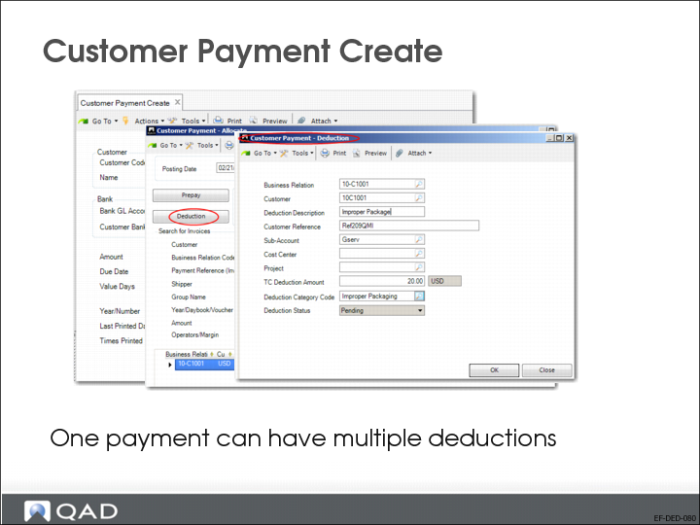
You can use Customer Payment Create to create deductions. The process is similar to the process for creating prepayments. However, unlike prepayments, you can enter many deductions for a single payment transaction.
In Customer Payment–Allocate, click the Deduction button. The Customer Payment–Deduction screen opens. Specify the deduction details.
When you click OK in the Customer Payment–Deduction screen, the system adds a new line to the Customer Payment–Allocate grid with allocated invoices.
If you want to have more than one detail line in your deduction, use the Deduction Details screen.