Deduction Details
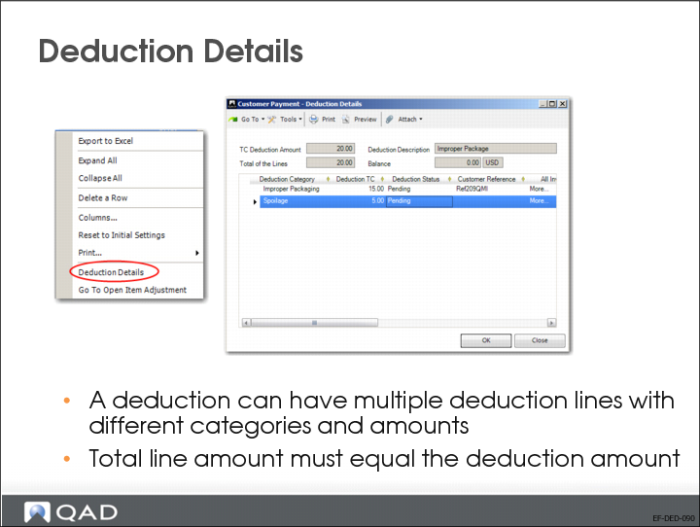
Use the Deduction Details screen to create deductions that have more than one detail line. To access the Deduction Details screen, right-click on the deduction in the grid in Customer Payment–Allocate and choose Deduction Details from the context menu.
To create multiple detail lines, right-click in the grid and insert more detail lines. You can then specify other categories on the lines. You can also specify the same deduction categories on multiple deduction detail lines for the same payment if each line is linked to a different invoice. The total amount must equal the total deduction amount of the deduction invoice. You can only save the payment when the line total is equal to the deduction total.