Reviewing Deductions
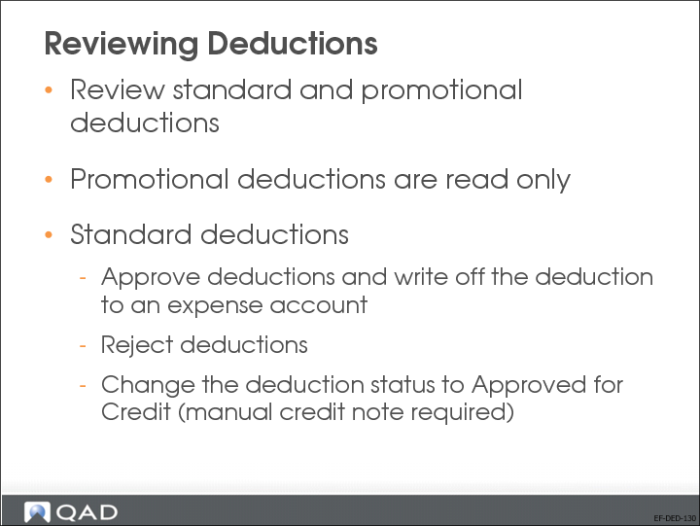
Use Deduction Review to review both standard and promotional deductions. Standard deductions are editable; promotional deductions are read-only.
During the deduction review process, you can approve standard deductions and write off the deduction to the expense account associated with the deduction category. You can also reject the deduction, causing the deduction amount to become a due item on the customer’s account. You can also change the deduction category associated with the deduction during the review process.
You can also change the status of a deduction to Approved for Credit, which indicates that a credit note must be created (manually) for the amount. When the credit note is created, you can use Open Item Adjustment Create to adjust the credit note against the deduction balance.