Customer Activity Dashboard
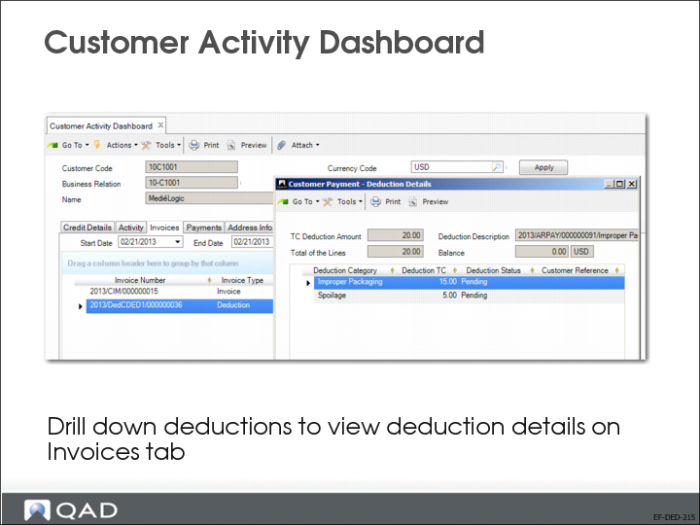
You can view deduction invoices in the Activity tab, Invoices tab, and Payments tab of the Customer Activity Dashboard (27.18.1). If you right-click on the deduction and select Deduction Details from the context menu, you can view the deduction details in read-only mode.
The Invoices tab of the Customer Activity Dashboard contains a Deduction Status column, which displays the status of invoices of type Deduction. The possible statuses are:
• Pending, where the deduction contains detail lines with the status Pending.
• Credited, where all the deduction detail lines are written off, automatically written off, or credited.
• Rejected, where the deduction invoice is rejected.
• Approved for Credit, where the statuses of all deduction detail lines are Approved for Credit.
If the invoice is not a deduction invoice, the Deduction Status column is blank.
The deduction due date is also displayed in the Customer Activity Dashboard.