Supplier Invoice Scenarios
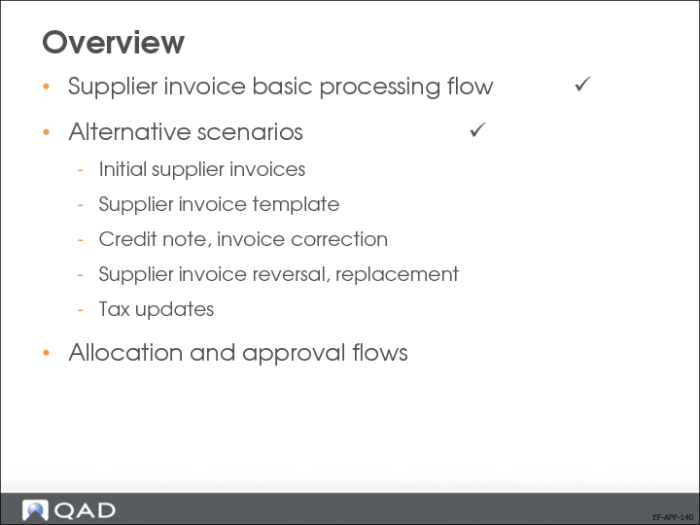
There are a number of alternative flows to the basic Supplier Invoice Create flow:
• Initial Invoices
You can enter a supplier invoice in the initial status and update or validate it at a later stage.
• Templates
Templates let you reuse postings for recurring supplier invoices.
• Corrections
Use the correction functionality to reverse the posting sign instead of reversing the posting.
• Reverse/Replace
Use Supplier Invoice Reverse and Supplier Invoice Replace to correct existing supplier invoices and matching postings.
• Tax Update in Receiver Matching
Update accrued tax postings in Receiver Matching Create
Initial Supplier Invoices
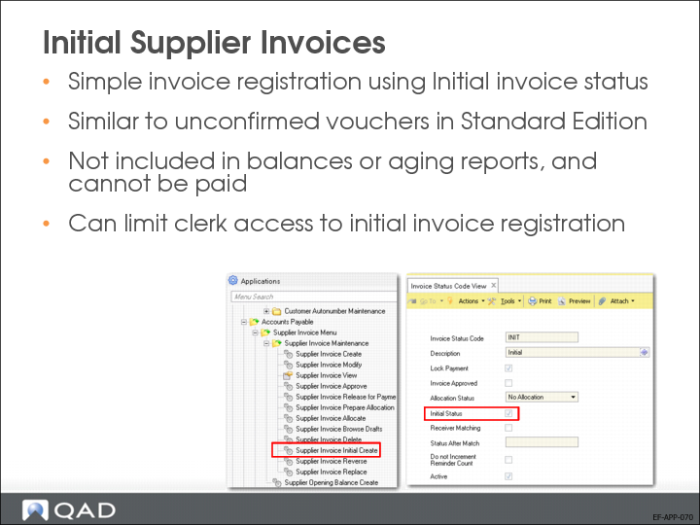
You can record supplier invoices with a status of Initial. Initial invoices are locked for payment, and are unapproved and unallocated. In addition, initial invoices are not included in balances or aging reports, and cannot be paid.
You can use initial supplier invoices within an approval process in which certain roles (for example, junior clerks) are granted access to initial invoice registration only.
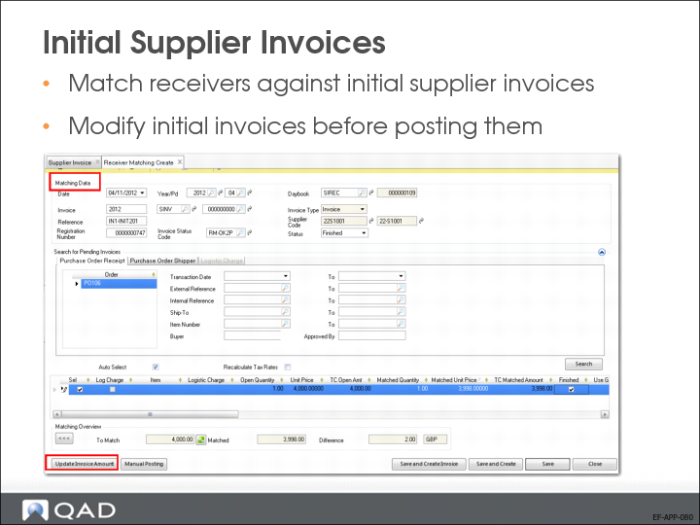
You can modify initial invoices, including the amounts and postings, before posting the invoice to the primary accounting layer.
You can match receivers (for example, PO receipts) against initial invoices, but you cannot match payments.
Supplier Invoice Template
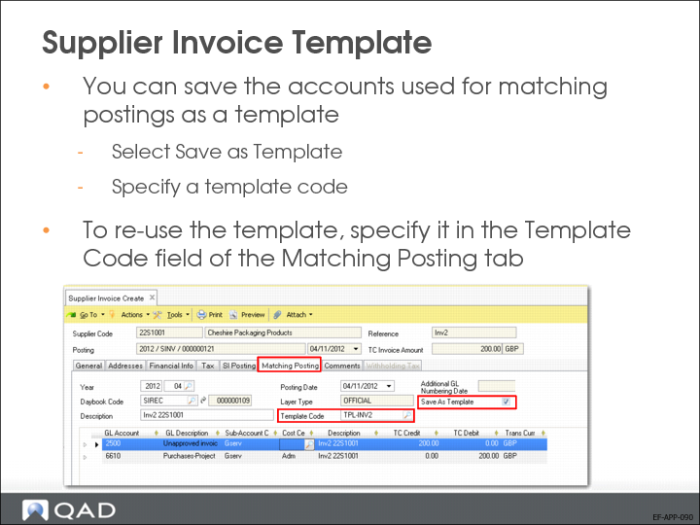
If you plan to record the same supplier invoice on a regular basis, posting templates let you save the posting details for reuse.
Supplier Corrections and Credit Notes
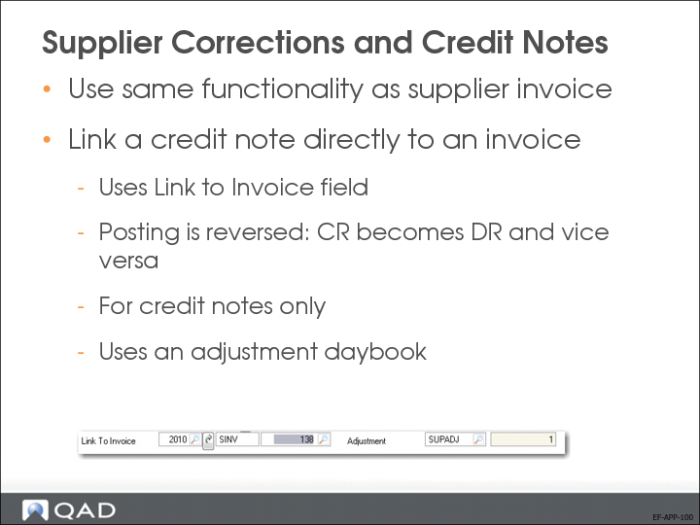
Link to Invoice.
Only for credit notes. A credit note can have a one-to-one link to a supplier invoice. You can only select supplier invoices for the same supplier that have an open balance that is equal to or higher than the credit note amount. Linking applies an automatic adjustment (posting) to the supplier invoice and credit note with a posting date equal to the posting date of the credit note.
Adjustment
The daybook to use for a credit note/supplier invoice adjustment (see Link to Invoice field). The daybook must be of type Supplier Adjustment. The sequential number is system generated.
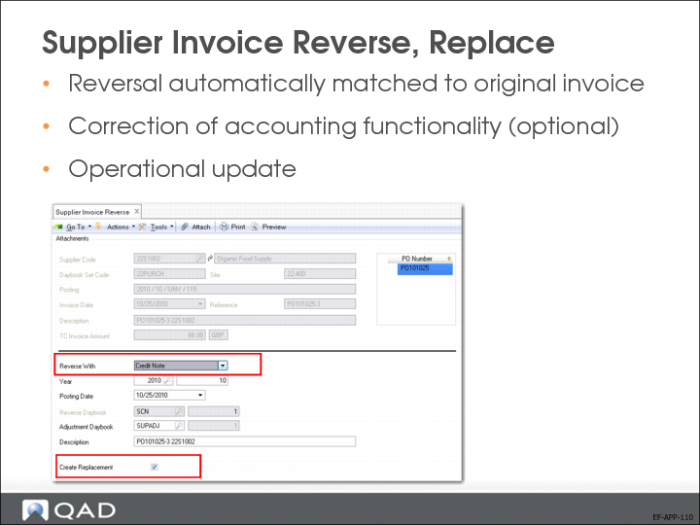
Supplier Invoice Reverse, Replace
Use the Supplier Invoice Reverse and Replace functions to create a correction invoice that reverses the postings of an incorrect standard invoice, and, optionally, create a replacement. You can use these functions to correct standard supplier invoices, invoice corrections, credit notes, or credit note corrections. You also use these functions to re-open a saved receiver matching process by re-creating the original invoice and re-opening the receiver lines.
When the invoice you are reversing was used in financial or receiver matching, the Reverse function reverses the matching postings, and in the case of receiver matching, reopens the receiver lines. You can then start the matching process again with the new invoice amounts.
Update Taxes in Receiver Matching
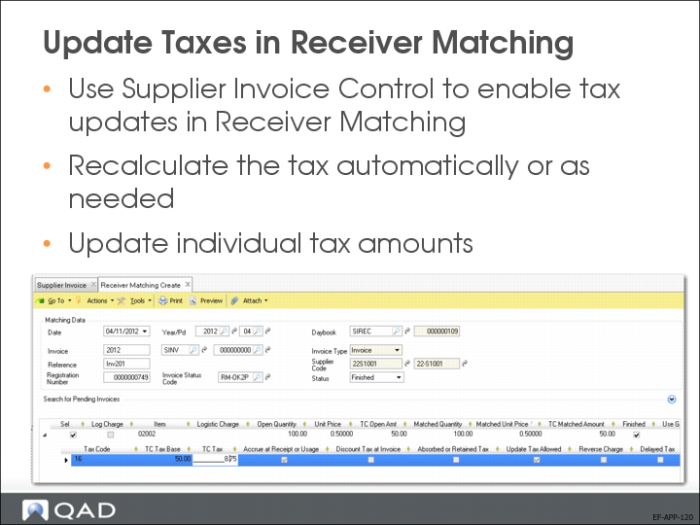
Tax details are stored in Receiver Matching. You can edit tax amounts in Receiver Matching if Recalculate Tax Rates is enabled in Supplier Invoice Control.
You can also use the Recalculate Tax Details option in Receiver Matching to update tax amounts automatically without the need for manual posting.
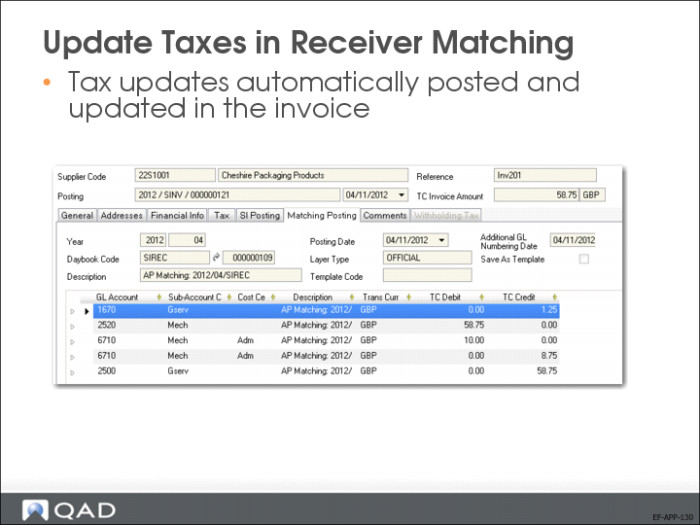
Corrections to taxes are automatically made in the matching postings.
You will now review the allocation and approval process flows.