GL Open Item Reconciliation
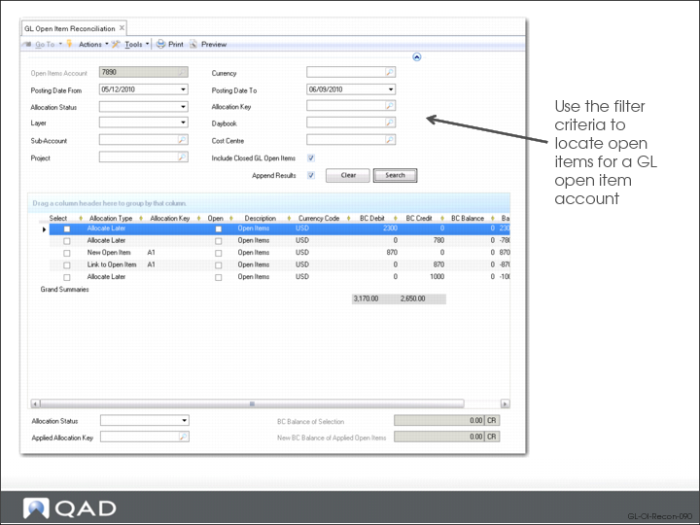
Use the filter criteria in GL Open Item Reconciliation (25.15.2.13) to locate open items for a given GL open item account. Open item movements created for that account in Journal Entry and other functions and matching the selection criteria are displayed. You also have the option to include closed GL open item movements in the search criteria. Open item movements are closed when the balance of their associated allocation key becomes zero.
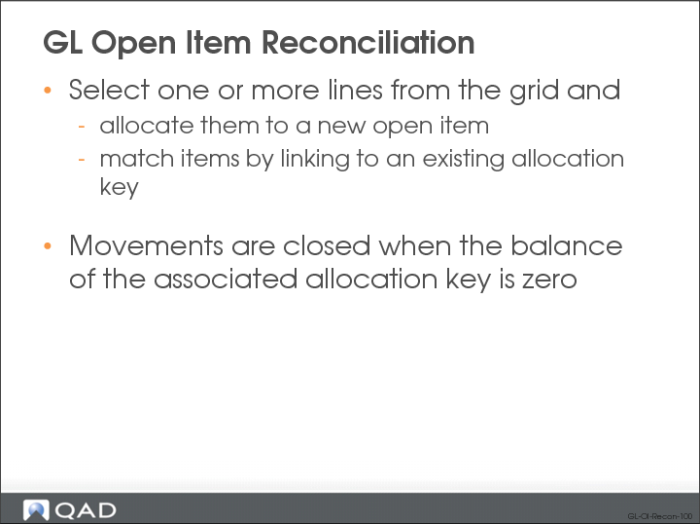
You can select one or more lines from the grid and allocate them to a new open item, or you can match items by linking them to an existing allocation key. In addition, you can deallocate allocated transactions by resetting their statuses to Allocate Later.
You can view the outstanding balance of open items by selecting the items in the grid. The BC Balance of Selection field at the bottom of the screen then displays the balance of the selected items, while the New BC Balance of Applied Open Items shows the projected balance of the open item key applied to the selected lines. This balance can be different from that shown in the BC Balance of Selection field because the open item key can already have a balance from movements that are not in the current selection.
For all transactions displayed in the grid, you can drill-down and view the source transactions. You can also view GL open items and their allocation statuses using a report and a number of views.