GL Open Item Initialization
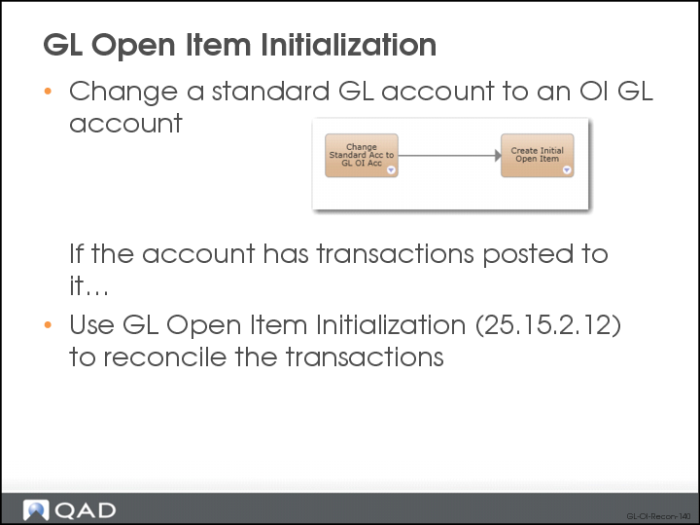
If you change a standard GL account to an Open Item GL account and the account already has transactions posted to it, you can use GL Open Item Initialization (25.15.2.12) to reconcile the transactions automatically. This function accommodates situations where there was prior uncertainty over which accounts required the use of GL open items.
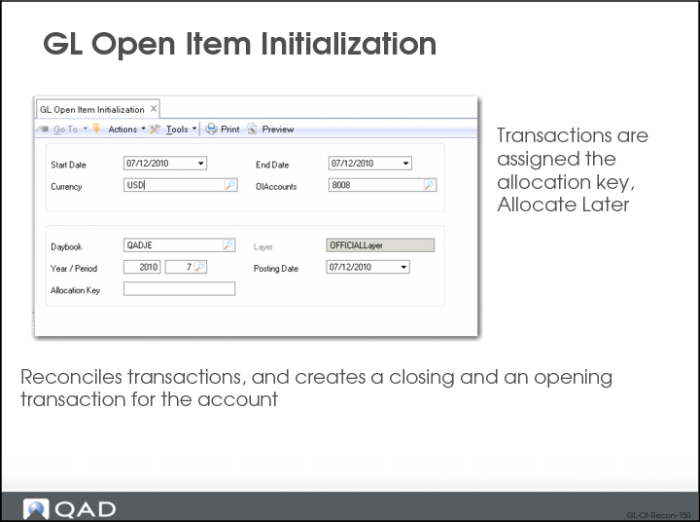
When you convert a standard account to a GL open item account, all existing transactions on the account are assigned the default allocation value of Allocate Later.
If a standard account was created for use in the operational modules and specified in, for example, Domain/Account Control (36.9.24), Product Line Maintenance (1.2.1), Purchasing Account Maintenance (1.2.5), or Inventory Account Maintenance (1.2.13), the system prevents you from changing the standard account to a GL open item account.
When you run GL Open Item Initialization (25.15.2.12), the system gathers all transactions for the specified converted open items account, reconciles any transactions that can be reconciled, and creates a closing and an opening transaction for the account.
The closing transaction is automatically assigned the allocation key you specify in GL Open Item Initialization (25.15.2.12). The same key is also assigned to all unallocated transactions on the account, linking the historical transactions in one step. This prevents the older unmatched transactions on the account from being continuously listed as unallocated in GL Open Item Reconciliation (25.15.2.13) or in the GL Open Item report (25.15.1.8).