Work Order Posting
Overview
The work order processing scenario used in this chapter shows how operational transactions generate GL transactions, and how the transactions update GL balances in Financials.
The example in this chapter shows the work order process for a medical ultrasound manufacturer.
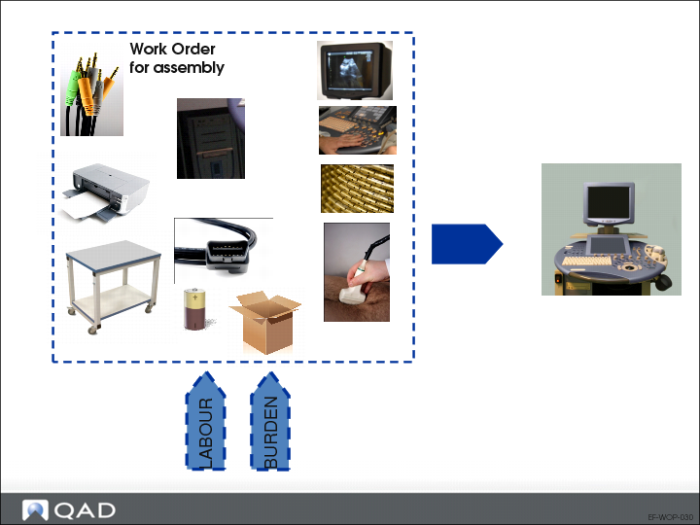
Work Order for Assembly
In order to assemble a medical ultrasound, you need components (standard connector, display, keyboard, protective casing, CPU, probe, moveable cart, monitor cable, printer, battery, shipping box), labor, and burden.
Setup
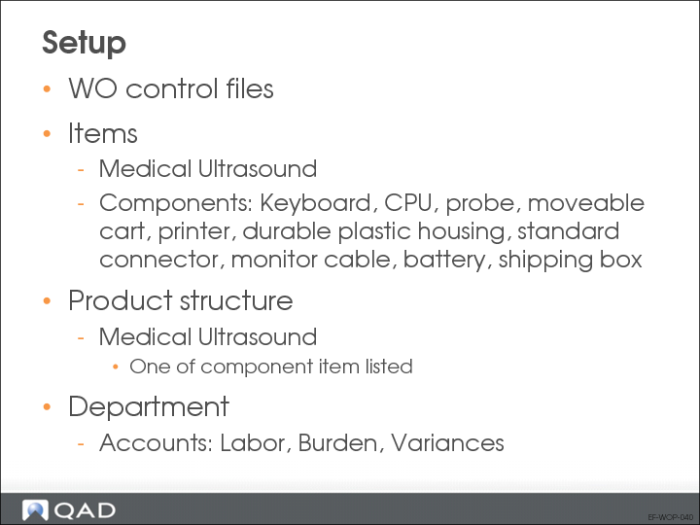
WO control programs have been completed.
Both manufacturing and purchase items are set up, as well as the product structure.
Departments are created to identify the GL accounts to use.
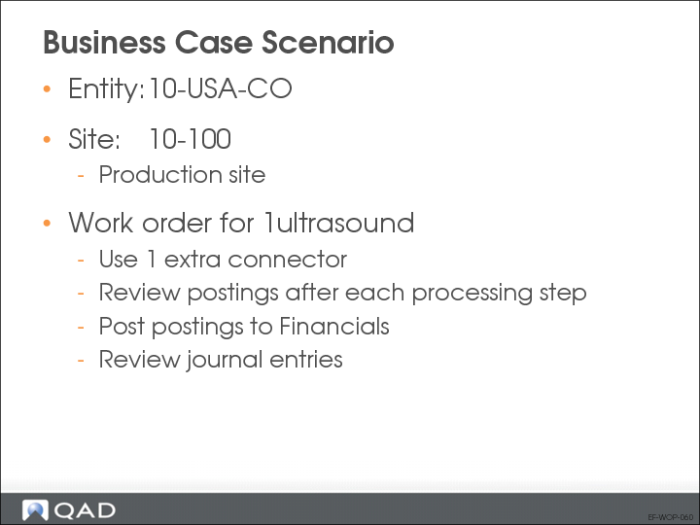
Business Case Scenario
This scenario uses more connectors than the standard quantity. This change causes a variance, and we will examine the postings that result from the variance.
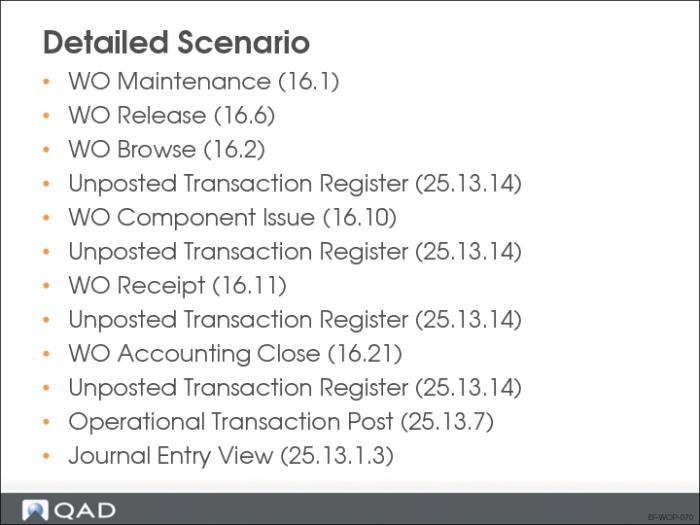
Detailed Scenario
After completing certain operational steps, run Unposted Transaction Register (25.13.14) to investigate the accounting impact of the variance.
Journal Entry View
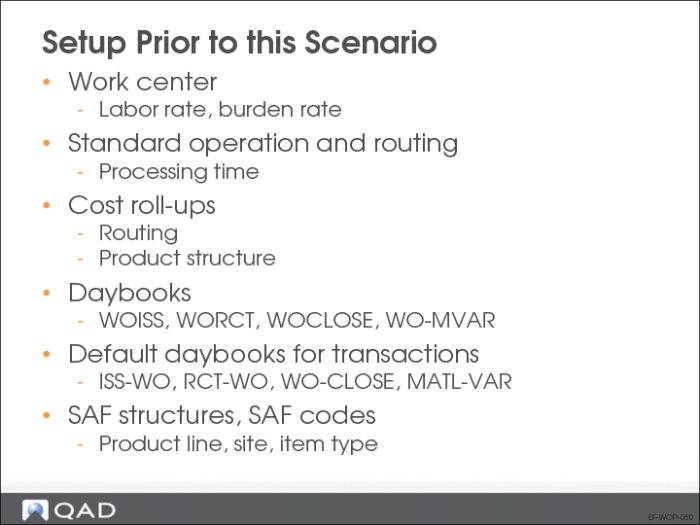
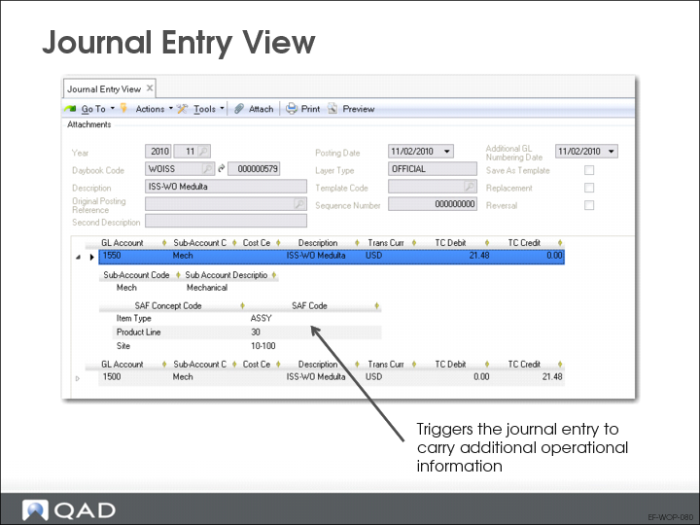
Prior to generating the transactions, set up the Inventory WIP account with SAF analysis enabled, and with the SAF structure, Manufacturing (tracking details on Item Type, Product Line and Site). This setup triggers the journal entry to carry additional (operational) information.
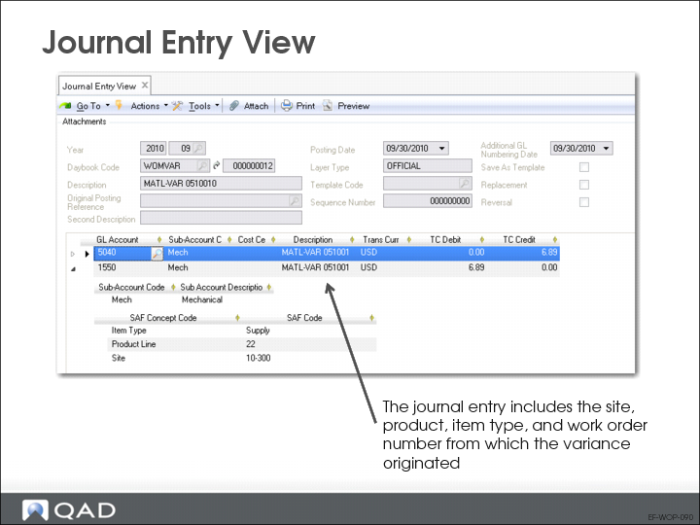
The material usage variance account provides the necessary details to investigate the origin of the variance (item type, product line, site, and work order number).
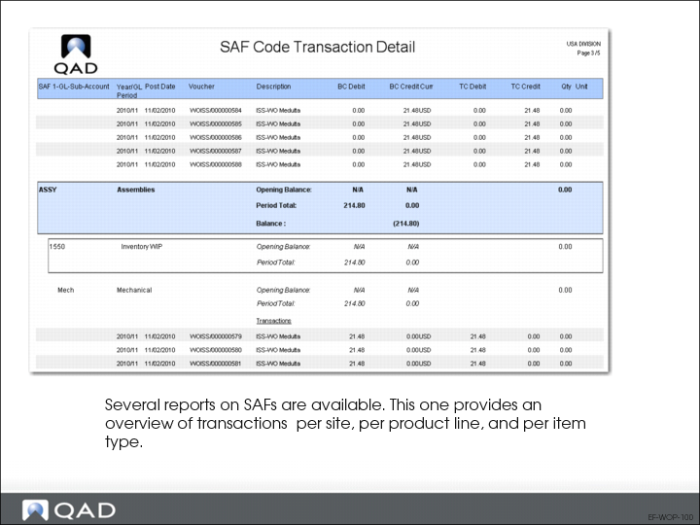
SAF Code Transaction Detail
When you run the SAF Code Transaction Detail report, select three grouping levels:
1 SAF1 (Site: 10-100
2 SAF2 (Product Lines: 20, 30)
3 SAF3 (Item Type: Purchased Goods, Comp, Assy, Pack)
The GL account (1550) and the sub-account (mech) are at the lowest level of the grouping.
Related Views
You can use the same report to produce a different view by changing the grouping of data at runtime.
Other reports, such as the SAF Code Transaction Summary report, show the same data, but with a different level of detail.
In addition, you can use browses, such as the SAF Code View, as a starting point. From there, you can use the related views and reports option to further explore transactions with SAF codes.