Journal Entry
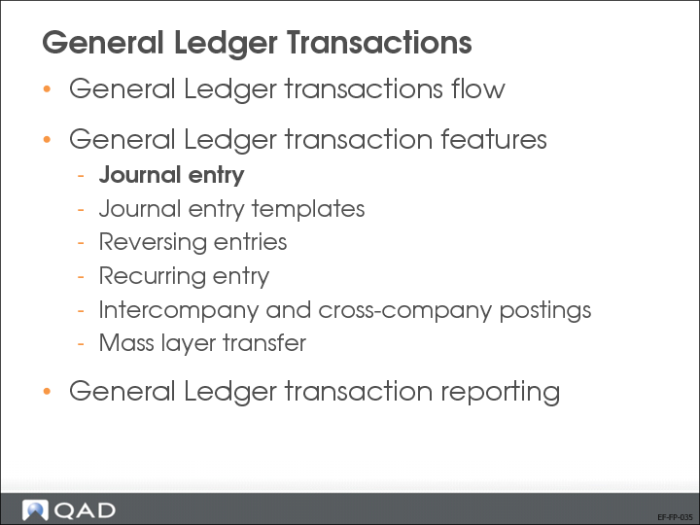
We will now discuss journal entry creation in more detail.
Journal Entry Posting Process
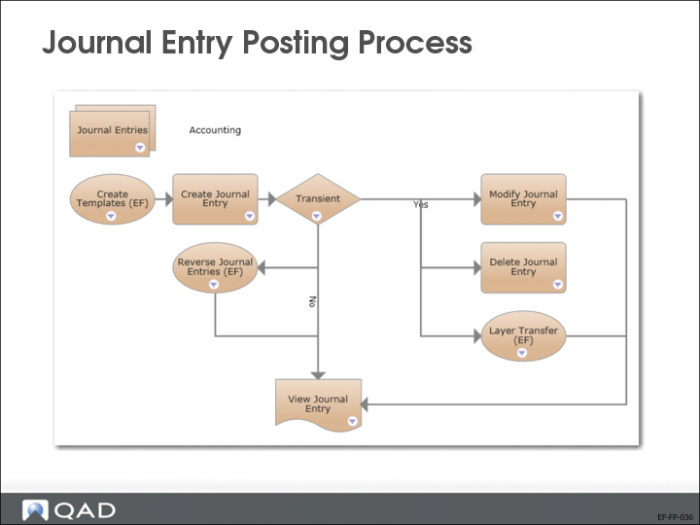
A journal entry, or posting, is a basic transaction in the accounting system. Journal entries are often composed of multiple posting lines, each associated with a GL account and an amount.
Journal entries can be based on templates, can be reversed, and, if posted in the transient layer, they can even be modified and deleted.
Journal Entry Creation
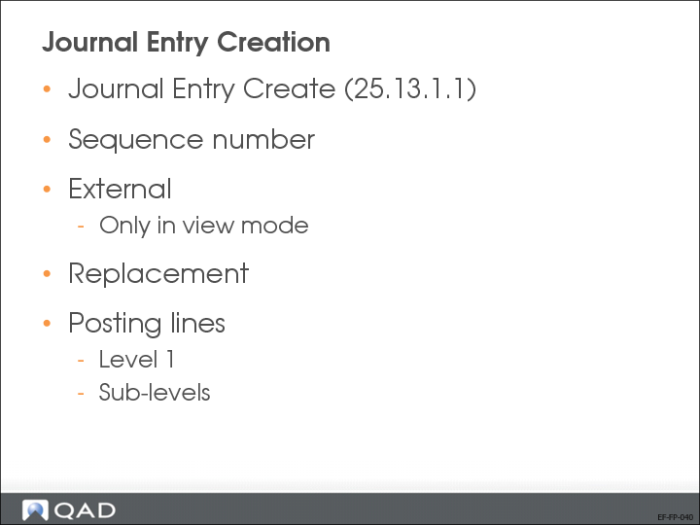
Use the Journal Entry activities (25.13.1) to create, view, modify, delete, and reverse journal entries. You can use Journal Entry Create (25.13.1.1) to manually record transactions for financial daybooks. However, Journal Entry View (25.13.1.3) lets you view transactions posted to operational and external daybooks, in addition to financial daybooks.
Journal Entry Create (25.13.1.1) Highlights
Sequence number:
This field displays a nine digit sequence number generated for the journal entry. This is an alternative reference number for use in countries where local GAAP constraints require that GL posting numbering be sequential, without any gaps.
Note: The sequence number is generated only if the Additional GL Numbering field is activated for the entity.
Replacement
Select the field if the journal entry is a replacement posting. Normally, if a GL posting is incorrect, it is rectified using two subsequent GL transactions: a reversal posting to balance out the original, incorrect posting, and a new replacement posting with the correct values.
Reversal
Select the field if the journal entry is a reversal posting to balance out a previous, incorrect posting.
You can also use the following activities within Journal Entry:
• Journal entries can be saved in draft format when Draft Instances is selected in System/User Settings, Change System Setting. When you save a record in draft format, none of the system validations are executed. You can then return later to complete the record by choosing the Journal Entry Browse Drafts activity and selecting the record you want to finish from the list.
• Using the Excel integration feature, you can export data into Excel spreadsheets for analysis or reporting. You can also create new data within Excel and import it to the system database, where it is validated before being saved.
If the GL account you use does not have analysis and the transaction you enter is in the base currency, the posting contains only a single line and no level 2 posting lines.
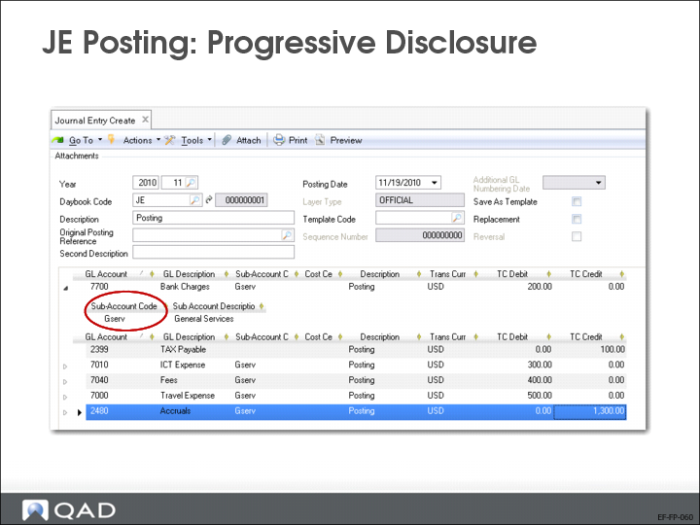
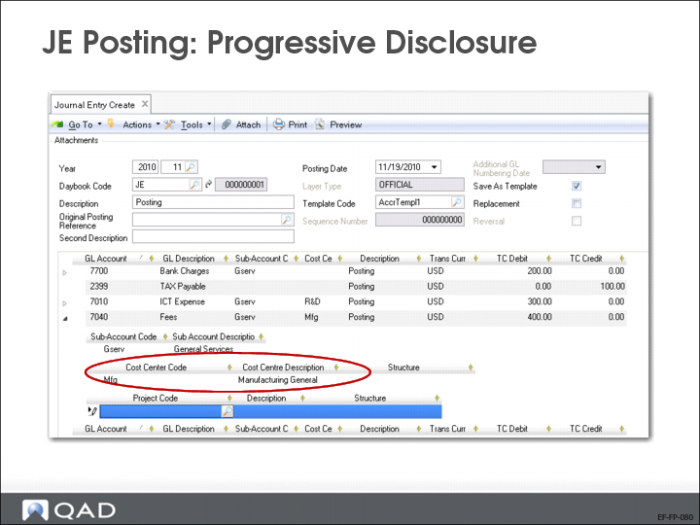
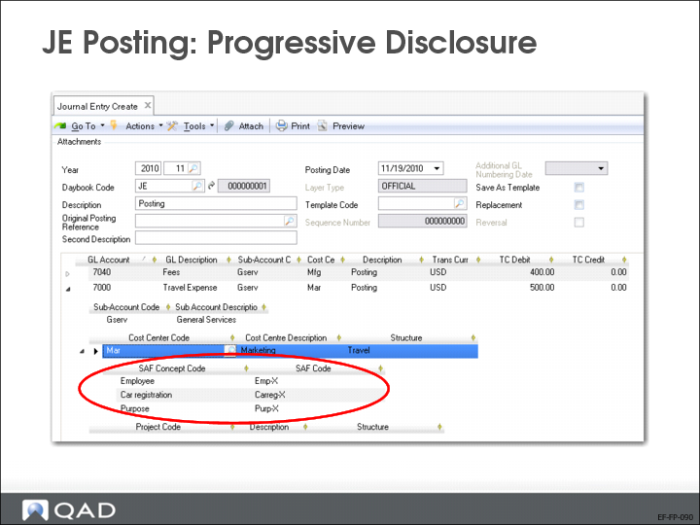
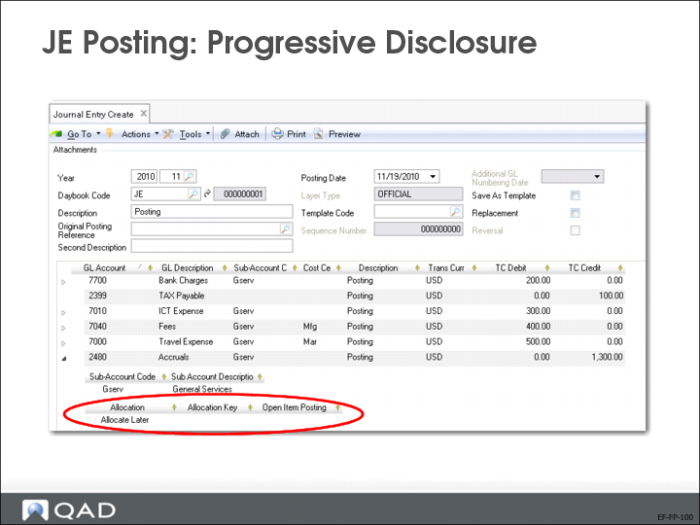
JE Posting: Progressive Disclosure
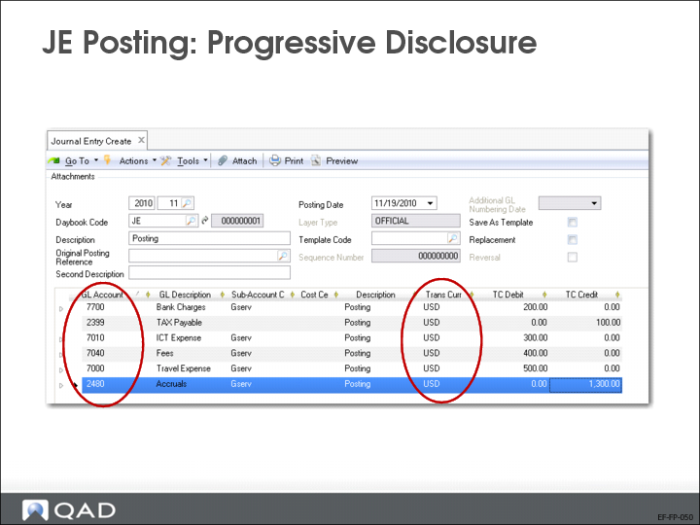
A posting line can be composed of multiple sublevels containing additional posting information.
The level 1 posting line contains fields for the GL account, sub-account, cost center, journal entry description, base currency, and debit and credit amounts in the base currency.
The posting grid can automatically display additional level 2 posting lines and fields, depending on how the GL accounts used in the transaction are defined, such as fields for:
• Transaction currency
• Quantity
• Intercompany
• Cost center analysis
• Project analysis
• SAF analysis
• Open items
• Tax account details
If the posting line contains additional level 2 posting lines, a line expander (+) appears to the left of the line. Click the expander to drill down and view all posting details.
Progressive Disclosure—Continued