Recurring Entries
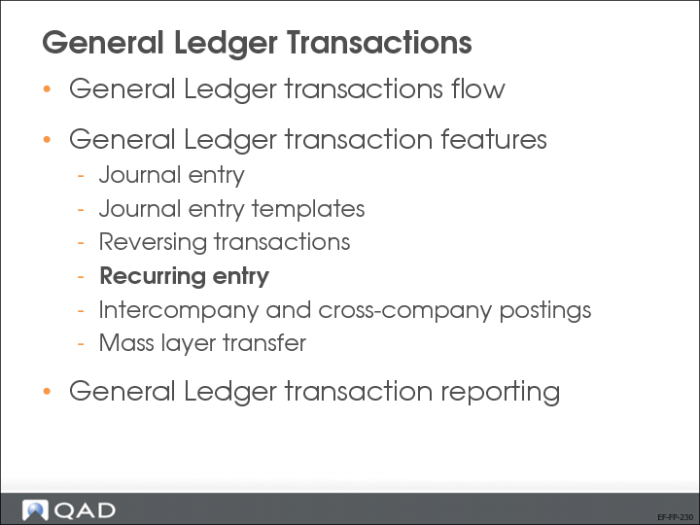
Use Recurring Entry activities (25.13.4) to create, view, modify, and delete recurring entries, and to process recurring entry postings.
Recurring entries are transactions that are repeated regularly, such as monthly rent payments.
You can run recurring entry transactions in several GL periods, eliminating some of the manual effort required. An expected end of year expense might be accrued month by month to distribute the effect on the balance sheet. Rather than making a manual entry each month, you can set up a recurring entry.
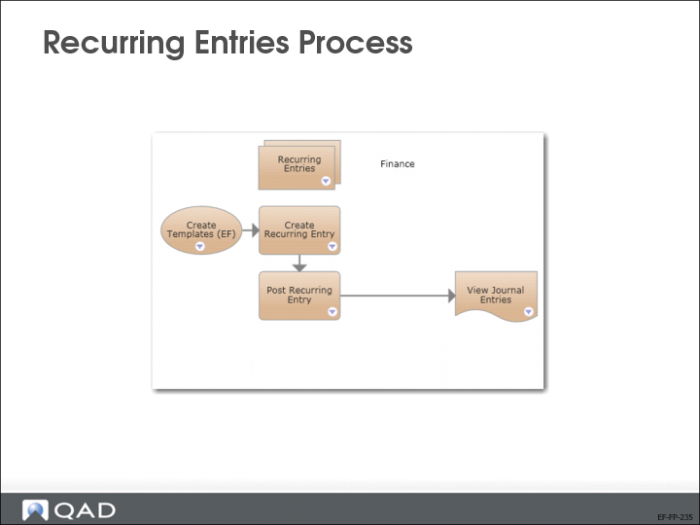
Recurring Entries Process
The slide displays the process map for recurring entries.
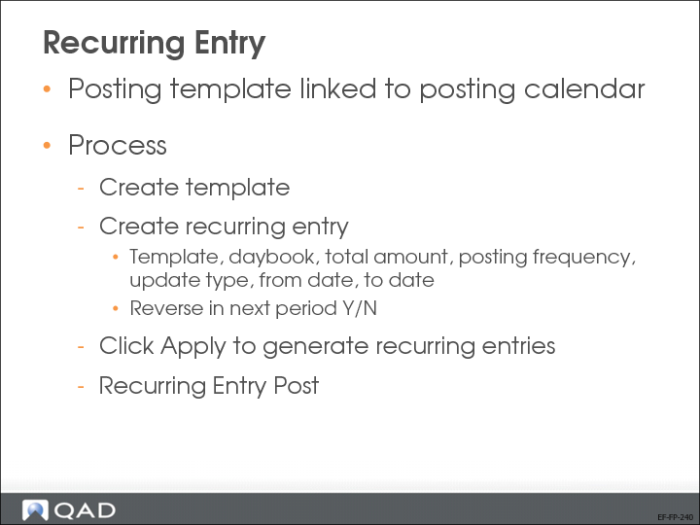
Recurring Entry
A recurring entry consists of a posting template linked to a posting calendar. If you have created a recurring entry recorded in the transient layer, you then post the entry to the primary layer using Recurring Entry Post (25.13.4.5). If the template was recorded in the primary layer, the posting step is not required.
1 Create the posting template in Journal Entry Create (25.13.1.1).
2 Set up the recurring entry in Recurring Entry Create (25.13.4.1).
3 Post the recurring entry in each period.
Update Type
Choose an option to indicate if the details in the template can be updated when the postings are run.
Allowed: You can optionally update posting details marked as Allowed. Posting details with this status are displayed in green.
Forbidden: You cannot update posting details marked as Forbidden. Posting details with this status are displayed in black.
Mandatory: You must update posting details marked as Mandatory. Posting details with this status are displayed in blue.
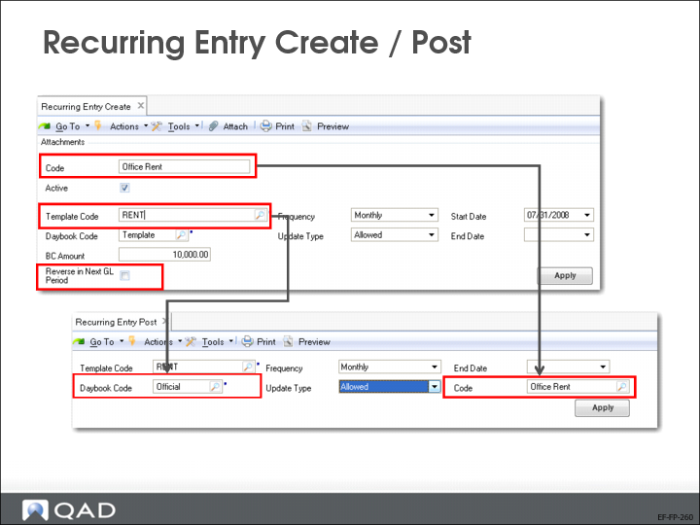
Recurring Entry Create/Post
Use Recurring Entry Post (25.13.4.5) to post recurring entries to the primary layer, and update the accounts specified in the posting template.
When selecting recurring entries to post, you must specify an end date as a search criterion. Refine the search further using the template, daybook, frequency, and update type criteria. Recurring entries without an end date are also included in searches, if they match the other search criteria.