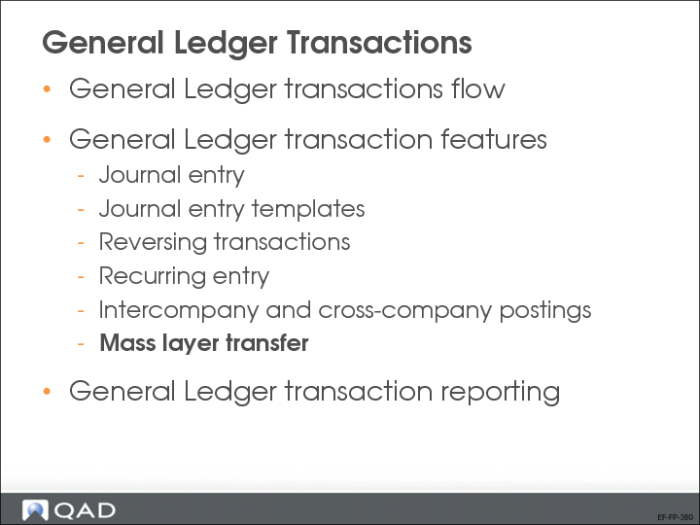
Mass Layer Transfer
Unfinalized transactions are generally posted to daybooks in a transient layer for review or for simulation purposes. Mass layer transfer lets you move transactions from the transient layer to the primary or secondary layers. When transactions are moved to another layer, the overall account balances remain the same, but the balances are now stored in the layer to which you have moved them.
Let’s review this process in more detail.
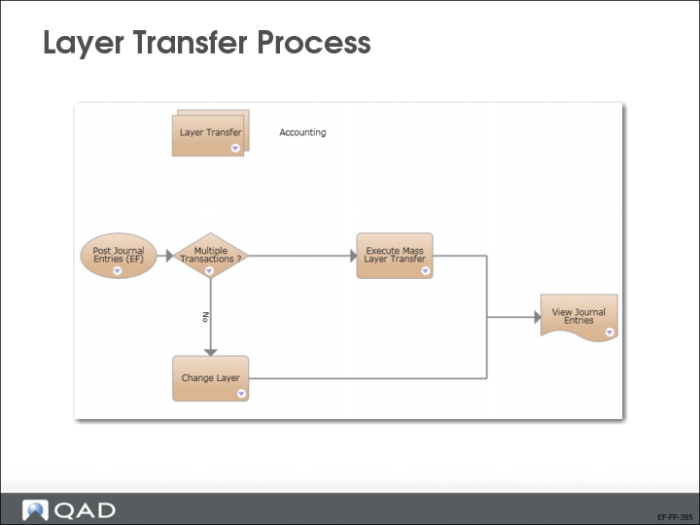
Layer Transfer Process
The slide shows the layer transfer process map.
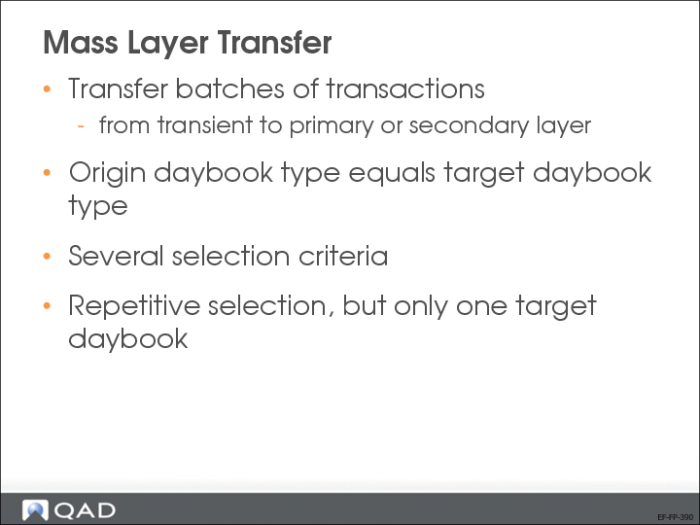
Mass Layer Transfer
Mass Layer Transfer Execute (25.13.11) lets you transfer batches of transactions from the transient layer to the primary or a secondary layer.
When transferring, the target daybook must have the same daybook type as the original transient daybook.
If you do not specify a source daybook, all transactions in the source GL layer that meet the other selection criteria (such as GL period or posting date) are selected for transfer.
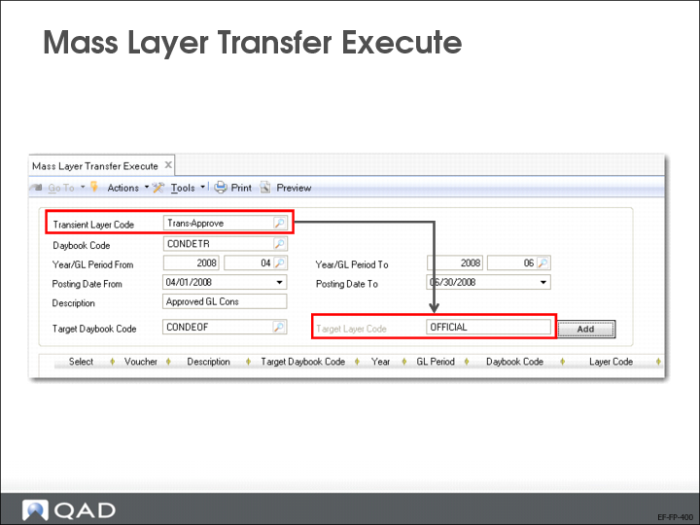
Mass Layer Transfer Execute
Use Mass Layer Transfer Execute (25.13.11) to transfer postings. Indicate the Transient Layer Code, the daybook code and the Year/Period.
The Target Layer Code field is read only, based on the target daybook code.