Financials Report Writer
Overview
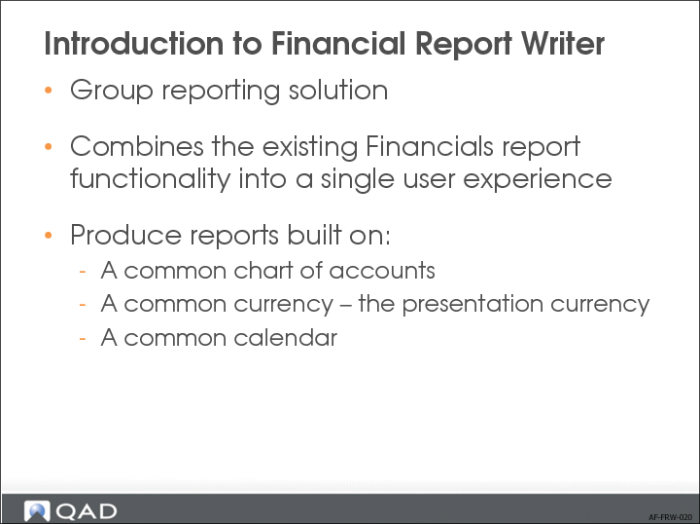
Financial Report Writer is a group reporting solution that combines the existing Financials reporting functionality into a single user experience. It includes multi-entity and multi-domain reporting that lets you map charts of accounts and approximate consolidation results.
Financial Report Writer aggregates financial statements that are built on:
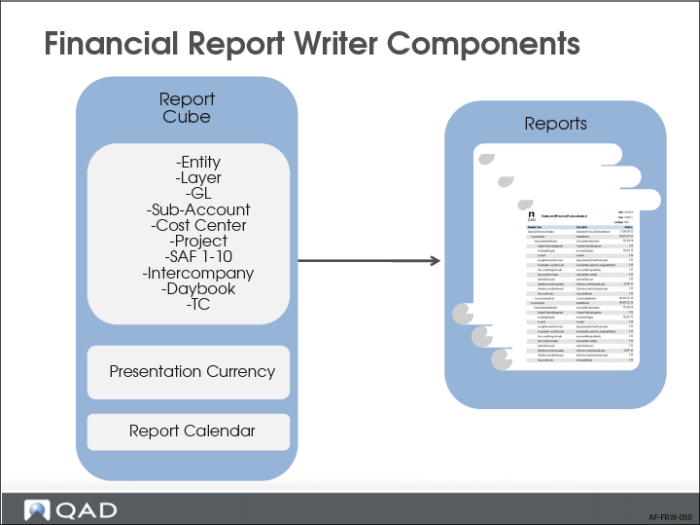
• A common chart of accounts (COA) including all dimensions available in Financials, such as domain, entity, layer, GL account, sub-account, cost center, project, SAFs, intercompany, and currency
• A common currency—the presentation currency
• A common calendar
Benefits
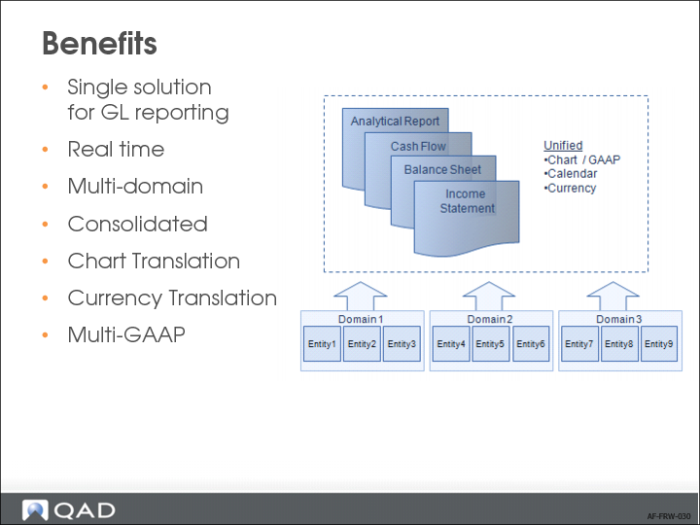
Financial Report Writer is a major uplift of the reporting capabilities in Enterprise Financials. It combines the power of the GL Report Writer with new Enterprise Financials features such as layers, SAFs, intercompany analysis, and statutory currency.
Financial Report Writer provides financial information for accountants and managers on both corporate group level and local domain level. Using Financial Report Writer, you can create financial statements such as balance sheets, income statements, and cash flow statements. You can also create cross-domain analytical reports with many dimensions such as regions, countries, entities, divisions, departments, product lines, and customer groups.
Financial Report Writer also provides an accurate approximation of the consolidation results in real-time without the need to run the consolidation program.
You can produce reports in any wanted chart of account, any hierarchy, and according to any GAAP. You can represent report amounts in any presentation currency.
You can also create a report calendar that is different that the local domain GL calendars.
Main Features
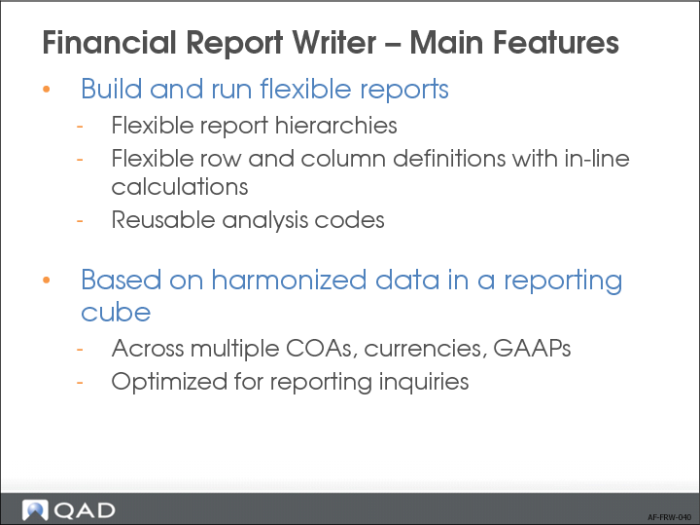
The Financial Report Writer allows great flexibility in creating reports. You can create reporting hierarchies using all COA elements and you can easily change these at any time. The rows and columns of the reports can contain calculations, comparisons with previous periods, or side by side comparisons of entities, cost centers, projects, and so on.
To avoid duplication of effort, reusable analysis codes contain definitions for the data to include in the reports. For example, you can define groups or ranges of GL accounts once and reuse them on many reports.
This flexibility is possible because data from the different source domains is stored in report cubes. In the report cubes, the data is harmonized and stored in an optimal format for reporting. A report cube contains data that can come from many domains and this harmonized data allows for consistent reporting.
Financial Report Writer Components
The real power of the Financial Report Writer is the flexible way in which you can build and run reports. It uses the information stored in report cubes to generate reports in any required structure or format.
Report Chart and Report Cube
To collect data from different domains in a single report cube, you must perform three setup steps:
1 Use Report Chart of Account Maintenance to define how the source domain chart of accounts is mapped to a target report chart of accounts.
2 Create COA cross-references using COA Cross Reference Modify or COA Cross Reference Excel Integration.
3 Use Report Cube Definition to define the presentation currency, the currency translation methods, and exchange rates applied for the report cube. You can also define a report calendar and map that to the GL calendars. You can define multiple presentation currencies.
Financial Report Writer lets you combine the accounting layers of Enterprise Financials in different ways so that each combination represents another GAAP (for example, local GAAP, US-GAAP, or IFRS) and you can then run the same report for different GAAPs.
Financial Report Writer is XBRL enabled, and you can tag all elements in the reports with XBRL XML tags, which are available in the output datasets of the reports.