Forecast Simulation Setup
The forecast setup discussed here is for Forecast Simulation and all the menus contained within Forecast Simulation. Do not confuse this program with Forecast Maintenance (22.1), a major component of Master Scheduling.
Note: Master Scheduling is a a related course in the Manufacturing Planning and Scheduling training class.
Overview
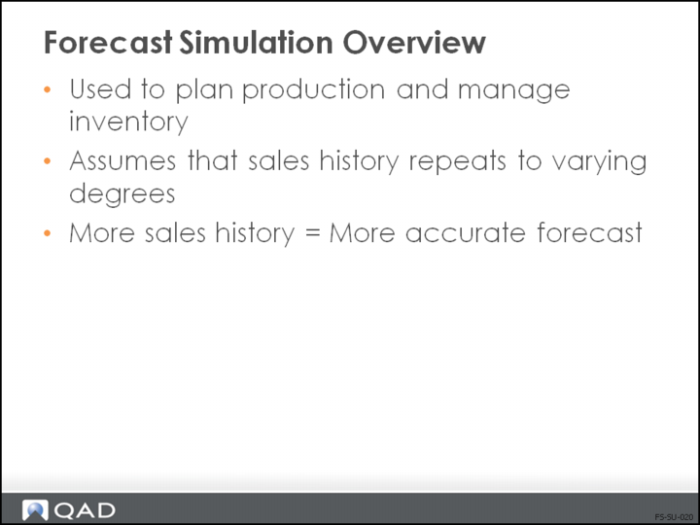
• Typically use forecast simulation to plan production and manage inventory
• Forecast simulation assumes that historical sales patterns are repeated to varying degrees in the future
• Accuracy of the forecast depends on the value of the sales information
• Five forecasting methods and a best fit model are available
• For best statistical modeling, a forecast needs, at minimum, 30 data points; however, Forecast Simulation can work with as few as three data points
Closed-Loop System
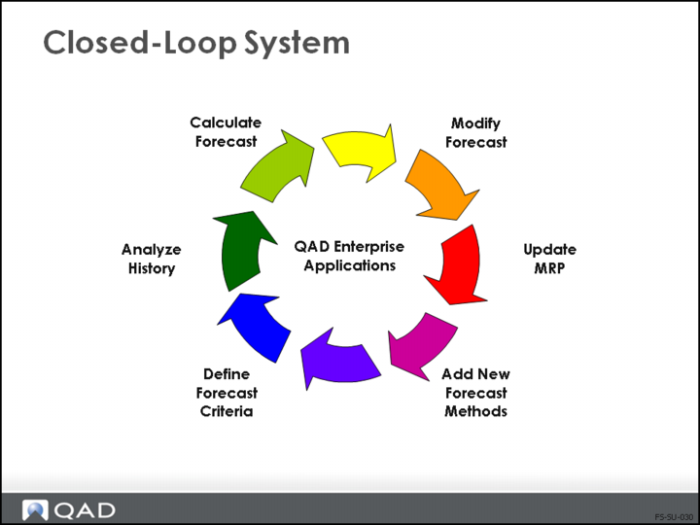
• The Forecast Simulation module makes QAD Enterprise Applications a closed-loop system
• This map is used throughout this training course to indicate the step you on which are working at any time
Additional Functionality
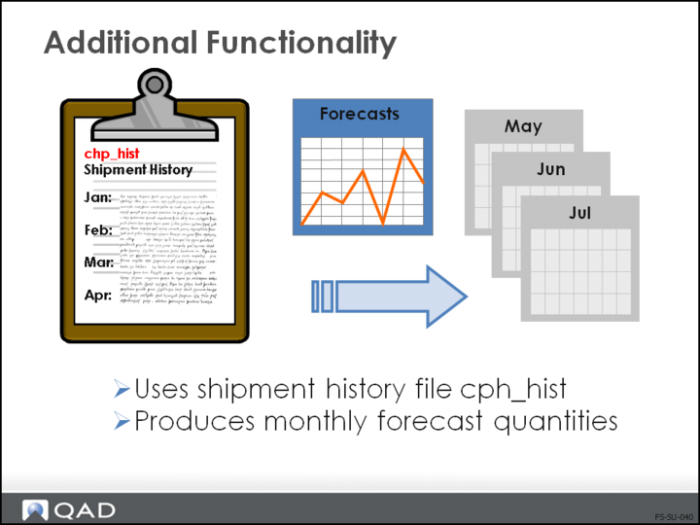
• Forecasting simulation enables you to produce a forecast based on shipment history
• Also can produce a rolling forecast for the next 12 months or for a given calendar year
Limitations
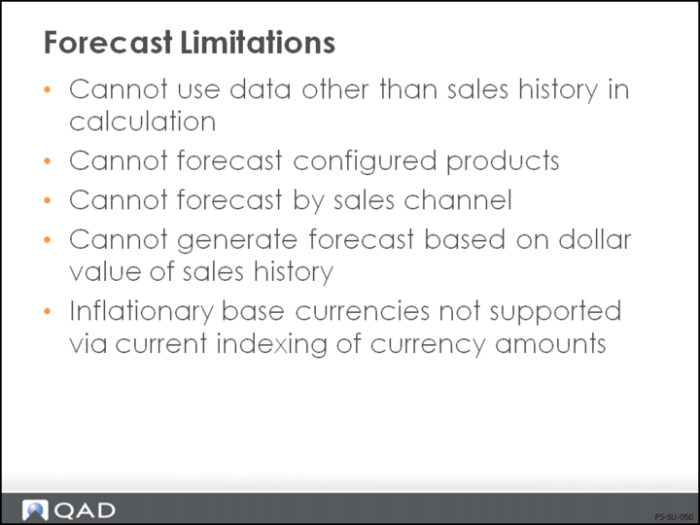
• Forecast simulation cannot use data other than the sales history information
• Configured products cannot be forecast, must individually forecast for components
• Historical sales data used is:
• Product / type / group / line
• Site
• Customer / region
• Ship-to or sold-to address
• Sales channel, dollar values, and currencies are also not part of the forecast simulation calculation
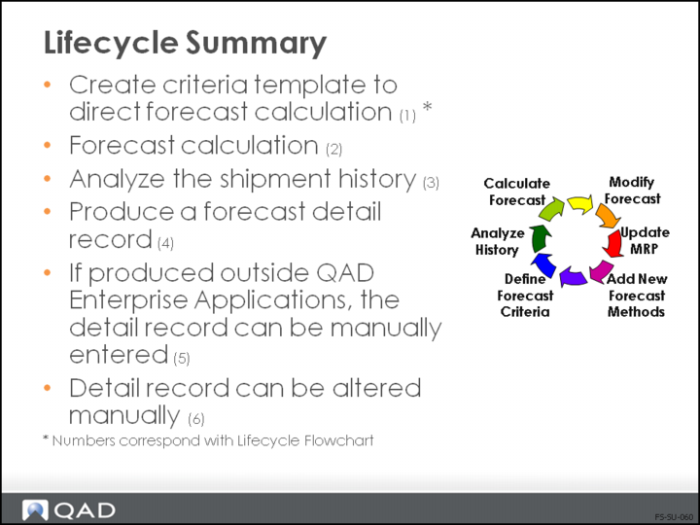
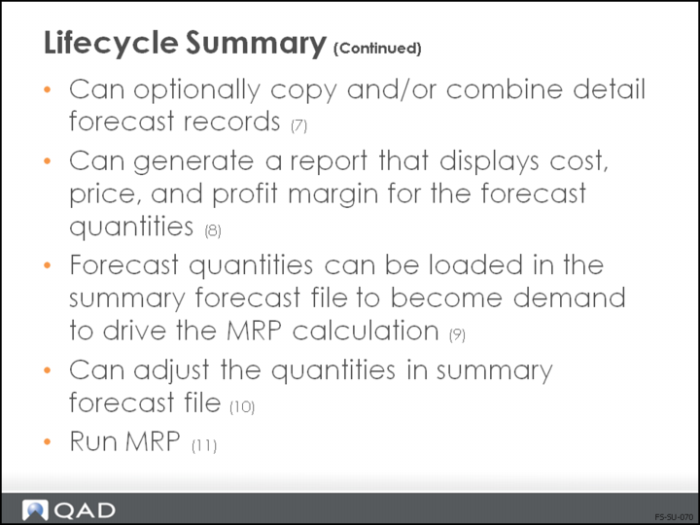
Lifecycle Summary
• The overall workflow summary illustrates all steps of the process, both setup and processing
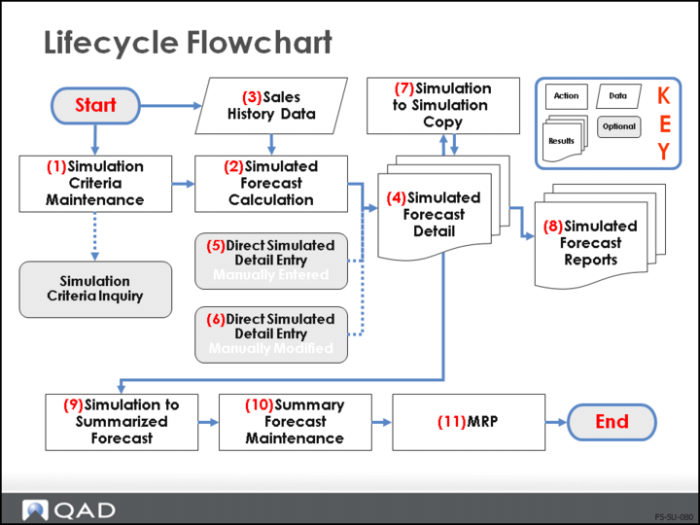
• This summary description matches the graphic representation in the Lifecycle Flowchart.
Lifecycle Flowchart
Workflow: Setup Steps
The lifecycle steps requiring setup include steps 1 and 3:
• Simulation Criteria Maintenance (22.7.1)
• Sales History Data