Introduction
Course Overview
In this course we will cover the following:
• Introduction to Initial QAD Enterprise Applications Setup
• Pre-setup Business Issues
• Setting up Initial QAD Enterprise Applications information
• Product Lines
• Inventory Status
• Domains
• Sites
• Locations
• Item Status
• Items
• Unit of Measure Conversion
• Generalized Codes
• Master Comments
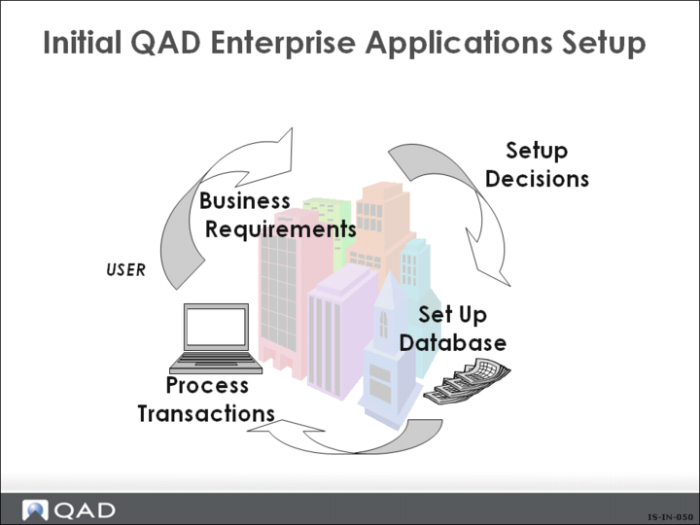
Initial Setup
• Business decisions need to be made about how you are going to set up your system
• Certain parameters and control information must be set up before you can begin processing
Terminology
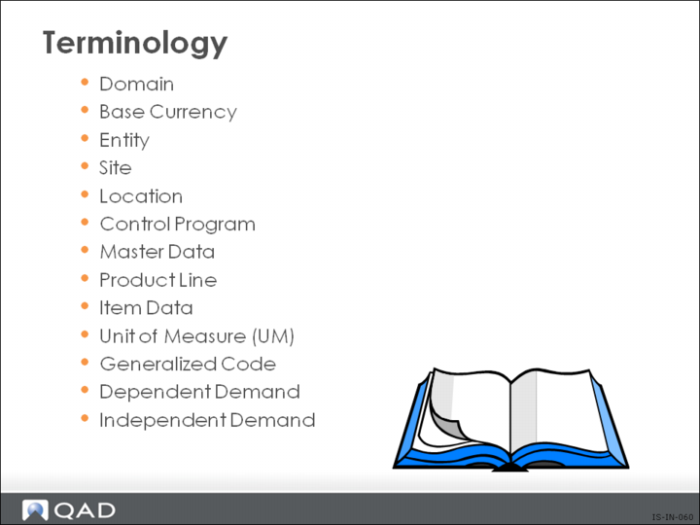
The following are definitions for terms you will encounter throughout this course.
Domain
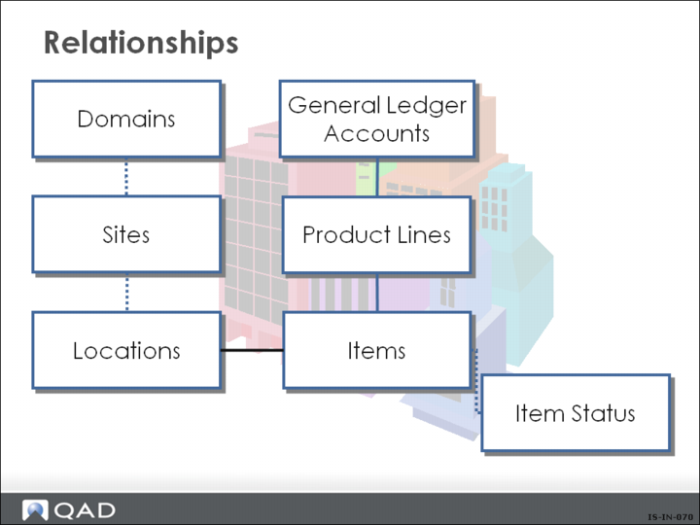
A domain serves as a template for entities and comprises business operations with a single currency and shared data sets. A domain can have one or more entities. You can have multiple domains per database and can change to another domain from within the application, provided you are an authorized user for that domain.
Base Currency (BC)
The currency in which all entities within a domain conduct business. Exchange rates must exist between the base currency and any non-base currencies specified on transactions. The system also maintains these transaction currencies for every transactions.
In Enterprise Edition, a third Management currency can also be maintained. So for example a US based subsidiary of a European company doing business in Canada and Mexico would have a base currency of USD, transaction currencies of USD, CND, and MXN and a management currency of EUR.
Entity
An independent unit for financial reporting purposes. An entity generates a separate balance sheet and income statement, plans budgets, and is assessed for taxes. All GL transactions are posted by entity. The primary entity is the default entity for GL transactions. There is no limit to the number of entities in a database.
Site
An inventory and planning concept correlating to a physical location. All inventory is stored by site and all planning is done by site. Each site belongs to one and only one entity, but an entity can have multiple sites. Most functions work within one site— manufacturing orders expect to find all their components at the same site; MRP and DRP calculate requirements one site at a time. A few functions deal with multiple sites, such as multi-site purchase or sales orders, distribution orders, distributed inventory inquiries, and EMT.
Location
Areas of a site where inventory is stored, used, or shipped. Location parameters identify what can be stored and how it can be used. Every inventory transaction must have a site and location. The same locations can exist at more than one site. This is recommended for multisite processing.
Control Program
Control programs let you update database records and are used to setup and configure various functions of QAD applications. Typically control records are defined during the implementation process and control settings are determined by analysis of the business processes that are required at the time of application installation.
Master Data
Master data is typically static data that does not change frequently. Entering data in a maintenance program creates a record in one or more tables controlled by the maintenance program. For example, item records are stored in the Item Master table controlled by Item Master Maintenance. Master data is contrasted with transaction data, which is associated with business events that use master data such as a sales order shipment.
Unit of Measure (UM)
Specifies the quantities in which an item is stocked and planned.
Generalized Code
A method of defining acceptable values for fields and having the system validate user entry. Codes can display in a look-up browse for selection.
Dependent Demand
Calculated demand, not forecast, for component items and raw materials that are directly related to production of higher level assemblies or end products.
Independent Demand
Demand unrelated to demand for other products.
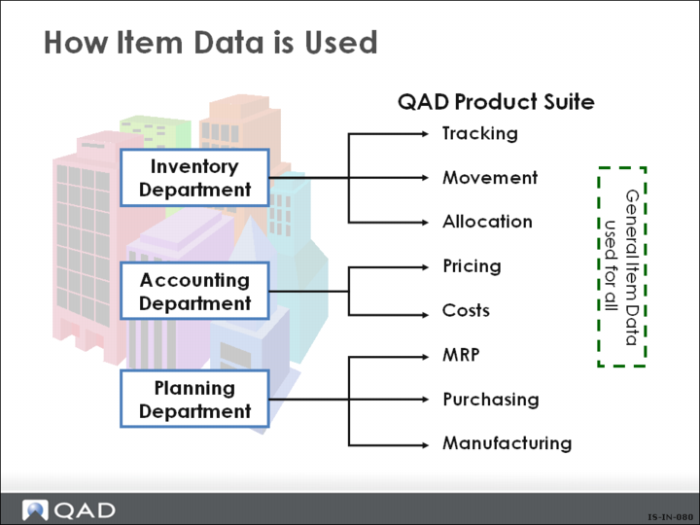
How Item Data is Used
Item data consists of six types of data:
• General
• Inventory
• Shipping
• Planning
• Pricing
• Cost
Item Data Flow
Item data is used throughout the system. Different modules use different sections of the item data. Only the general item data remains the same for all sites.
QAD Enterprise Applications is a fully integrated system based on item numbers.
• Requires documented processes and procedures
It is critical to have good item data.
• Accurate inventory
• Accurate dates (for planning input)
• Accurate BOMs/Routings
Note: The system is not being utilized well if the accuracy rate is not at least 98%.