Hardware Considerations
Hardware Introduction
Choosing a solution based purely on cost can result in a system that under-performs or lacks critical business requirements (for example, no disaster recovery).
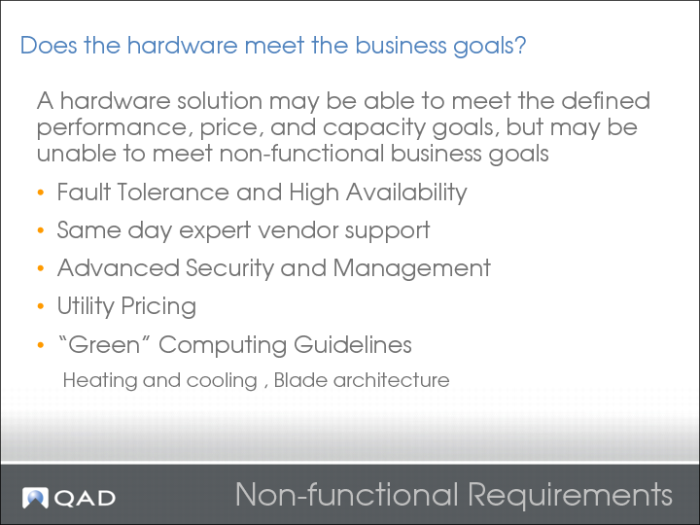
Non-functional Requirements
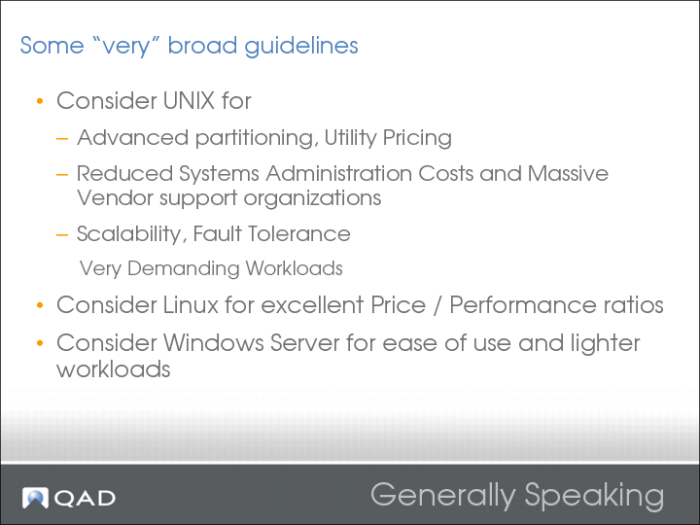
Hardware Guidelines
Windows solutions perform comparably to Linux deployments - to a point. After about 200 concurrent users, Linux starts to outperform Windows Server on the same hardware.
Storage
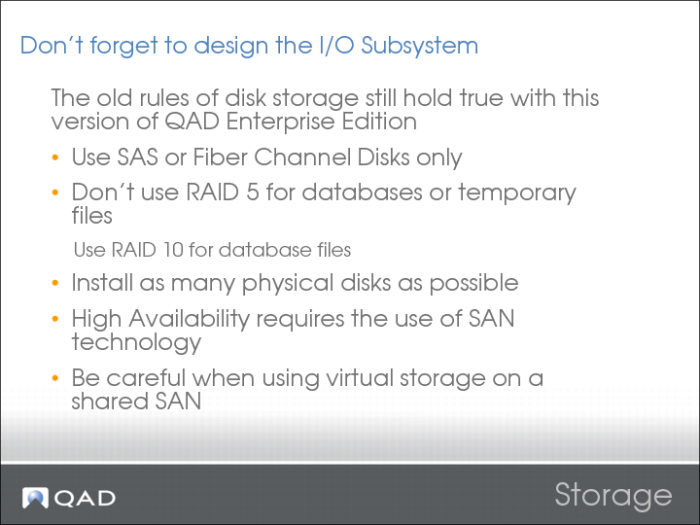
When storage is virtually provisioned from a SAN, there can be hidden dangers.
If the SAN is supplying multiple customers or business units, the disks, adapters, and cache on the SAN can be overloaded (due to the other users). This overloading can happen even though the QAD deployment is lightly loaded. This overloading can affect the I/O performance of the QAD system, even when the disks presented to the operating system are showing as lightly utilized.
RAID 5
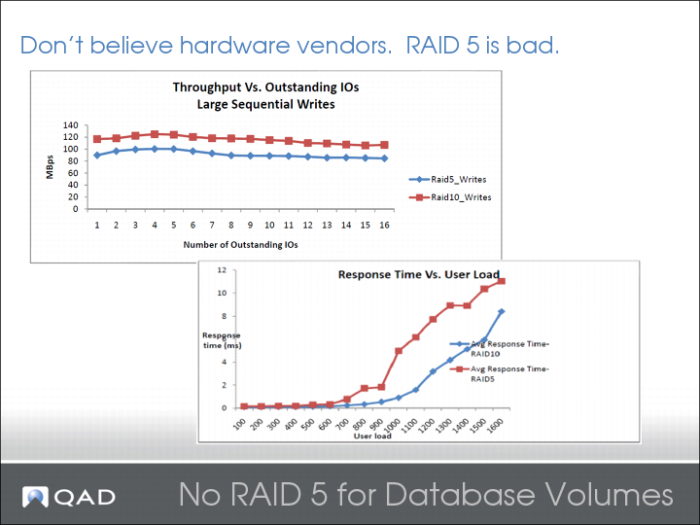
RAID 5 and RAID 10 provide equivalent performance when the disks are not under load. However, when disks are placed under load, RAID 5 shows the following characteristics.*
IBM states “Because the number of disk level operations per write is greater for RAID-5 compared to mirroring (4 operations per write versus 2), mirroring performs better than RAID-5. With a 50:50 read/write ratio, RAID-5 can handle only about 60% of the ops that mirroring can handle.”
*From the whitepaper “Comprehending the Tradeoffs between Deploying Oracle® Database on RAID 5 and RAID 10 Storage Configurations.” A Dell® Technical White Paper Database Solutions Engineering by Sudhansu Sekhar and Raghunatha M, Dell Product Group, April 2009.
Network Considerations
Acceptable Performance
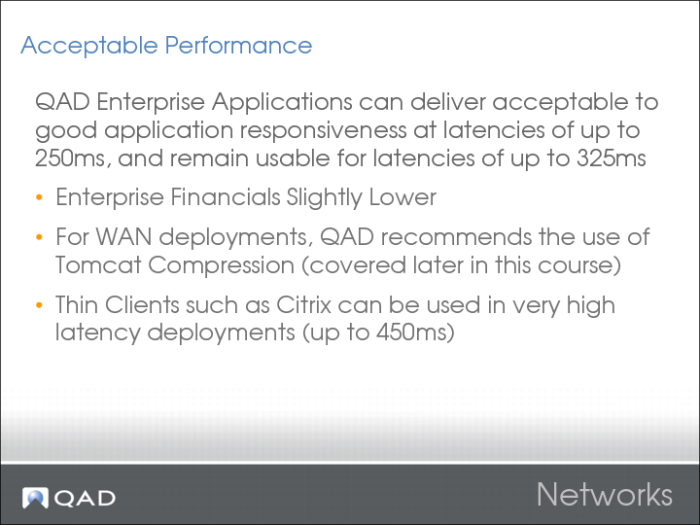
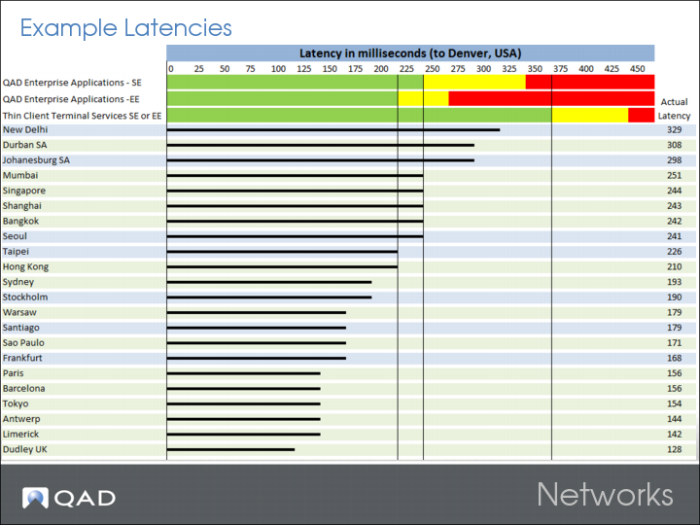
Given good server performance, optimal routing, adequate bandwidth, and low rates of data collision, sessions connecting from a remote network in the 50ms to 250ms latency range show the following:
• Remote reporting takes a similar time to process as local reporting.
• Transferring the generated report over the network to remote printers can take extra time.
• If output files generated to the server or submitted as batch, remote batch/intensive tasks (such as Invoice Print, Cost Rollups) take a similar time to process as local tasks.
• Some processes which interactively update the terminal screen (such as MRP) can take up to twice as long on slow networks.
Given good server performance, optimal routing, adequate bandwidth, and low rates of data collision, sessions connecting from a remote network in the 50ms to 250ms latency range show the following:
• Interactive/data entry tasks can take several times longer than local tasks to provide a response.
• However, the absolute end-user response times are still expected to be within the typical boundaries of service level agreements / user acceptance.
• Less than 0.5 seconds for field-to-field and less than 1 second for screen-to-screen navigation
• Good levels of sustained end-user productivity
Example Latencies
Green: Acceptable
Yellow: Be aware
Red: Generally unacceptable
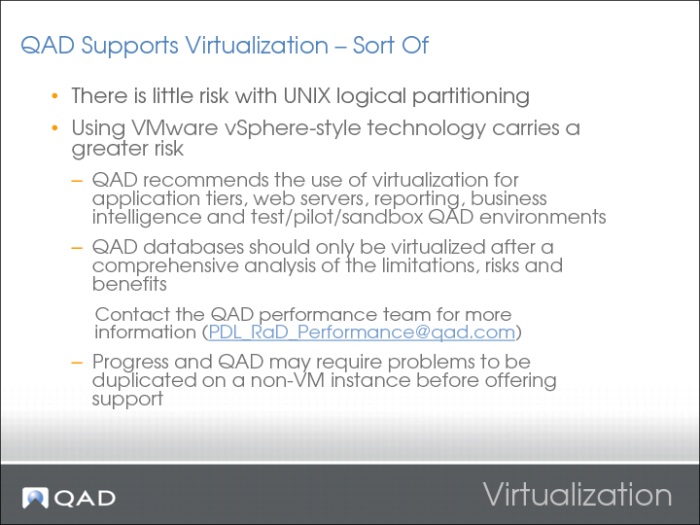
Virtualization
Vmware vSphere can supply up to 85% of the responsiveness and capacity of a native system install.
Vmware has an absolute maximum ceiling on disk I/Os per second. The ceiling is 120k per VM and 350k per host.
An entry-level SAN provides around 140k per second.
A mid- to high-level SAN can provide around 350k per second with bursts up to 1000k per second.
High Availability
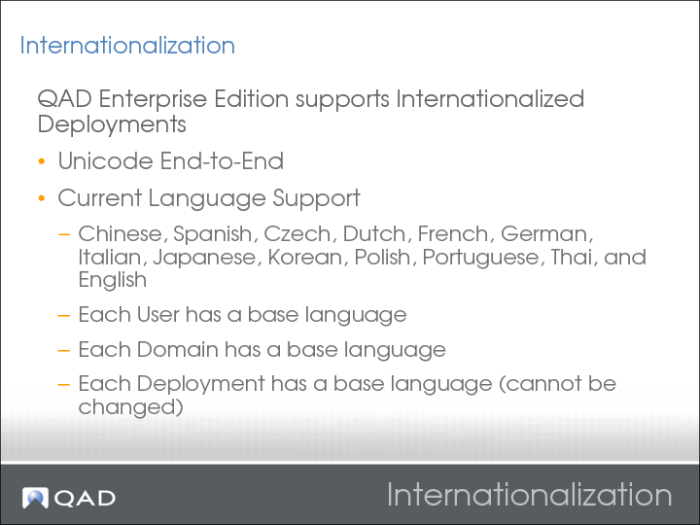
Internationalization
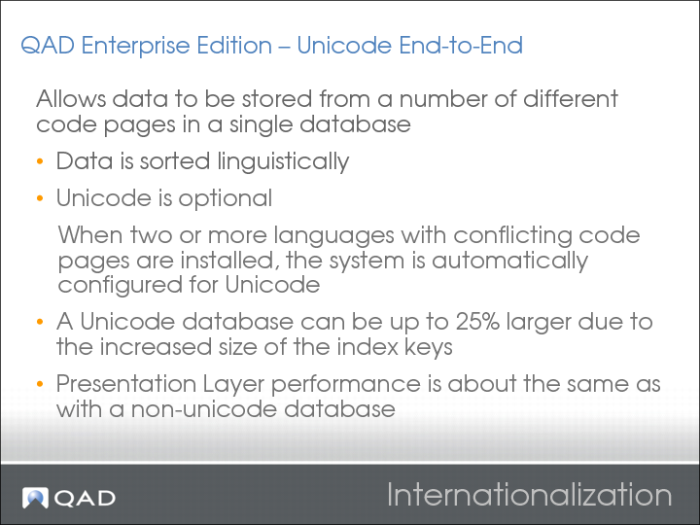
A single QAD database can be set up with multiple domains.
• Each domain can have its own language.
• Unicode allows for support of multiple code pages at the database level.
• Some languages can operate within the same code page, others cannot. English/Chinese is OK, but Japanese/Chinese is not.
• The QAD programs (r-code and libraries) support multiple languages.
• Separate compiles are not required.
• Core languages are released with the QAD base media.
• Language updates are bundled on individual CDs/media.
• Update the QAD .NET User Interface after installing a new language.
Each user is assigned a default language.
When logging in via the .NET UI:
• The user can access any domain in a Unicode database regardless of their default language.
• The .NET UI clients are fully Unicode compliant.
When logging in via Character UI, users must log in to a domain with a code page that is compatible with their default language.
All labels, menus, messages, and field-level help are stored dynamically in the QAD databases. For each installed language, there is a complete set of this data.
Some customer-specific data such as order comments, accounts, and sub-accounts can be assigned language translations.
Described in the QAD Financials User Guide.
Language Maintenance Activities are defined in the QAD Financials User Guide:
• Load the appropriate language data
• Create countries for users (country create)
• ISO display defaults
• Assign each user a language and country code
Internationalization 2
But some batch processes can run up to 20% slower.