Operating System Preparation
Operating System Preparation
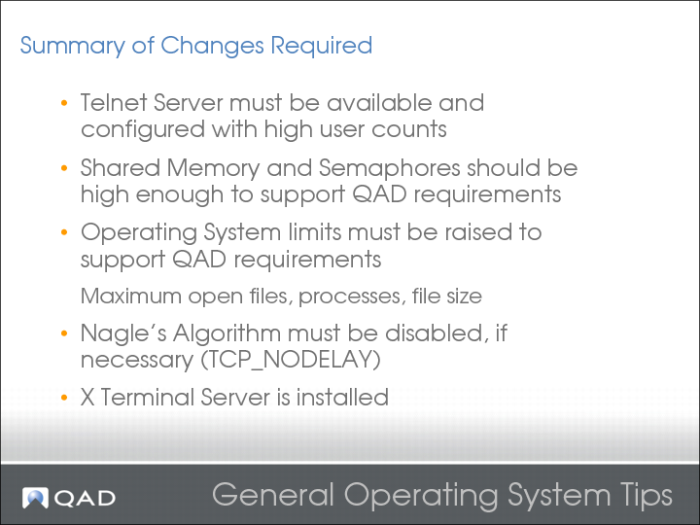
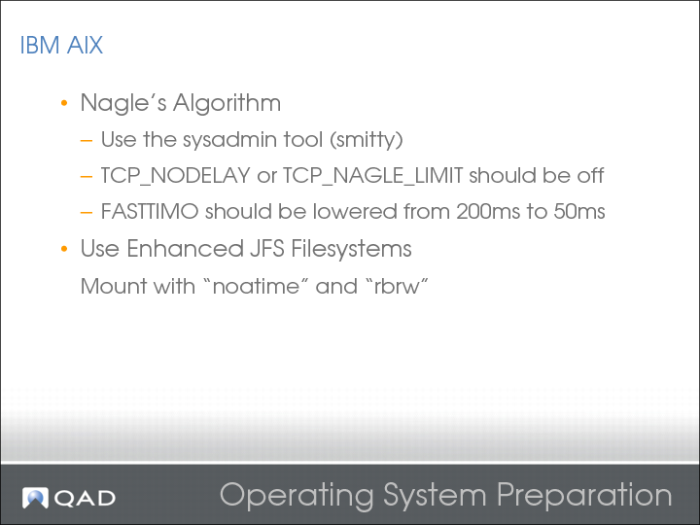
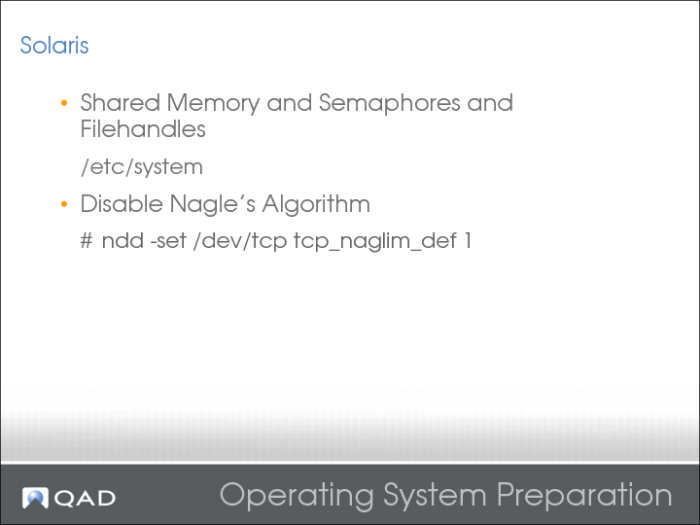
Nagle’s Algorithm:
• Added to operating systems to increase network efficiency
• Tries to send full-sized data packets
• Poorly behaved applications could, in theory, send a few hundred thousand single-byte packets in a short time, and flood the network.
The algorithm states that every time you try to send unacknowledged data, delay until:
• All data is acknowledged or
• You have a full data packet to send
Data is acknowledged when:
• The program sends an acknowledgment or
• Two segments are received or
• 200ms expires since first piece of data was received
Performance Penalty with QAD:
• Does not work well with the “headless” QAD Connection manager code
• Built-in delayed acknowledgement comes into play
• Data should be delivered as soon as it is ready
• Increases network throughput and efficiency
• Decreases network responsiveness
For further performance tuning, see the Performance section of this course.
Operating System Preparation 2
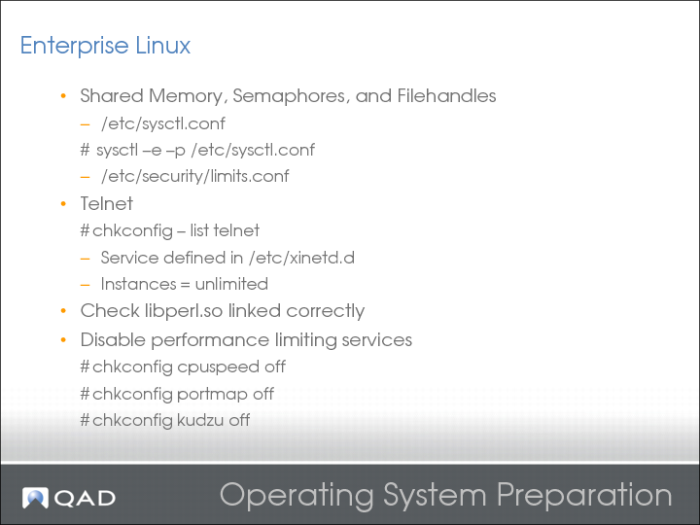
On 64-bit systems, libperl.so can be linked incorrectly. As a result, the qadui WebApp to fail to authenticate.
2010-09-27 00:01:41,466 ERROR com.qad.desktop.cgi.CGIServlet [Thread-36] runCGI (stderr):perl: error while loading shared libraries: libperl.so: cannot open shared object file: No such file or directory
Linking libperl.so solves this issue:
ln -s /lib64/perl5/5.8.8/x86_64-linux-thread-multi/CORE/libperl.so /usr/lib64/libperl.so
Operating System Preparation 3
Operating System Preparation 4
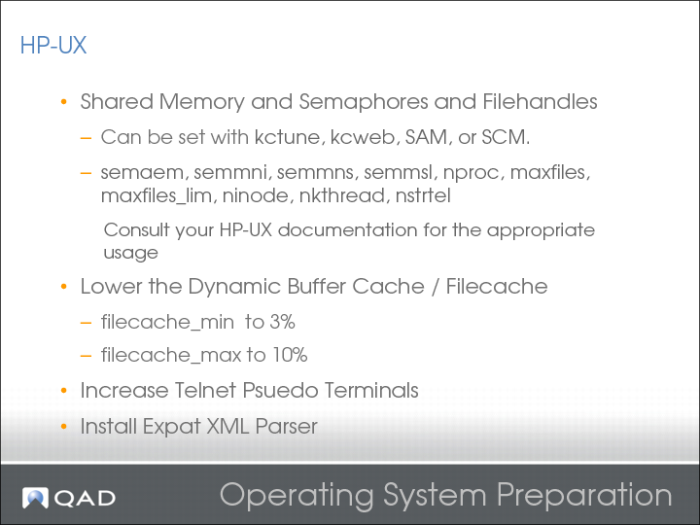
After the nstrtel kernel parameter has been increased, you can increase the Telnet ptys.
To support an increased number of incoming Telnet sessions (up to the value of nstrtel kernel parameter), the Telnet devices were recreated:
# cd /
# rm /dev/pty/*
# rm /dev/pts/*
# insf -e
# cd /dev
# insf -d telm
# insf -d tels
The Expat XML Parser is a free, open-source project that provides this functionality.
The source code is available on the project’s SourceForge page at:
http://expat.sourceforge.net/
Precompiled depot files for HP are available at:
http://hpux.connect.org.uk/hppd/hpux/Development/Tools/expat-2.0.1/
QAD Deployment Toolkit has a limiatation on HP ia64 (Itanium) platforms. QAD suggests that you install the depot files on the Itanium 2 and PA-RISC 2.0 before installing the QAD software.
Operating System Preparation 5
/etc/system changes:
set msgsys:msginfo_msgmni = 10240
set semsys:seminfo_semmni = 12288
set shmsys:shminfo_shmmax = 30813703372
set shmsys:shminfo_shmmni = 12288
# Increasing file descriptors for faster TCP/IP apps (e.g. Apache)
#
set rlim_fd_max=16384
Operating System Preparation 6
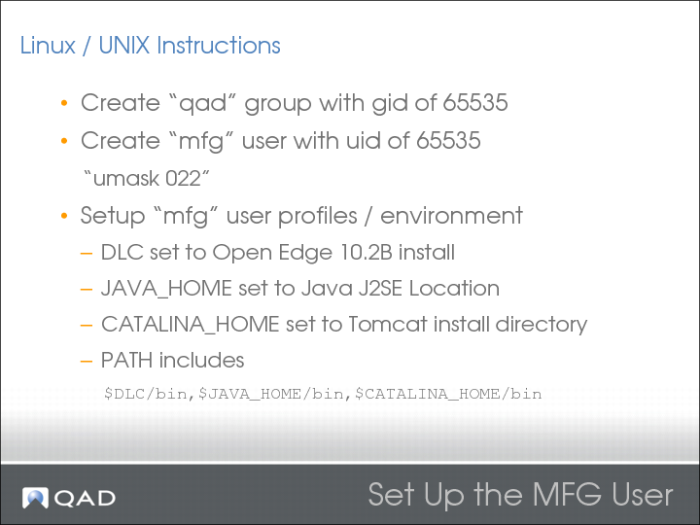
MFG User Set Up
MFG User Set Up 2
Install Tomcat
Apache Tomcat is an open source software implementation of the Java Servlet and JavaServer Pages technologies. The Java Servlet and JavaServer Pages specifications are developed under the Java Community Process.
Apache Tomcat:
• Is developed in an open and participatory environment and released under the Apache License version 2
• Is intended to be a collaboration of the best-of-breed developers from around the world
• Powers numerous large-scale, mission-critical Web applications across a diverse range of industries and organizations
• Powers the QAD WebApps
Install Tomcat 2
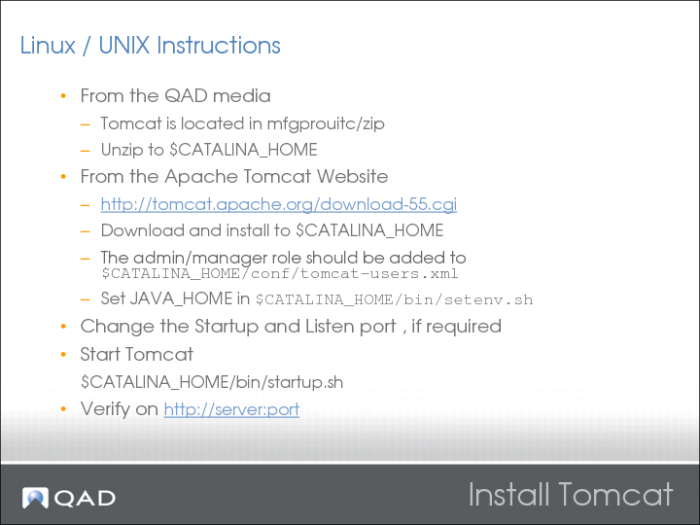
Example of tomcat-users.xml:
<?xml version='1.0' encoding='utf-8'?>
<tomcat-users>
<role rolename="tomcat"/>
<role rolename="role1"/>
<role rolename="manager"/>
<role rolename="qadadmin"/>
<role rolename="pronav"/>
<role rolename="admin"/>
<user username="tomcat" password="tomcat" roles="tomcat"/>
<user username="both" password="tomcat" roles="tomcat,role1"/>
<user username="role1" password="tomcat" roles="role1"/>
<user username="pronav" password="editor" roles="pronav"/>
<user username="admin" password="mfgpro" roles
"qadadmin,manager,admin,pronav"/>
</tomcat-users>
Changing the Tomcat Port
Open $CATALINA_HOME/conf/server.xml.
Change the references to “8080” and “8005” to unused port numbers.