QAD Enterprise Edition Validation
Connectivity Check
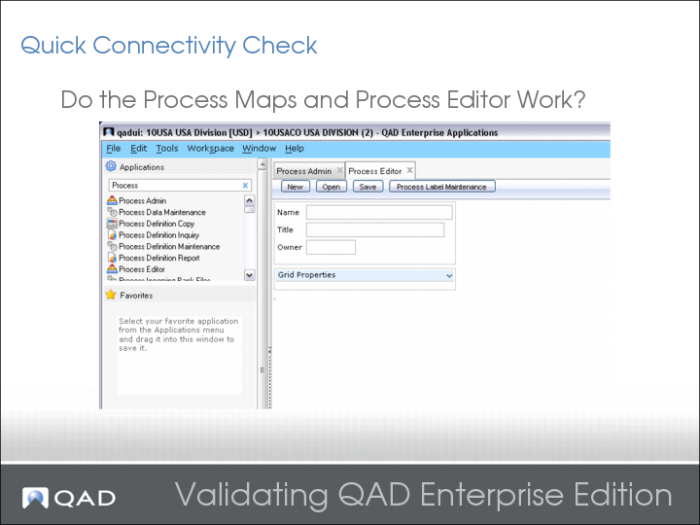
Connectivity Check 2
Connectivity Check 3
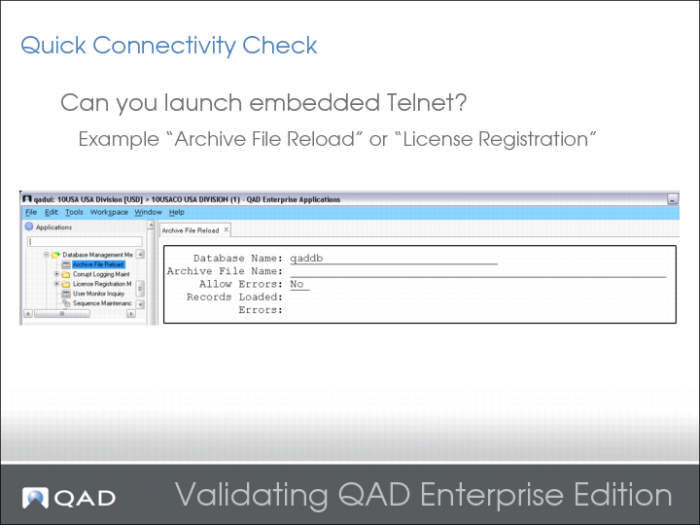
Archive File Reload is a good test, as is License Registration.
Connectivity Check 4
Connectivity Check 5
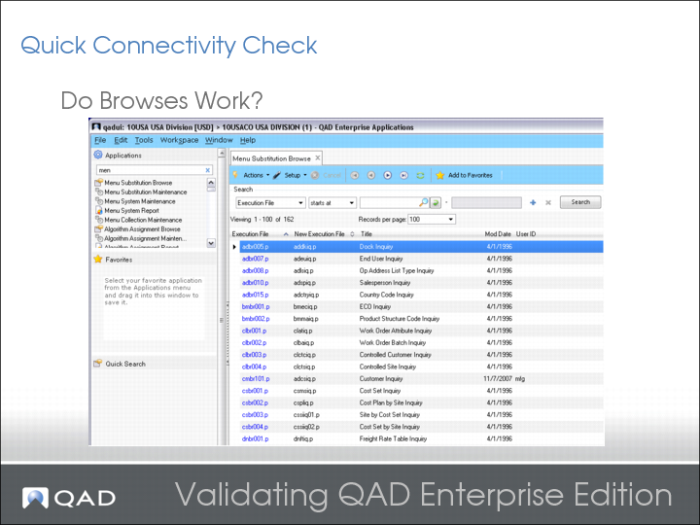
Most browses are empty on a new system. Menu Substitution Browse is a good test.
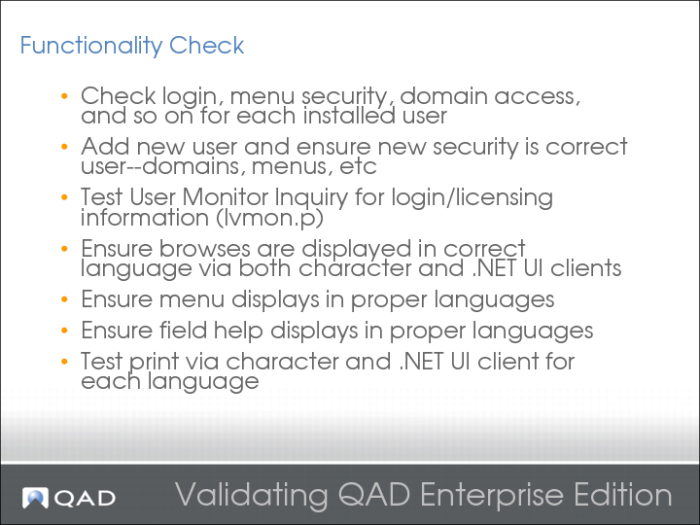
Functionality Check
Tests the Financials AppServer. Supplier Invoice Create is a good example.
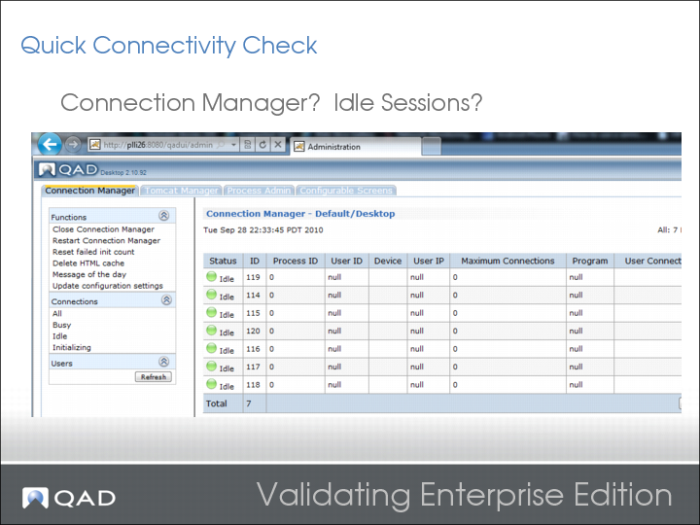
Connection Manager and Idle Sessions
Verify that all sessions are idle or busy, and not initializing. You should also be able to log in:
http://server:port/[webapp]
For example, http://plli26:8080/qadui.
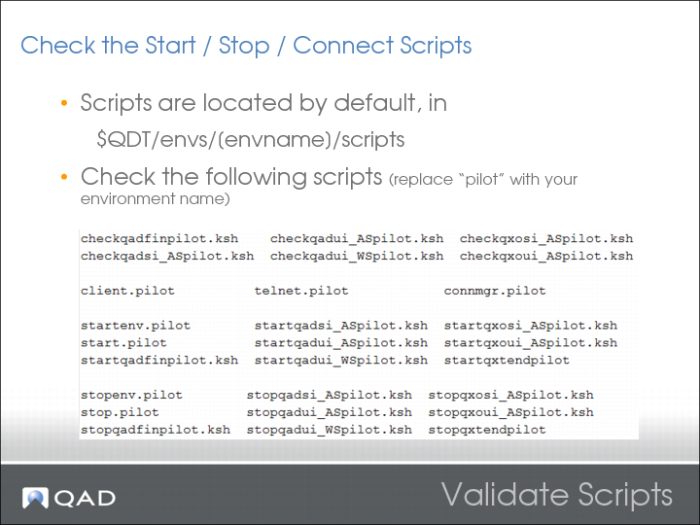
Validate Scripts
For further information about performance tuning, see the Performance section of this course.
On-64 bit systems, libperl.so can be incorrectly linked. Incorrect linking causes a qadui WebApp authentication failure.
2010-09-27 00:01:41,466 ERROR com.qad.desktop.cgi.CGIServlet [Thread-36] runCGI (stderr):perl: error while loading shared libraries: libperl.so: cannot open shared object file: No such file or directory
You can solve this issue by linking libperl.so:
ln -s /lib64/perl5/5.8.8/x86_64-linux-thread-multi/CORE/libperl.so /usr/lib64/libperl.so