Troubleshooting and Maintenance
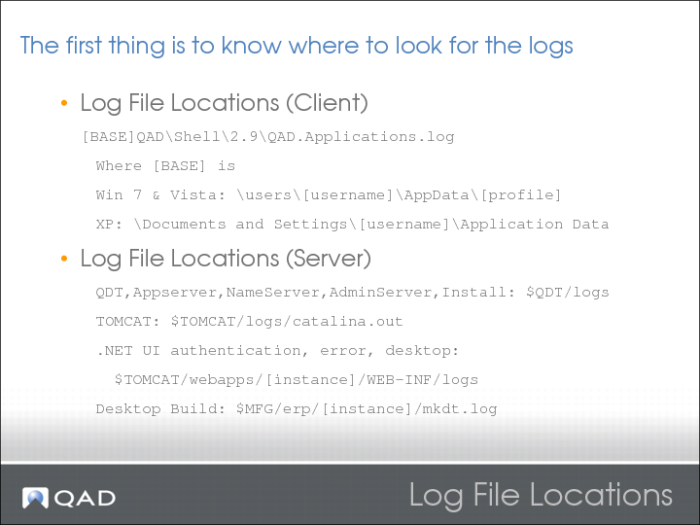
Log File Locations
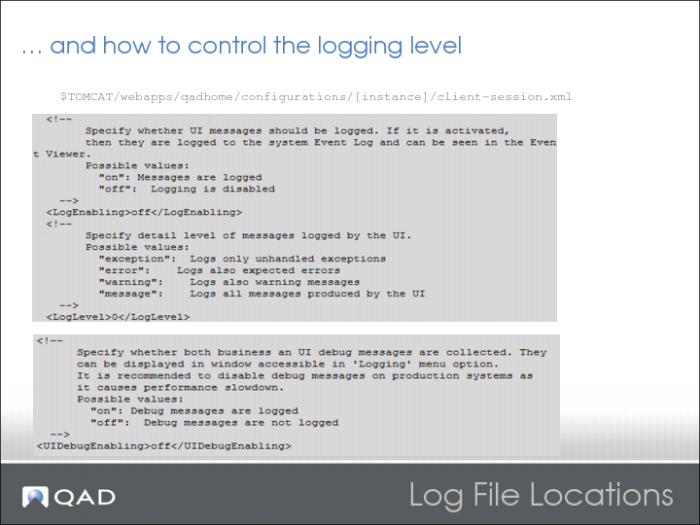
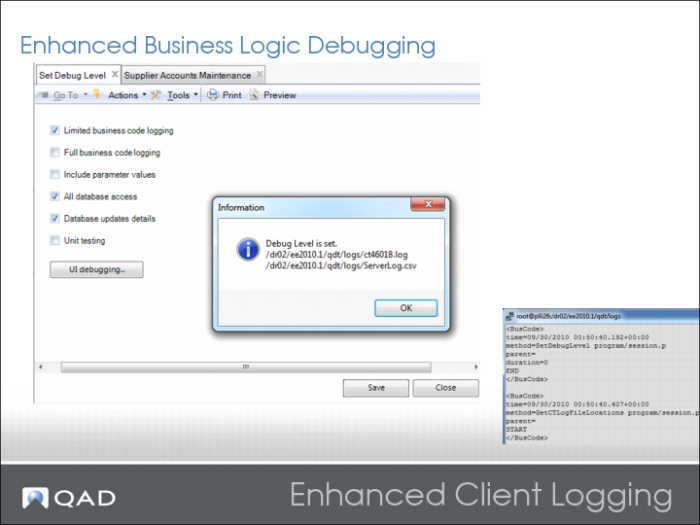
Control the Logging Level
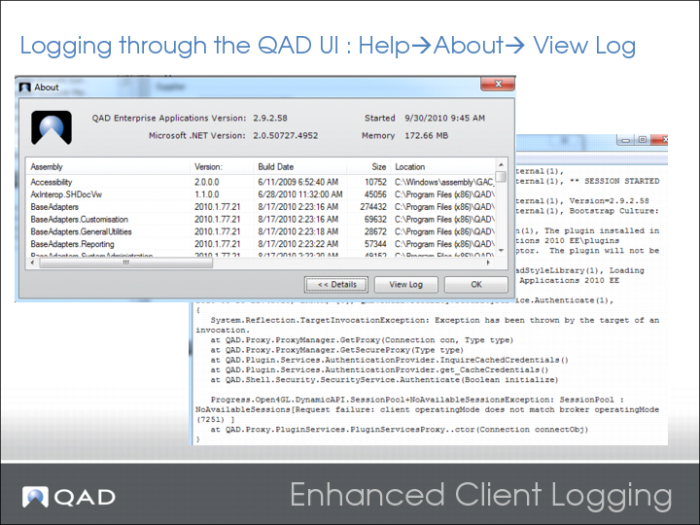
Enhanced Client Logging
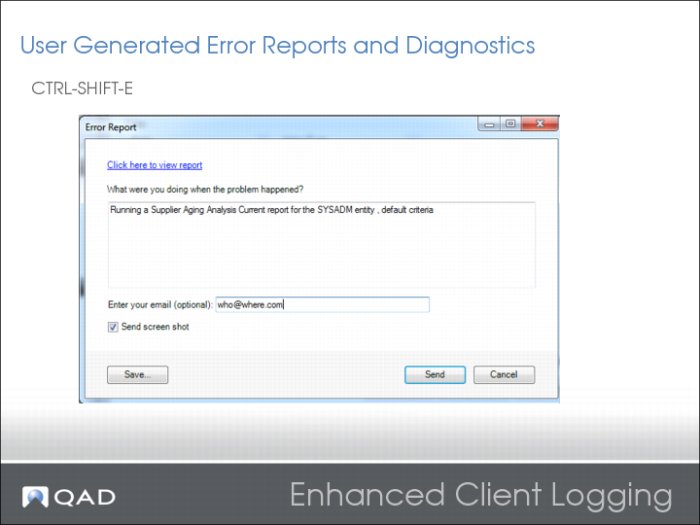
Enhanced Client Logging 2
This functionality is based on the QRA Logger project.
Logging is based on a publish-subscribe mechanism. Publish statements are generated in the code for all methods.
The ComponentPool component subscribes to certain log events based on the specified logging level.
The TLogger component is responsible for writing out the logs.
Logging is written to different files, according to the type of logging, but always at the same location.
Enhanced Client Logging 3
Enhanced Client Logging 4
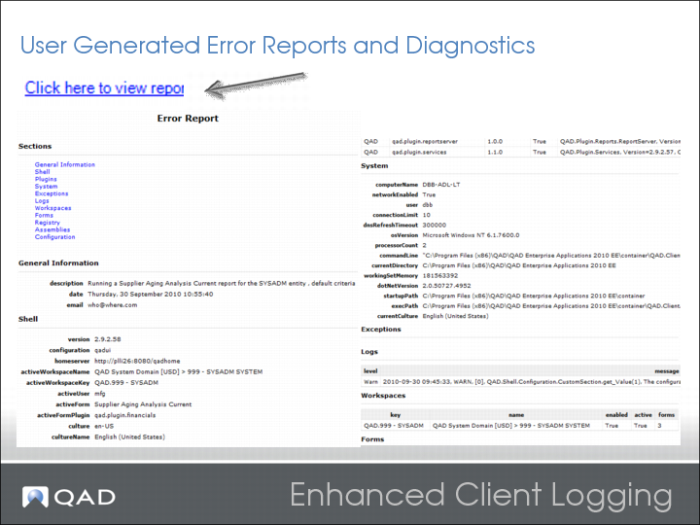
The Report is generated to your default browser. It shows information on AppShell, plug-ins, client OS, log levels, workspaces, open forms, registries, assemblies, and configuration.
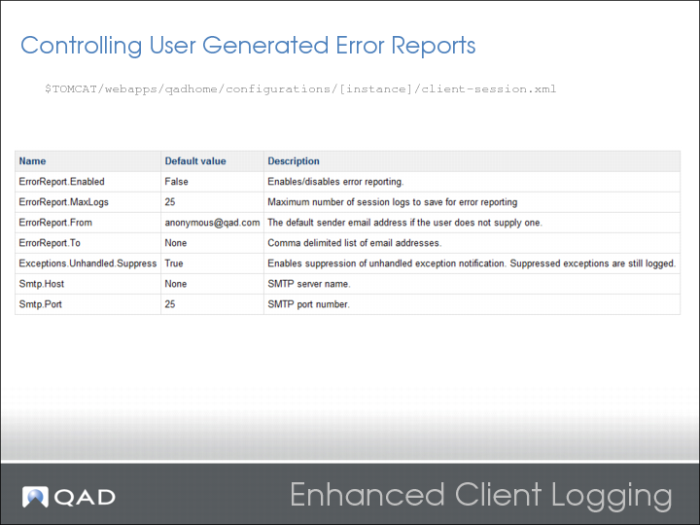
Enhanced Client Logging 5
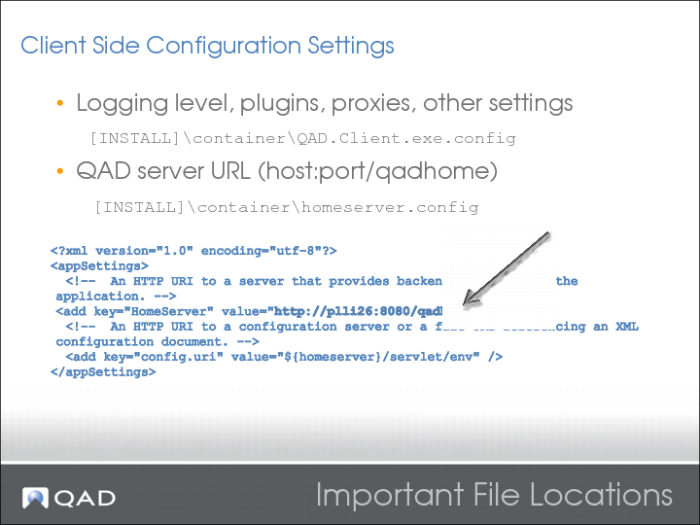
Important File Locations
Where [INSTALL] is the chosen install directory.
For example:
C:\program files(x86)\QAD\QAD Enterprise Applications <version>EE
\container\homeserver.config
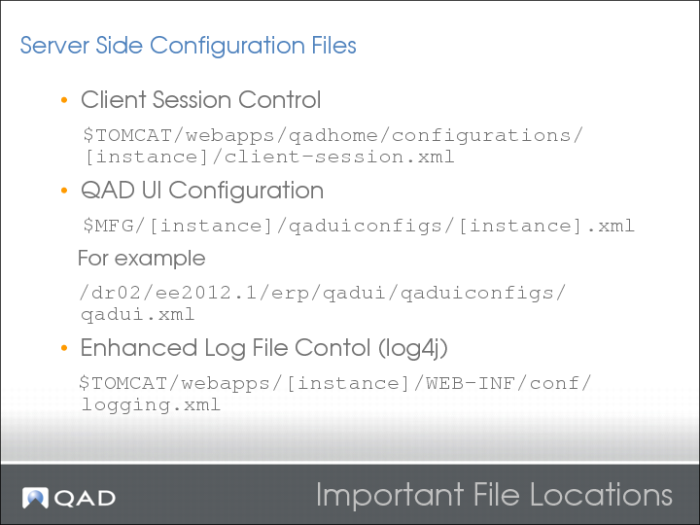
Important File Locations 2
Where $MFG is the QAD ERP install directory.
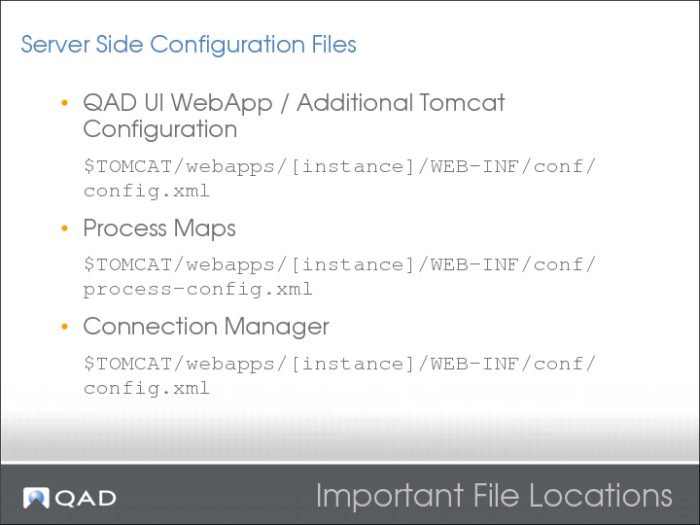
Important File Locations 3
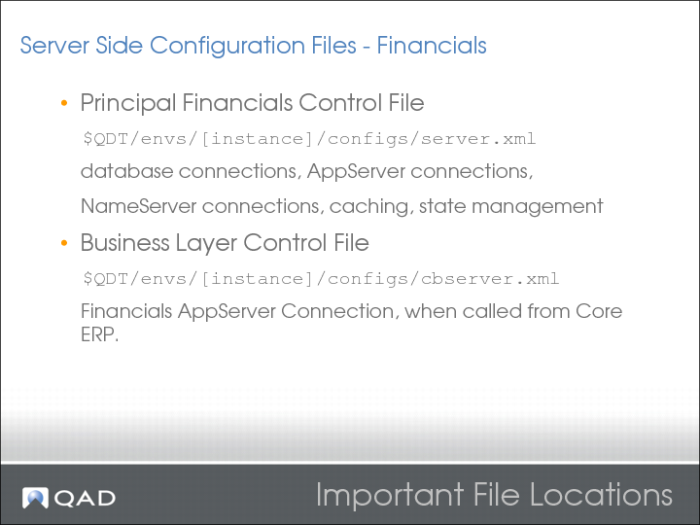
Important File Locations 3
Note <statedirectory> is blanked/nulled-out. Then state management occurs in the database via the fcInstance table instead of on disk. This arrangement could be an important performance consideration.
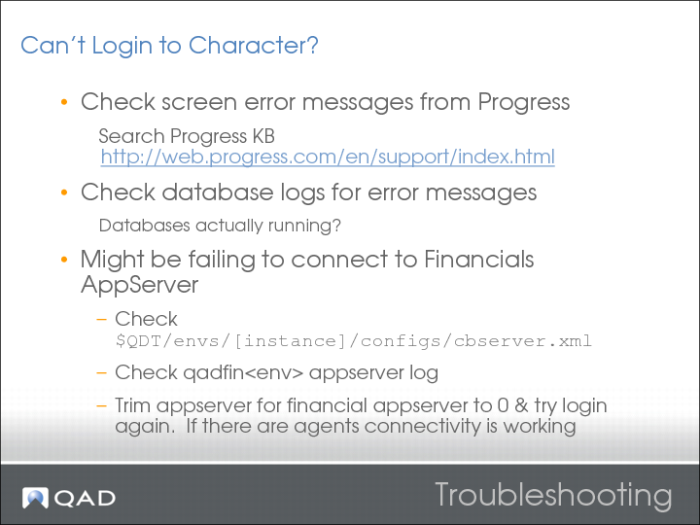
Troubleshooting
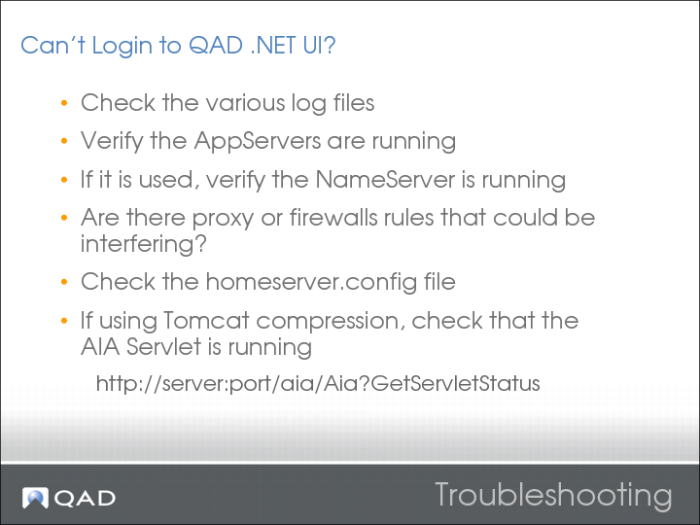
.NET UI Login
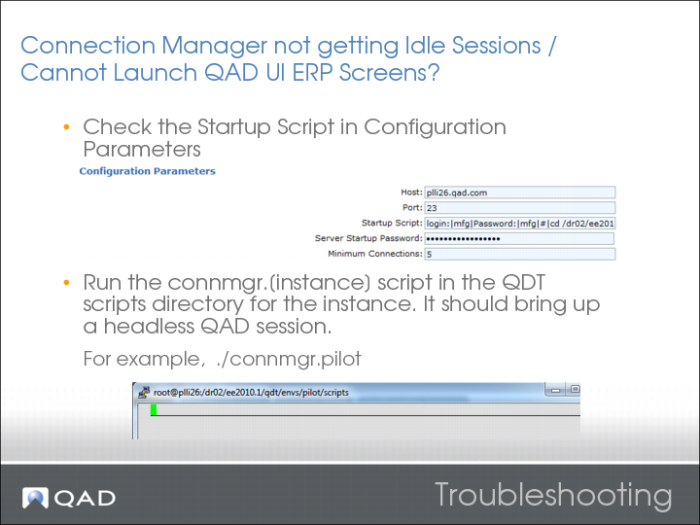
Connection Manager
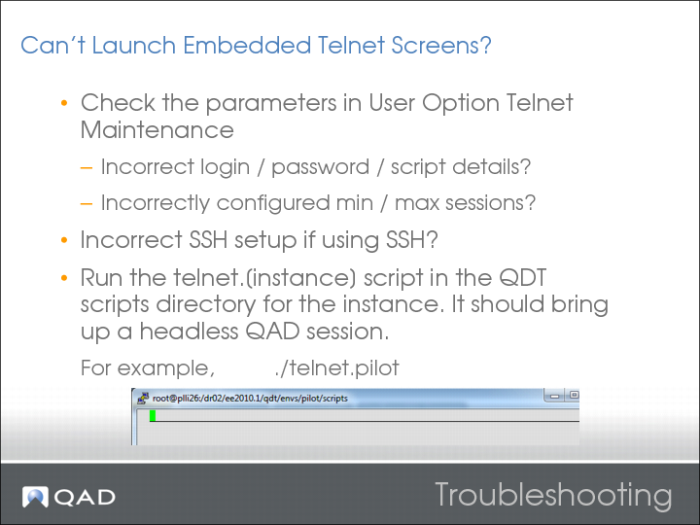
Embedded Telnet Screens
New User / Sales Order