Daemons
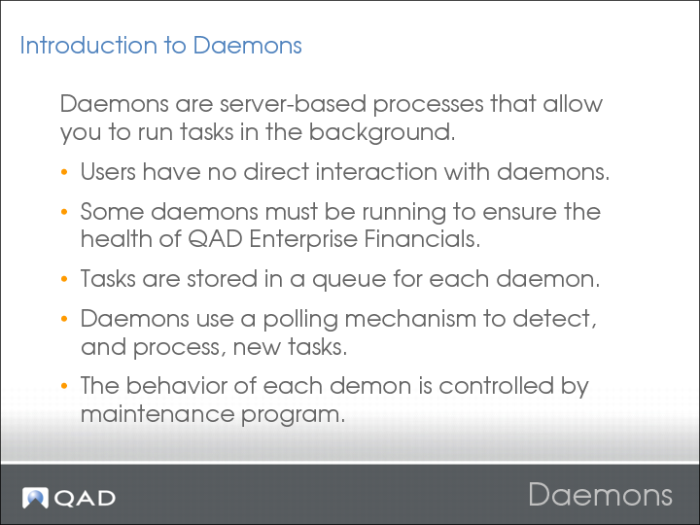
Introduction to Daemons
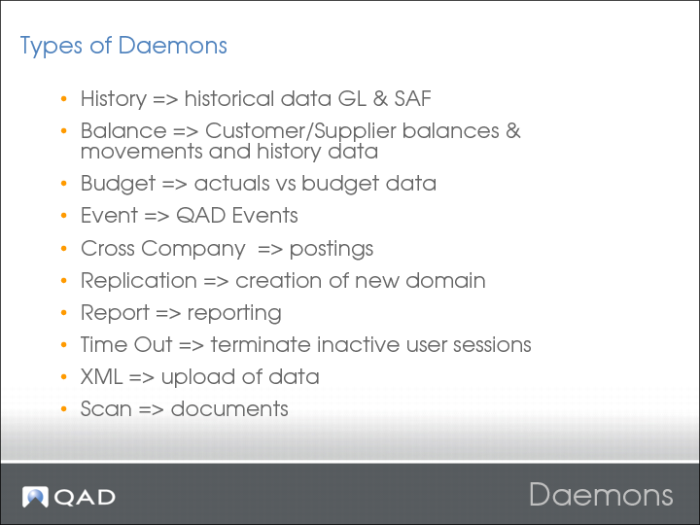
Daemon Types
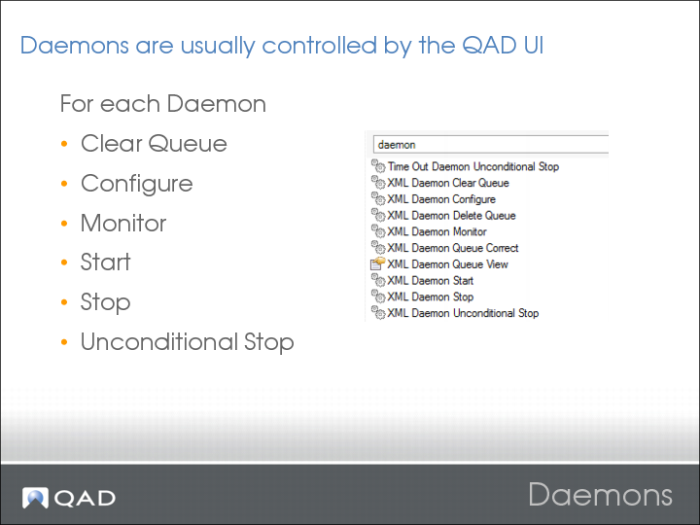
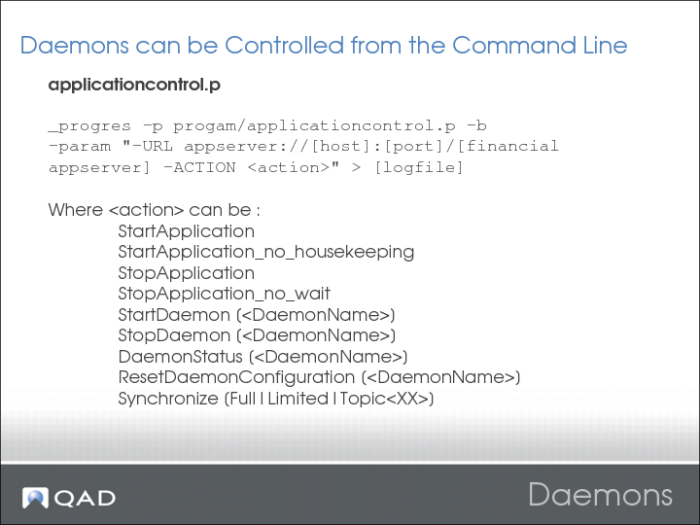
Daemon Control
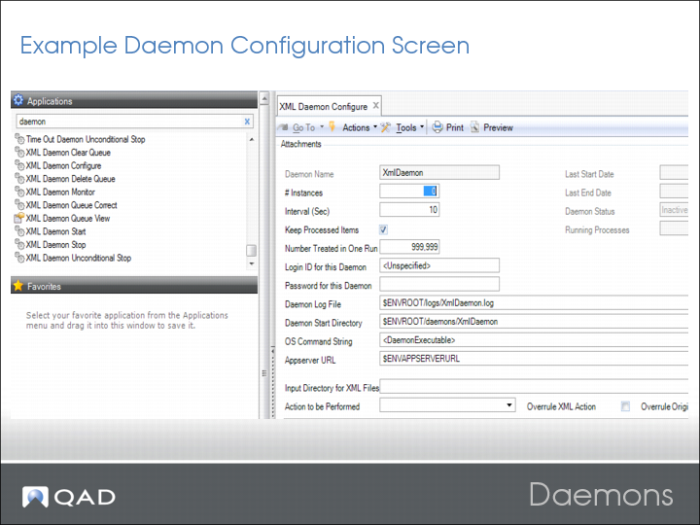
Daemon Configuration Screen
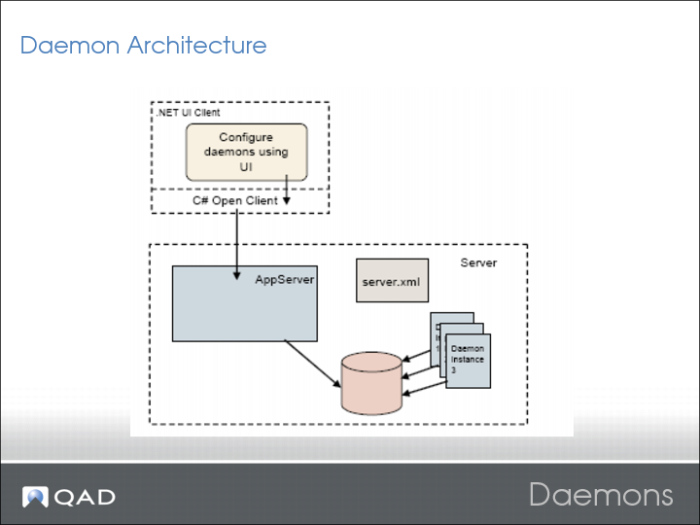
Daemon Architecture
Controlling Daemons
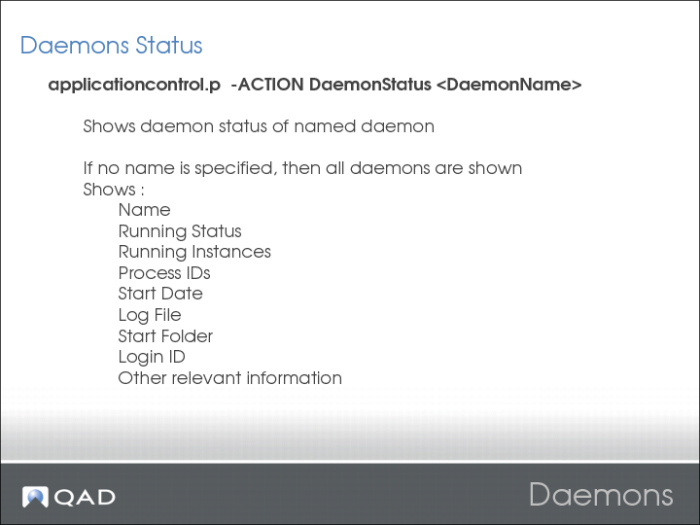
Daemon Status
Reporting Framework
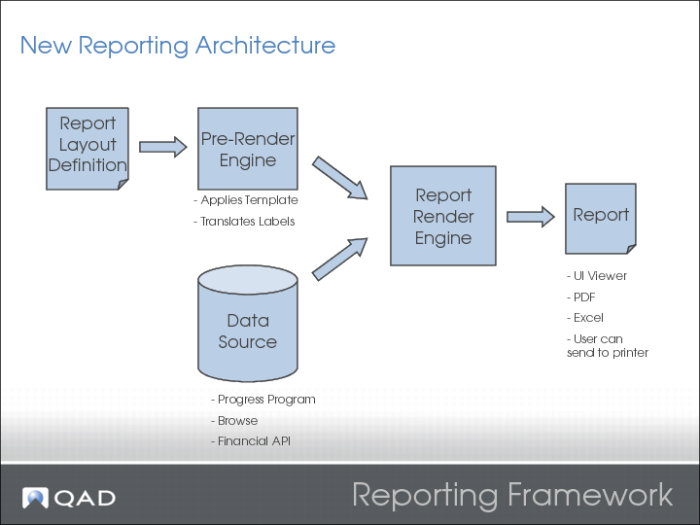
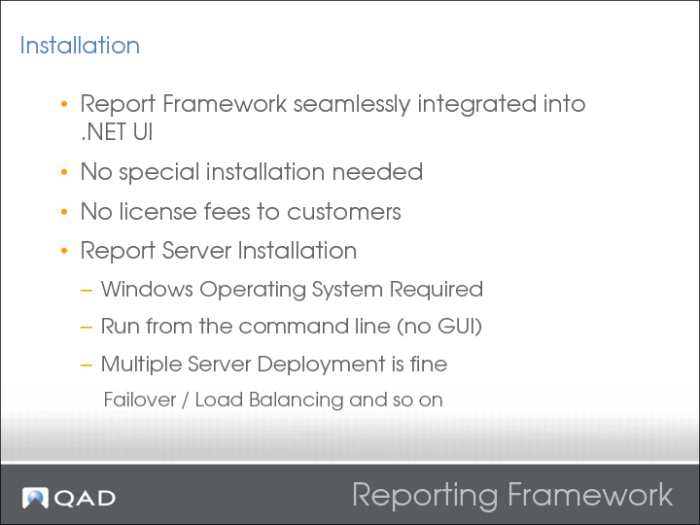
The QAD Reporting Framework is a reporting solution that delivers the infrastructure necessary to create and run reports against the QAD Enterprise Applications suite of products. It leverages a modern report rendering engine, complete with its own design layout program, that allows reports to contain formatted text, images, charts, and other rich content. It also provides several data sources that allow access to various layers of the QAD product suite to facilitate data integration with the page layouts. The report framework is deployed as part of the QAD .NET UI interface, and requires no separate installation or run-time licensing for customers. QAD developers, services consultants, partners, and customers can use the framework to create reports against the QAD product suite.
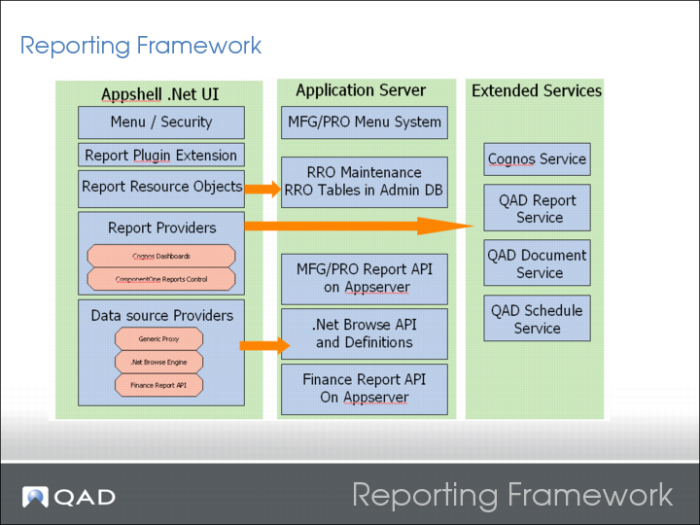
QAD Report Framework is an extendable report solution. It supports multiple report providers. According to the different report requirements, the report can require different tool to implement. For example, Cognos is good at Analysis/Dashboard reports, but it is not good at writing form reports. On the other hand, a customer may need its own report solution. The QAD Report Framework is designed as an open solution to accept with multiple report providers.
The QAD Report Framework is based on QAD .NET UI. It is deployed and runs as a plug-in extension of QAD Shell.
QAD Report Framework is a plug-in extension of the AppShell. The plug-in is named as qad-report plug-in. The report plug-in is deployed with multiple report providers. Basically, the number of the report providers could be extended. Each report provider is used to deal with a kind of report. The new report tool could be embedded into the framework by implementing the report provider interface.
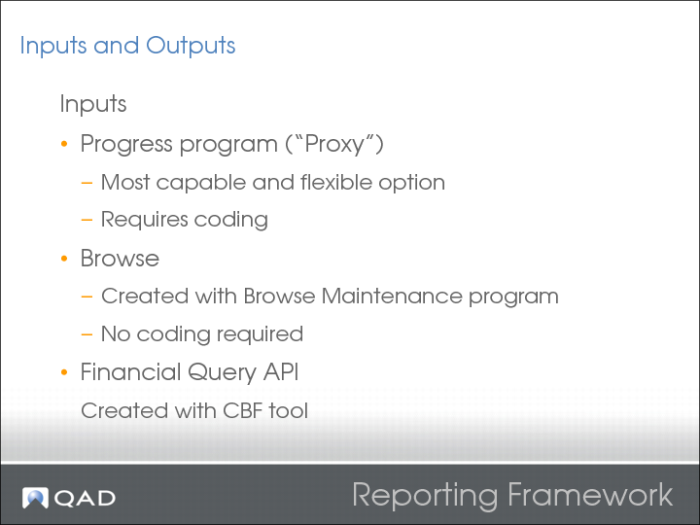
The report plug-in is also deployed with different report data source providers which could connect to different kinds of data sources. The common interface of the report data source is .NET Dataset.
A Report Resource Object represents as a Report object. Each report has an RRO definition which contains all meta information of a report. The definition is stored in database. And the information could be maintained using the RRO maintenance program and import/export as xml files.
Extended services are made up of Report Services, Schedule Service, and Document Service. Report Services provide the server-side solution.
Reporting Framework 2
Reporting Framework Installation
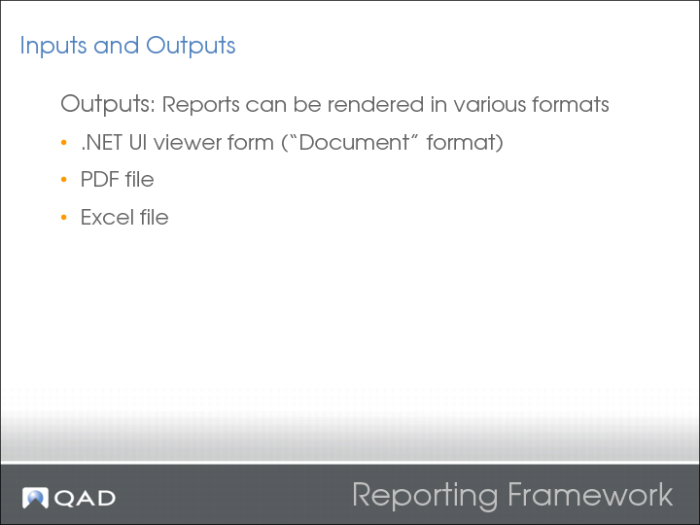
Reporting Framework Inputs and Outputs
Reporting Framework Outputs
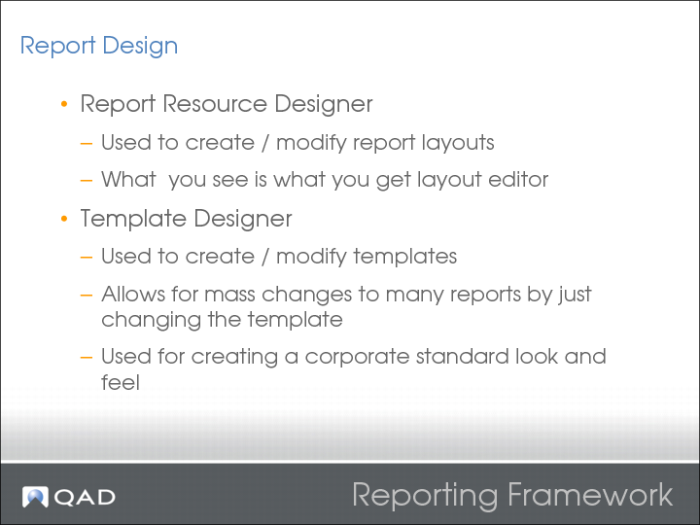
Reporting Framework Report Design
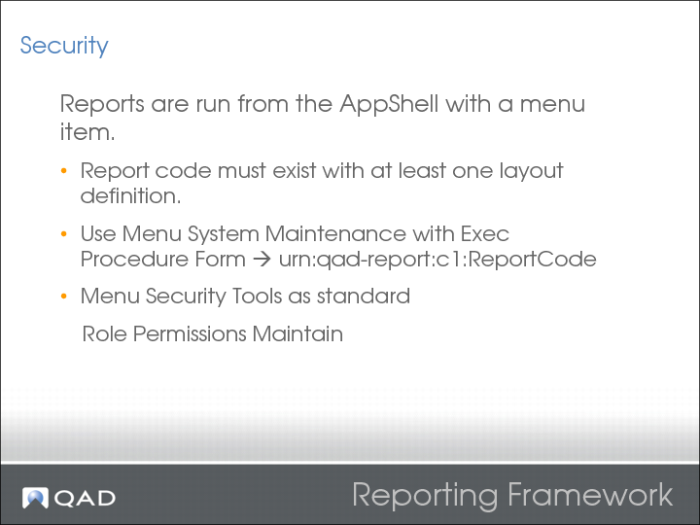
Reporting Framework Security
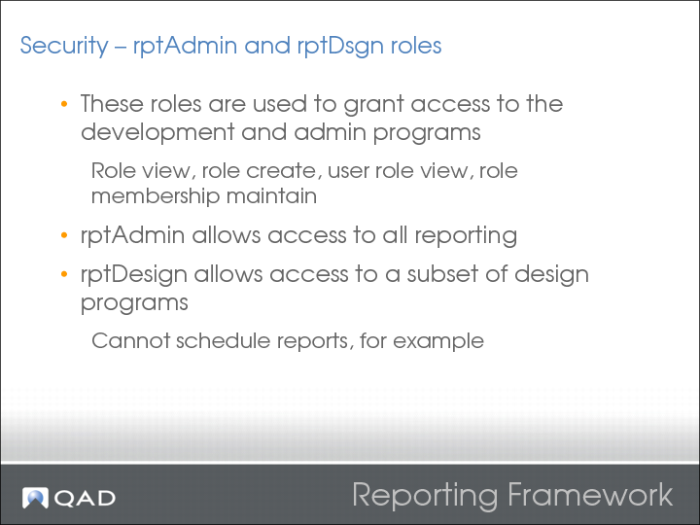
Reporting Framework Security 2
Reporting Framework Scheduled Reports
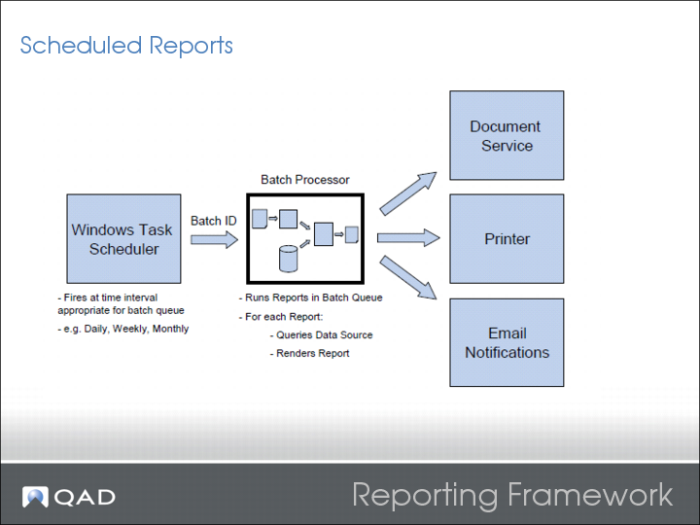
The Scheduled Report is built based on the MFG/PRO Batch function. Basically, the scheduled report task is created as an MFG/PRO batch task and it could be fired for execution on OS Schedule, for example, Windows Schedule.
The Report User starts to run the report from Report UI in AppShell Report Plug-in. On the Report UI, after providing the report parameters, the user can choose to run this report as batch mode. So the user selects one existing batch id for this report and defined the output place for this report. The Report Plug-in creates a Batch Task (bcd_det record) for this report using this batch id. OS Schedule fires the report batch. Batch Report Executor (Progress code) executes the report through WSA/SDK interface. If the user selects to output the report results to database, the report results are saved on Server. The Batch Report Executor creates a report result reference for this kind of scheduled report. So user could view the report results through Report UI later.
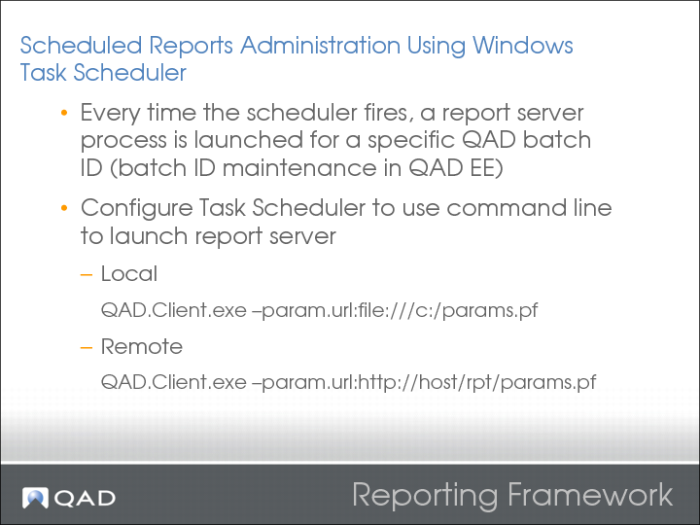
Reporting Framework Scheduled Reports Administration
Example params.pf file:
-silent
-config-name:test
-user:mfg
-password:(blank)
-workspace:Domain1.1000
-report-batch:nightly1
-enable:qad.plugin.services
-enable:qad.plugin.reports
-enable:qad.plugin.reportserver
-report-mode:batch
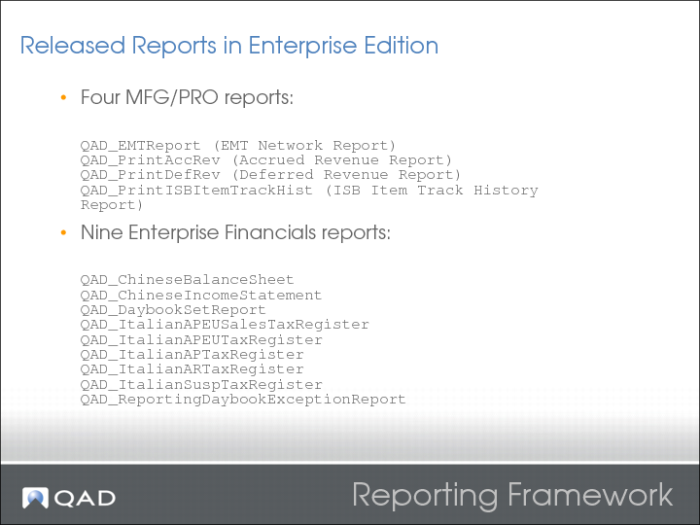
Reporting Framework Released Reports
Reporting Framework Further Information