OpenEdge
OpenEdge New Features
OpenEdge New Features 2
OpenEdge New Features 3
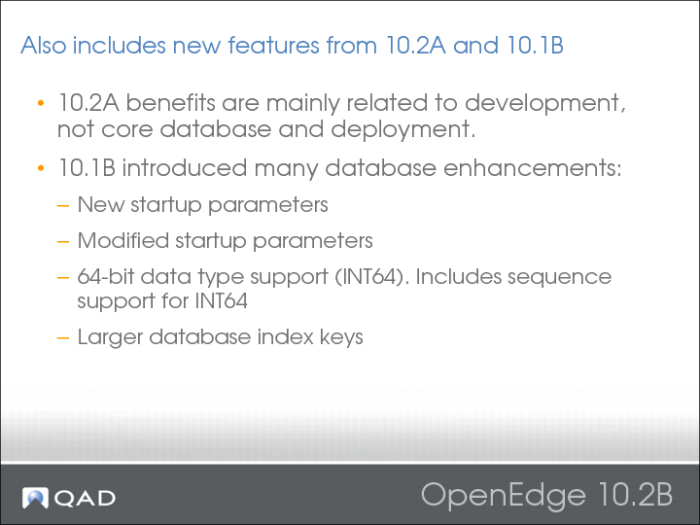
New Startup Parameters
The following new startup parameters were added:
• Maximum Area Number (-maxAreas): Lets you specify the highest area number available for use when the database is online.
• No INT64 (-noint64): Lets you execute Release 10.1B r-code with Release 10.1A executables, for applications that have INT64 data type incompatibilities.
• Screen Value Mode (-scrvalmode): Lets you specify the mode in which the SCREEN-VALUE attribute indicates that the selected item in a combo-box item list is empty.
• Shared Memory Segment Size (-shmsegsize): Lets you specify the size of the largest shared memory segment the server can allocate.
Modified Startup Parameters
The following existing startup parameters were modified:
• Input Characters (-inp): Lets you specify the number of characters allowed in a single ABL statement. The default number of characters increased from 4096 to 15000.
• Log Entry Types (-logentrytypes): Lets you specify one or more types of log entries to write to the log file. In addition to existing log entry types, ABL clients can now log the processing of transactions and subtransactions in ABL procedures.
• Maximum JTA Transactions (-maxxids): Lets you specify the number of simultaneous JTA transactions allowed. The multi-user default is now only 100.
• Temporary Table Block Size (-tmpbsize): Lets you specify the temp-table block size. The default increased from 1KB to 4KB.
• Token (-tok): Lets you specify the maximum number of tokens allowed in a single ABL statement. The default number of tokens allowed increased from 1024 to 3000.
OpenEdge Additional Features