Performance Engineering
Methodology
An effective methodology for defining, identifying, and solving performance issues is important for managing customer perceptions and expectations.
Performance Objectives
When users access the QAD application software, they place additional demand on the system (usually requiring both good response time and high throughput). When the user demand is high, system resources can come under load and fall out of balance. Performance suffers with the user noticing:
• Decreased system throughput (reports and complex processing functions take longer)
• Increased response time (moving from field to field on a screen takes longer)
Unless performance is actively managed and benchmarked, user performance expectations are hard to quantify. “The system is running slow” or “my report is taking forever” are not good measures or descriptions of system performance.
It is far better to have quantitative information such as “My report is running 65% slower than baseline.”
Identify Critical Requirements
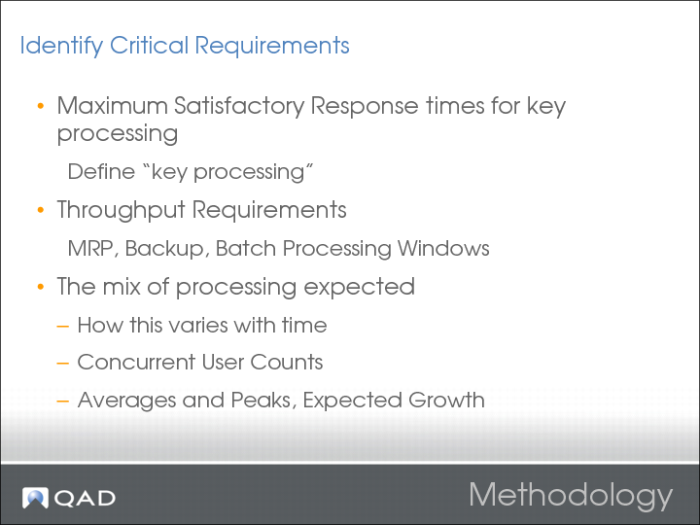
At a minimum, a set of performance requirements documents the following:
• The maximum satisfactory response time usually experienced for key types of processing, along with a definition of ”usually.”
• The typical throughput required and the times it occurs. For example, a program (such as MRP) runs daily at 10:00 a.m. and 3:15 p.m.
The mix of processing expected and how the mix varies with time. For example, in the morning the user base is mainly processing sales orders and dispatching goods. In the afternoon, the users are mainly entering sales orders, work orders, and processing financials information. At night, the system is generally running MRP, DRP, Invoice Prints, and generating EDI transactions.
Try to determine:
• The expected number of users at various times of the day, including peak.
• Any hard requirements, such as the maximum time for backup, or "EDI transaction must be processed within 5 minutes or there is a financial penalty.”
Establish a Baseline
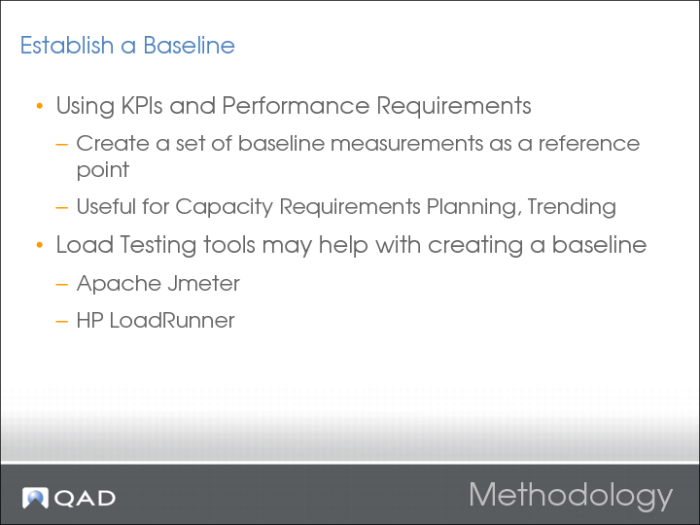
A common way of determining application performance is to benchmark key applications. Choose a subset of QAD Enterprise Applications programs to serve as key performance indicators (KPIs). When benchmarking the KPIs, there are a few common rules to follow:
• Test Iteratively: Have each test script run the benchmark program multiple times in succession. The first iteration often takes longer than subsequent iterations. This method also smoothes out statistical variations and identifies progressive slowdown issues.
• Always Repeat Tests: Run each test script multiple times.
• Use real data.
• Understand the difference between a benchmark and a stress test.
• Benchmarking can be done with a single client to identify best case performance.
• Benchmarking can be done with expected concurrent user counts to identify average performance.
• Stress testing is conducted to see how many users / processes can be loaded onto the system before something breaks.
For further information on how to benchmark QAD Enterprise Applications, contact the QAD Performance Team.
There are many techniques and software packages that you can use for benchmarking.
After creating the benchmark baselines, test the KPI applications on a regular basis, at set times, with set selection criteria, and time how long they take to execute. If data is gathered and tracked for these KPI programs over time, you can determine:
• What are normal execution times?
• What are abnormal execution times?
• When do the abnormal execution times occur?
• Is the system, as a whole, getting slower over time?
• At what rate is the system getting slower?
• Was the original benchmark accurate?
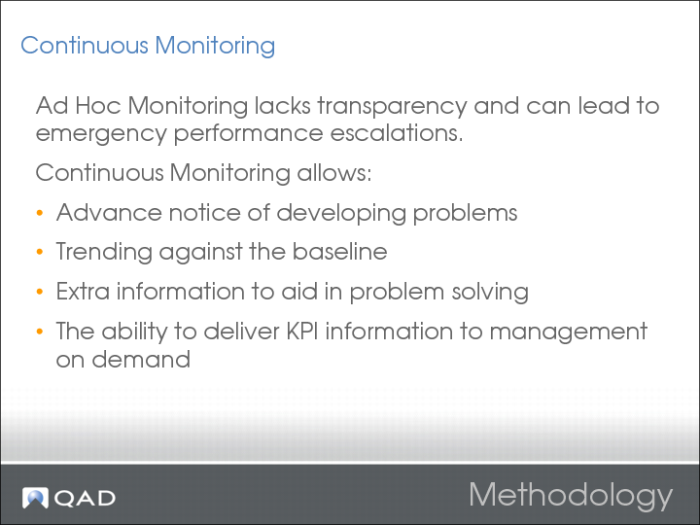
This continuous benchmarking enables you to track system performance over time. You can use spot checking, in addition to planned benchmarks, to show system performance trends in the medium term (for example, what will the system behave like two months from now?) and the short term (why is the system performing poorly right now?).
Continuous Monitoring