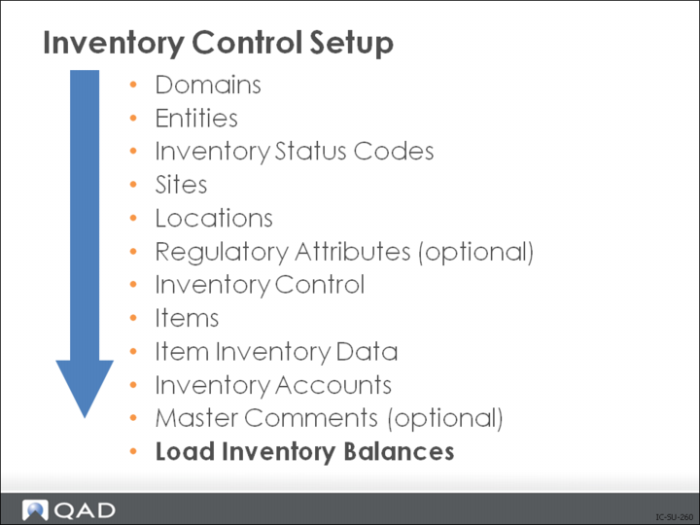
Load Inventory Balances
Load Inventory Balances
You can load current balances into the system using one of three techniques. You can count and compare actual, on-hand inventory balances with system using one of three methods. For Cycle Counting or Physical Inventory, see the respective chapters for details.
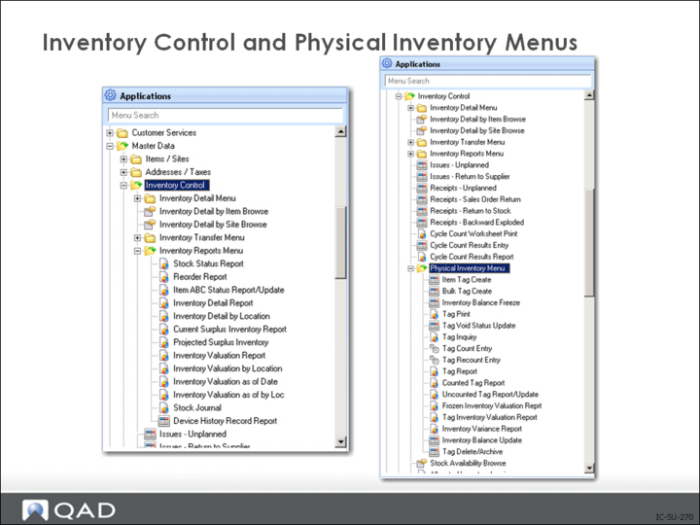
1 Cycle counting via the Cycle Count Worksheet and Cycle Count Results transactions in the Inventory Control Menu
2 Physical counting using the transactions in the Physical Inventory menu
3 Entering unplanned receipts (3.9)
In each of these methods, you count inventory by site, location, item, and lot/serial number.
Note: The receipt transactions used during the initial inventory load create general ledger (GL) records that can be review and/or deleted using the GL Transaction Delete/Archive (36.23.3).
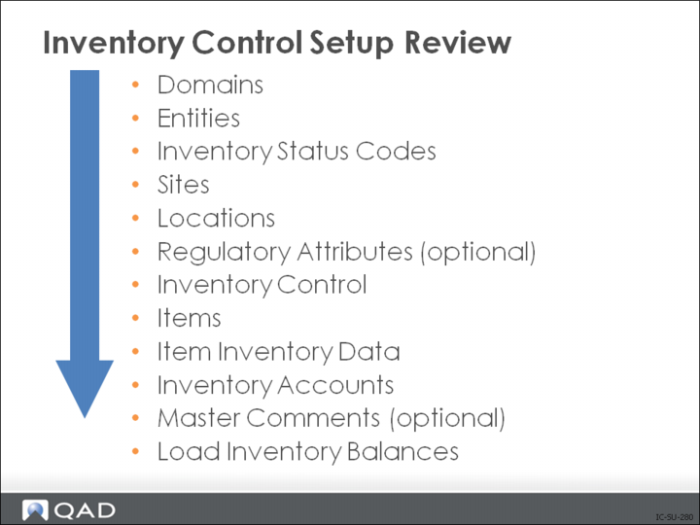
Inventory Control Setup Summary
Exercise: Set Up Inventory Data
Note: The data used in these exercises may not be the same as the data shown in the screen captures in this lesson.
1 Use Item Inventory Data Maintenance (1.4.5) to set up and manage where and how each item is stored.
Confirm or set up the following inventory information for the following items (let all other fields default):
Item 01010 is stored in location 010.
Items 50001, 60001, 60002, 60003, 60005, and 60006 are stored in location 020.
Make Item 60005 Battery a key item.
2 Use Item-Site Inventory Data Maintenance (1.4.16) to set the ABC class for (60006) at site 10‑100 to Z.
3 Use Item ABC Status Report/Update (1.5.9; 1.5.32 for enhanced .NET UI version in Enterprise Edition) to update the ABC class and cycle count interval for all items at site 10‑100.
4 Use Item-Site Inventory Data Maintenance, to check that the ABC class for monitor cable (60006) did not change.